Restore Deleted Documents
Use Case: It is necessary to recover or restore the destroyed documents.
Steps:
1.) Deleted Documents can be seen under Settings (or search for "Deleted Document list" in the search bar).
2) Look for the deleted file. The document can also be excluded using a filter based on the Deleted DocType. We must, for instance, restore Purchase Order PUR-ORD-2019-00019. To do this, look for it in the list of deleted documents and then open it.
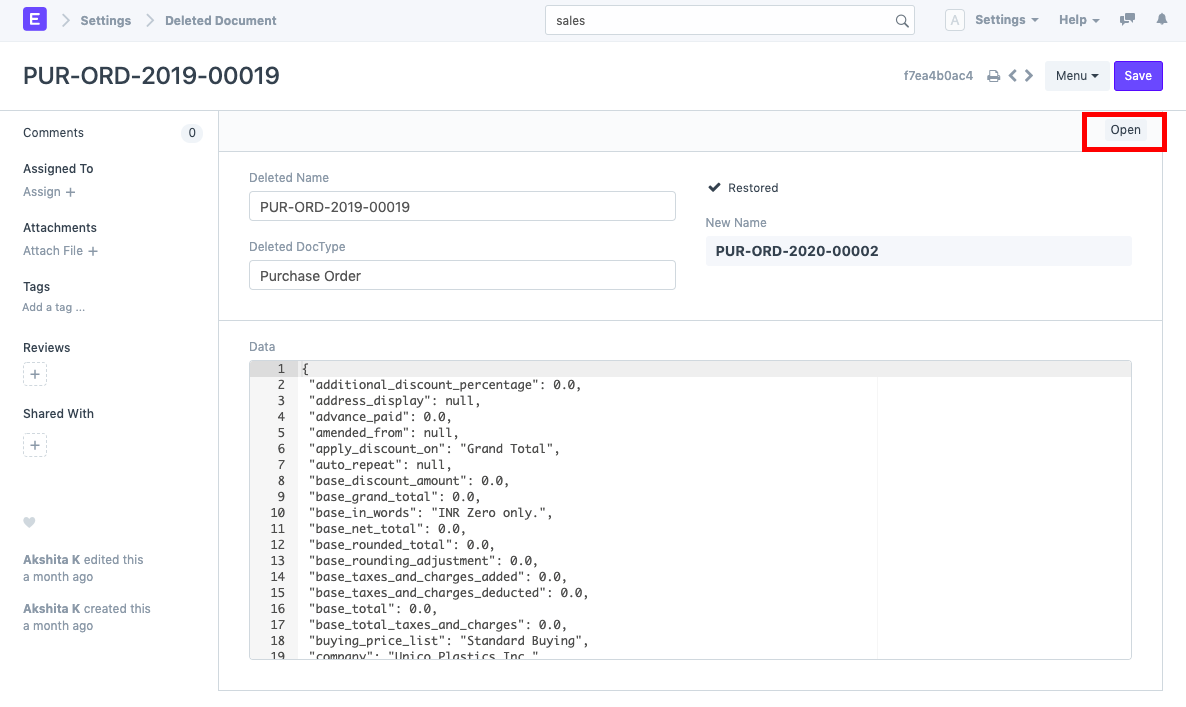
.png)
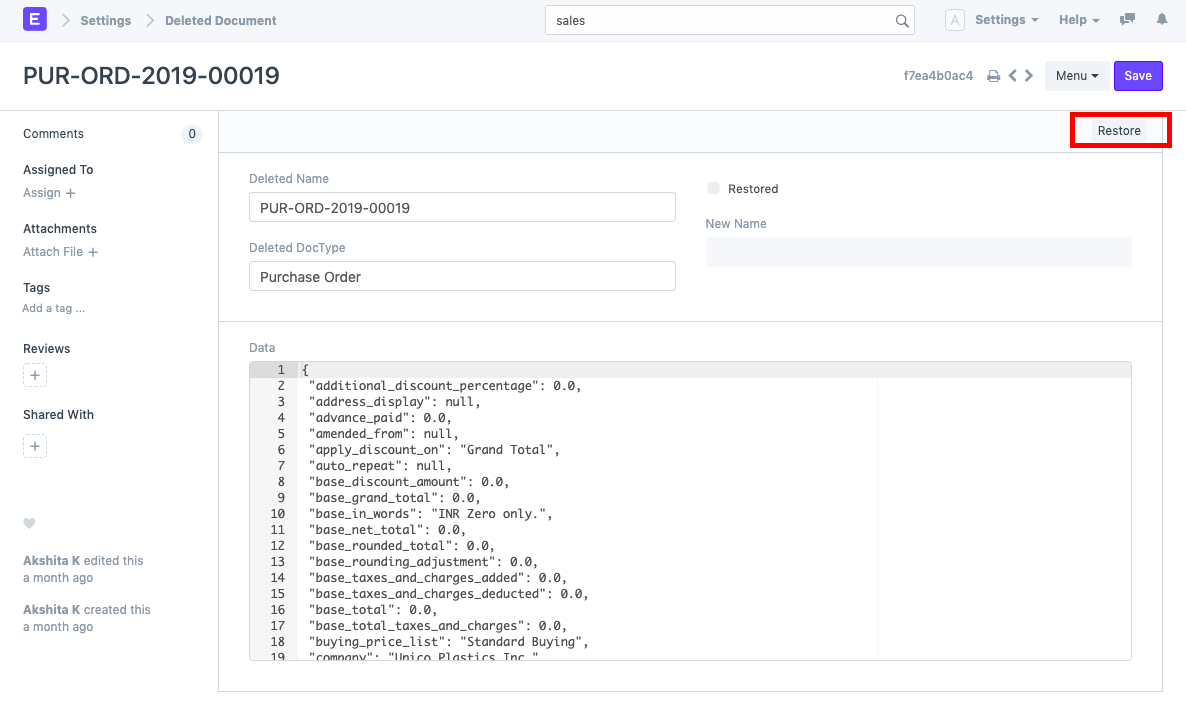
3) As indicated below, click the "Restore" button. Also take note of the Data box, which provides details on the document's numerous fields. This enables you to verify that the document you wish to restore indeed exists.
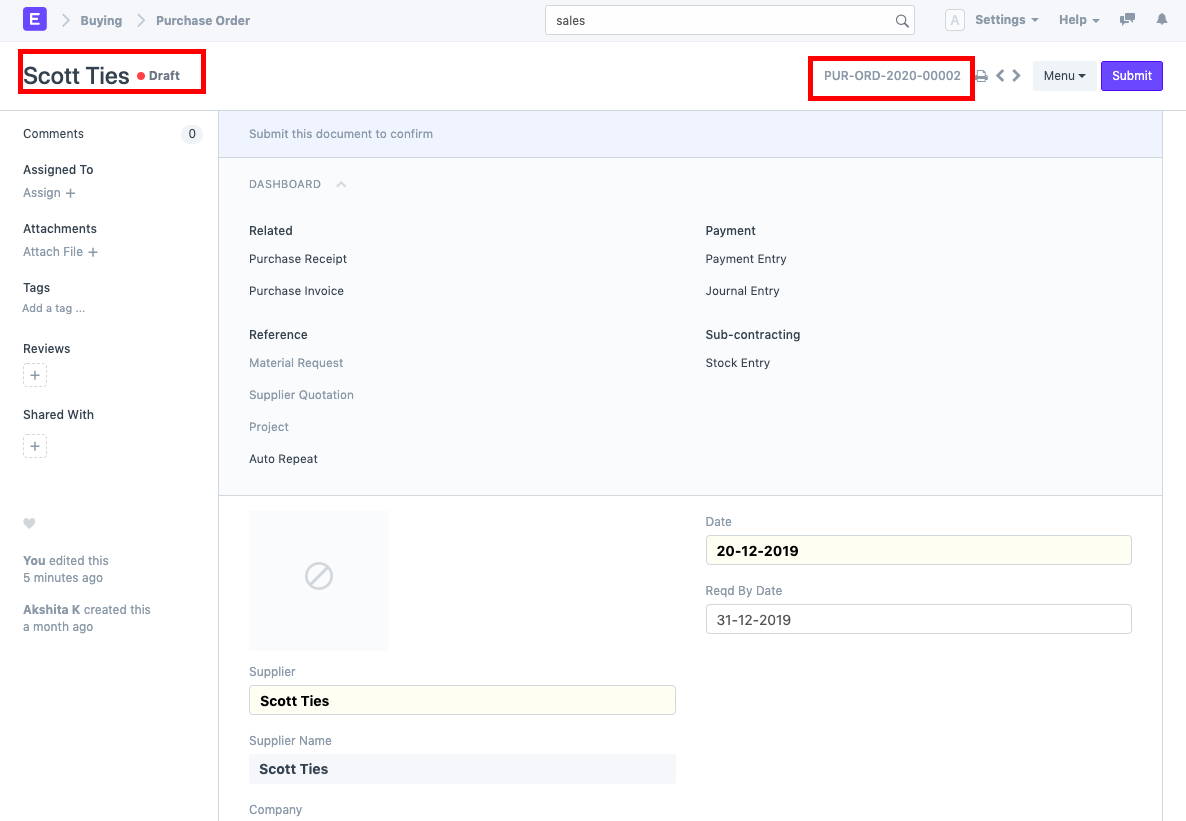
4) The document is restored in Draft State with a New Name in accordance with the Naming Series after the Restore button is clicked.
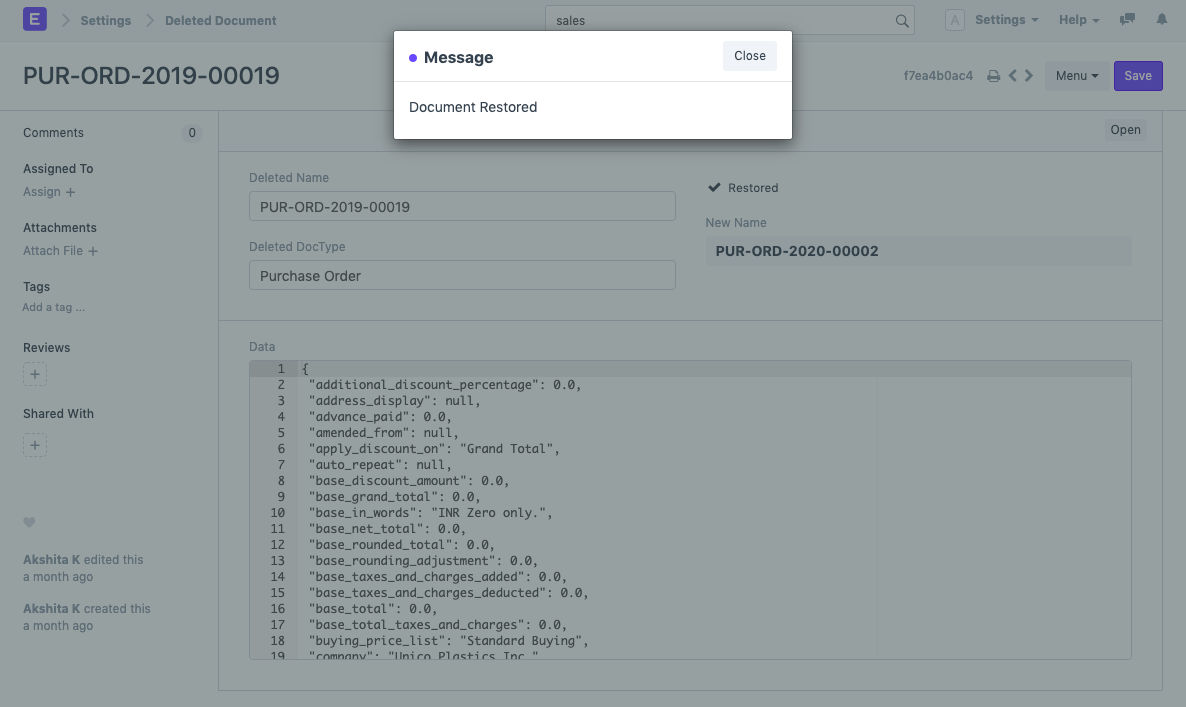
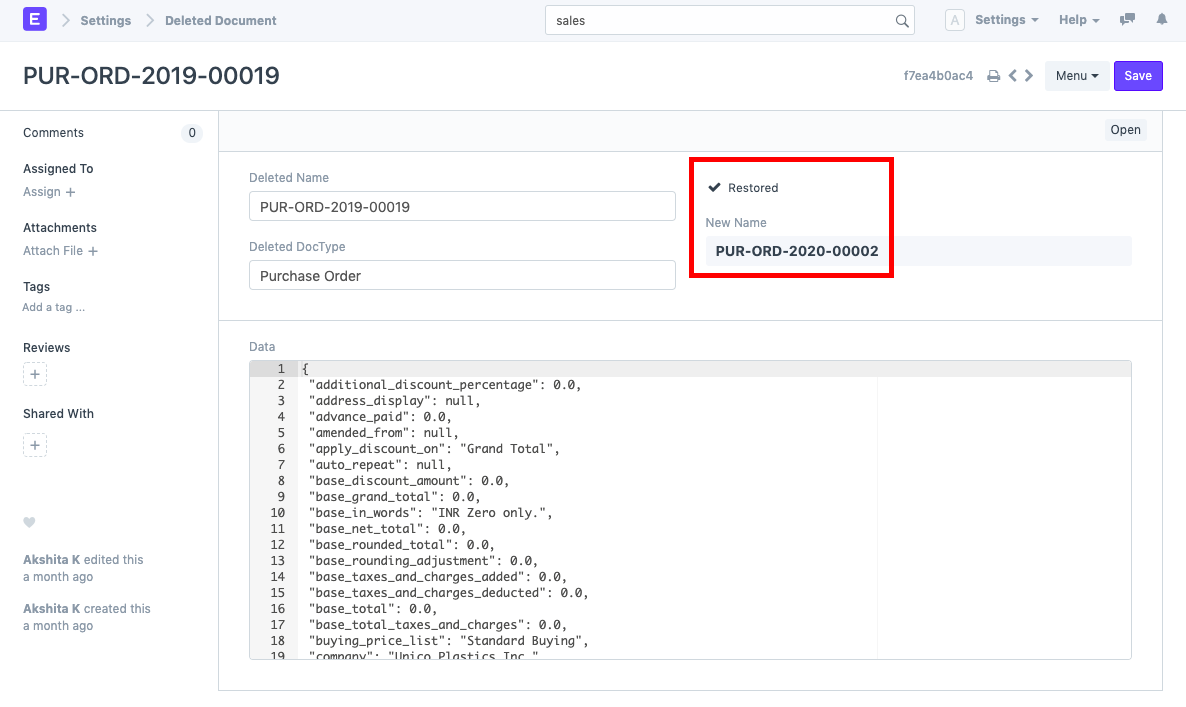
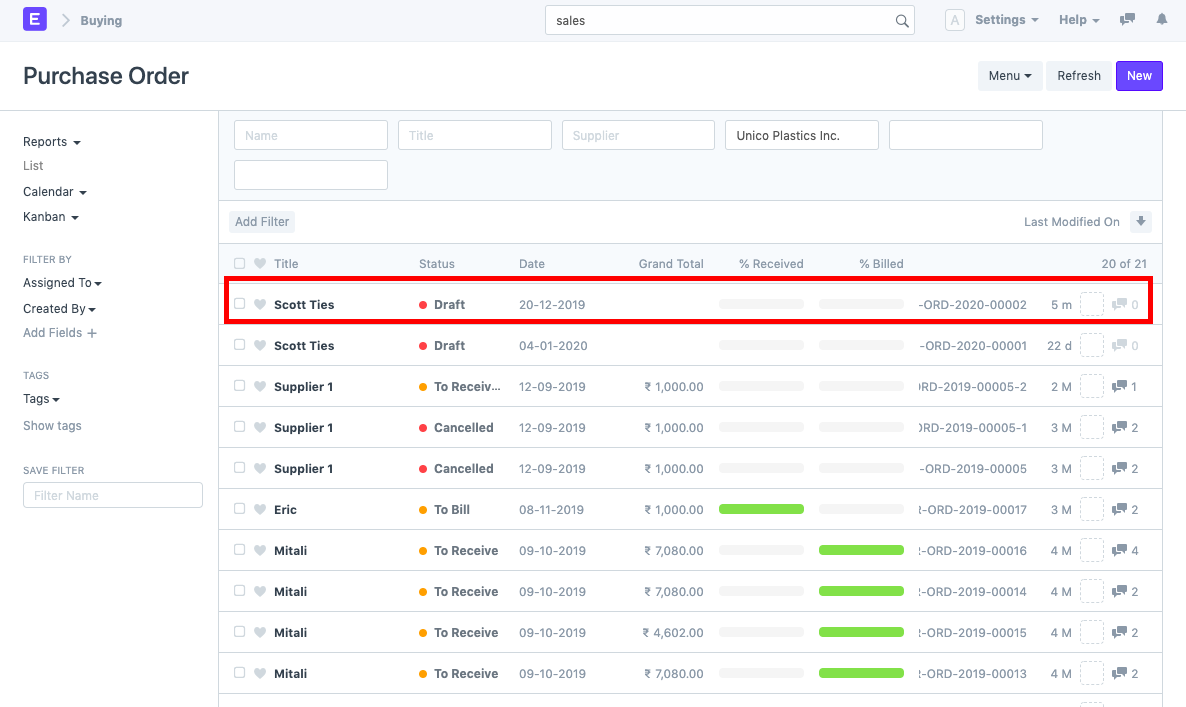
5) You can either use the "Open" option to access the recently restored document directly or conduct a search for it in the list of documents (in this case, Purchase Order list).