Quick Stock Balance
Quick Stock Balance
A tool called Quick Stock Balance can be used to rapidly find the amount and price of an item in the selected warehouse on the provided date.
It is useful for doing audits, checking stock information prior to transactions, etc.
Visit this link to use this tool:
Home > Stock > Tools > Quick Stock Balance
1. Using Quick Stock Balance
The fundamental fields Item and Warehouse are needed in order for Fast Stock Balance to function properly. Stock information can also be retrieved via an item's barcode.
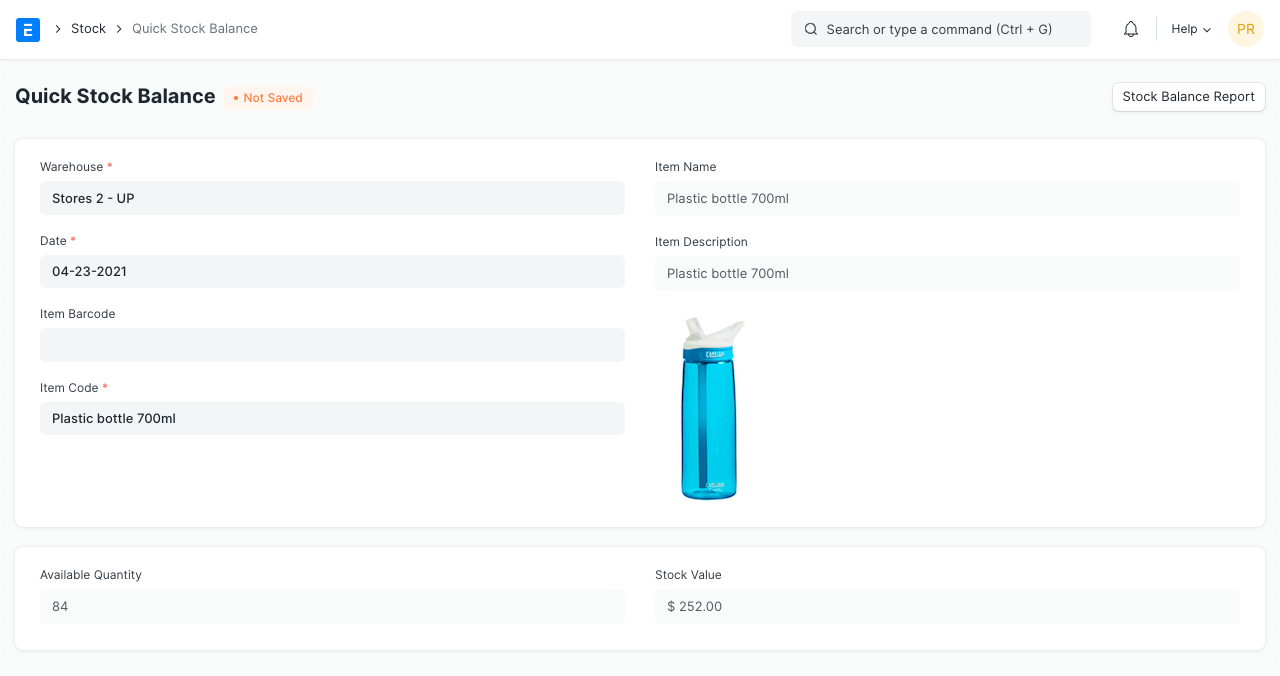
You have the option of choosing a different warehouse or day. The stock amount and value will be retrieved in real-time in accordance with the given values.
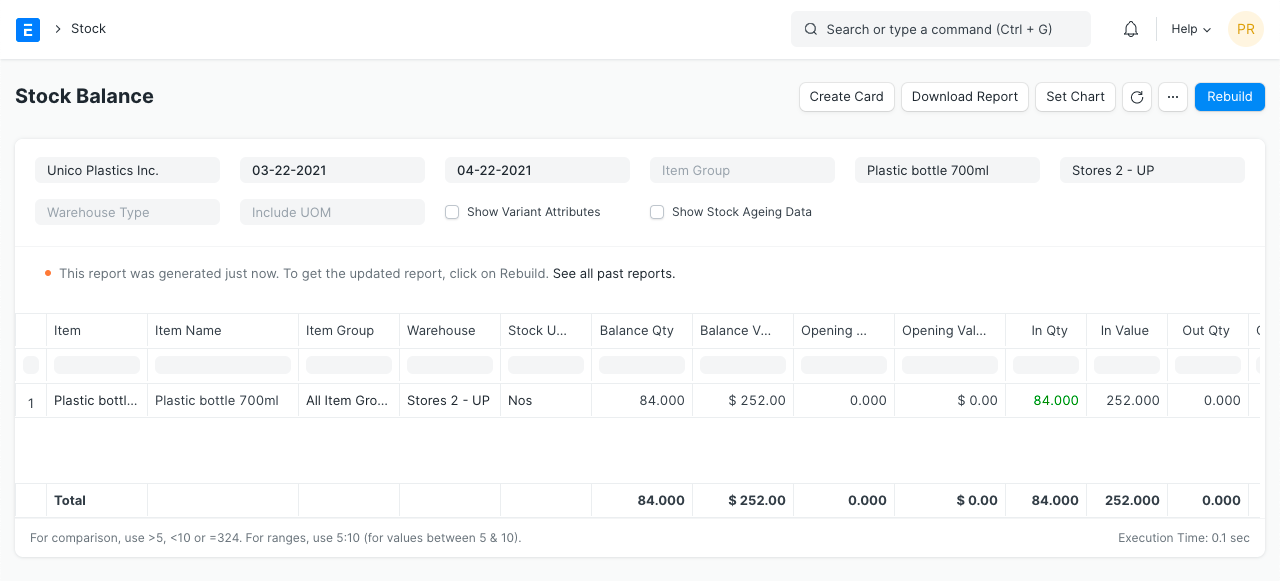
By selecting "Stock Balance Report," you can also examine the stock balance report. You will be forwarded to the report where the Item and Warehouse filters have already been set.