Cannot enable Serial and Batch Number
Cannot enable Serial and Batch Number
Inability to activate serial and batch numbers It is quite conceivable that you will decide later on that monitoring the inventory as batched and/or serialized is what you want to do.
By design, the system prevents you from activating these choices once stock transactions have been completed.
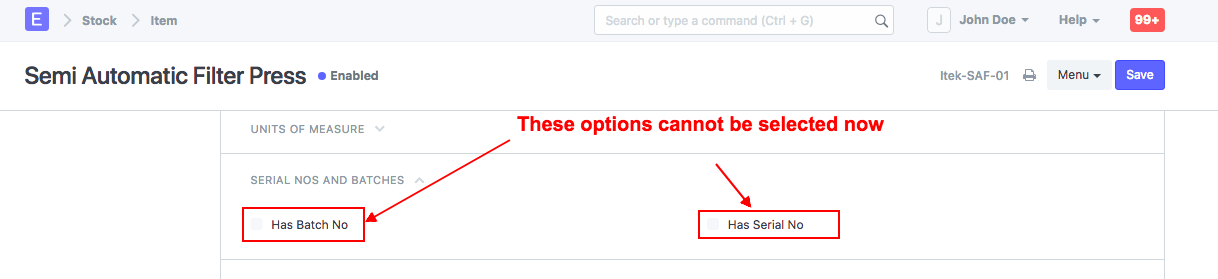
Find out more about the reasons why the same is disabled here.
You can either remove all stock transactions for this item in order to re-enable the options, or if that is not an option, you can duplicate the item and re-inward the stock with these options selected.
STEPS:
To start, use the Stock Reconciliation Tool to stock out the current item (make current stock zero). Making a stock entry of type Material issue will allow you to stock out the item as well.
The serialized inventory is then inserted using material receipt. For assistance with this, please visit the following website: https://erpnext.org/docs/user/manual/en/stock/articles/opening-stock-balance-entry-for-serialized-and-batch-item.
Disable the outdated items to prevent their selection in future transactions.
Note: The old items must be renamed in order to keep the same item code, and the new item must be created using the actual item code. The item will need to be maintained under a new code if not.