Wishlist
Wishlist
Users of ERPNext have the option to turn on the Wishlist feature for their online store. Go to: to enable this.
E Commerce Settings > Add-ons > Enable Wishlist
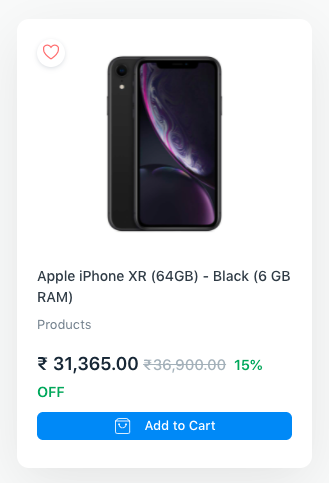
The wishlist icons on the following websites allow users to add website items to their wishlists:
The Product Listing
The Website Item Page
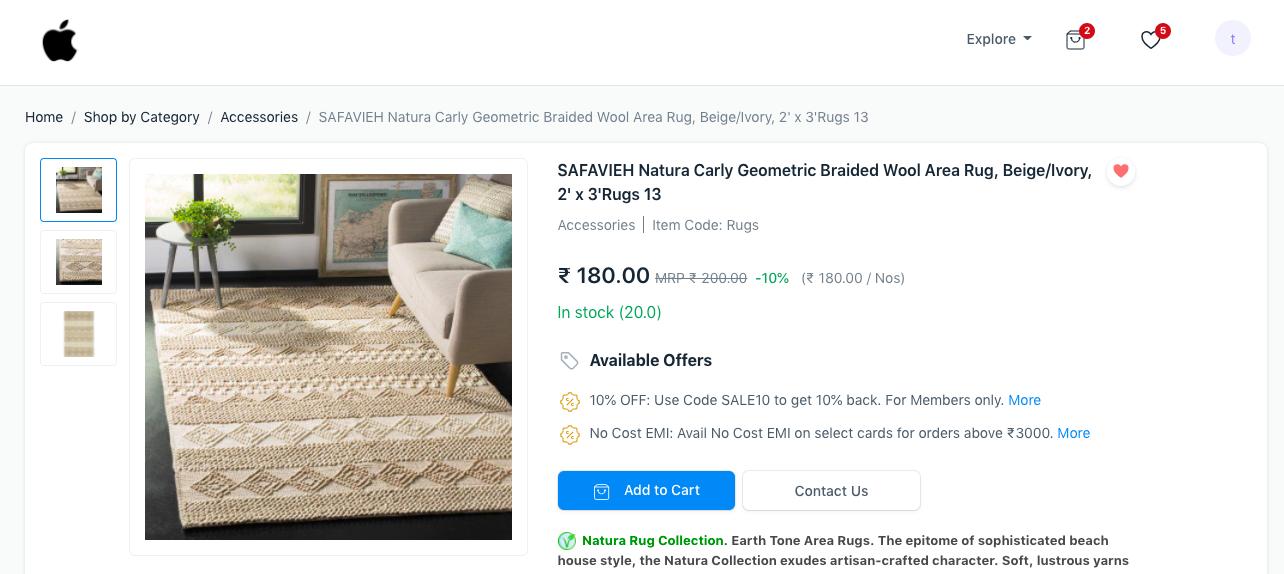
As seen above, the navbar has a link to the Wishlist page. Users have the option of adding or removing things from their Wishlists.
.png)
Users must be logged in order to utilize this feature. According to the Guest Display Options section of the E Commerce Settings, guest users will be redirected.