Shopping Cart
Shopping Cart
ERPNext enables selling products through the Shopping Cart in addition to listing them.
Go to: to enable the shopping cart.
E Commerce Settings > Shopping Cart
Even better, you may create a landing page for your store at a specific route (like /store). Study More.
1. Item Types
For items with and without variations, the shopping cart behaves differently.
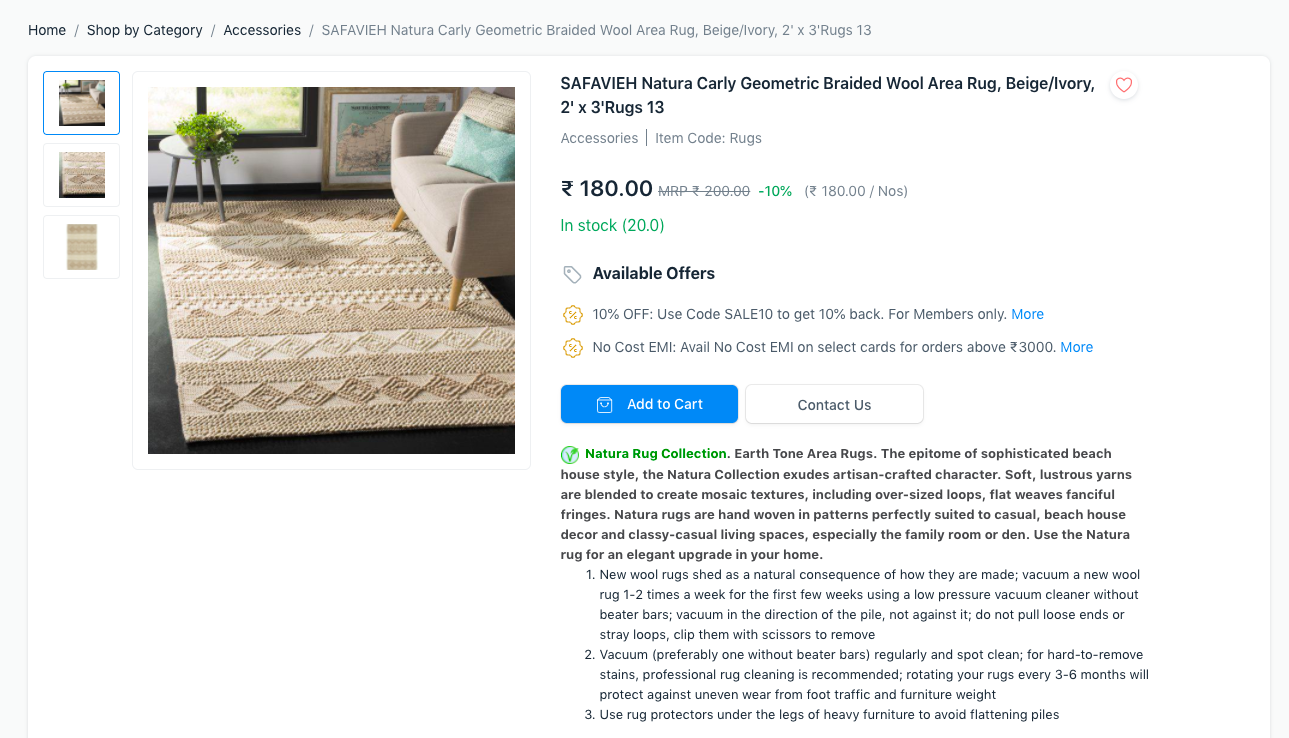
1.1 Items without variants
There is an Add to Cart button and a specific product page for items without variants.
1.2 Items with variants
While Item Templates cannot be purchased directly, a Customize button allows users to select a specific variant and add it to their shopping basket.
While Item Templates cannot be purchased directly, a Customize button allows users to select a specific variant and add it to their shopping basket.
2. Cart Quotation
When your customers add an item to their cart but checkout is disabled, they can click the Request for Quotation button to request an estimate for the item. The system generates a quotation.
3. Cart Checkout
In the E Commerce Settings, under Checkout Settings, you can activate checkout.
In the E Commerce Settings, under Checkout Settings, you can activate checkout.