Social Media Post
Social Media Post
Introduced in Version 13
A campaign can be linked with a social media post, which is used to create and schedule posts for LinkedIn and Twitter.
Go to: to access Social Media Post.
Home > CRM > Campaign > Social Media Post
1. Prerequisites
1.LinkedIn Settings
2.Twitter Settings
2. How to create a Social Media Post
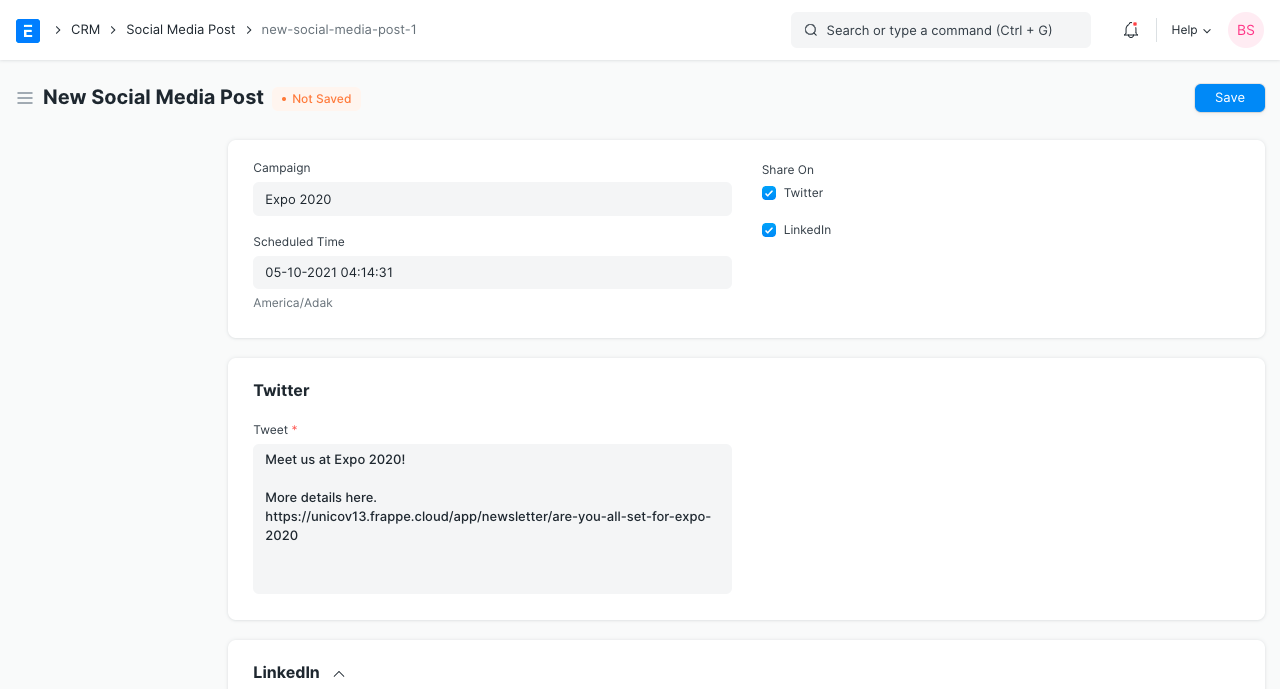
1.Click on New under Social Media Post List.
2.If there is a campaign, choose it; if not, leave it empty.
3.Choose the post's scheduled publication time.
4.Choose the social media channels on which the post should be published.
5.Add material for LinkedIn and Twitter.
6.attach picture (Optional).
7.Publish and save.
3. Features
3.1 Immediate Post
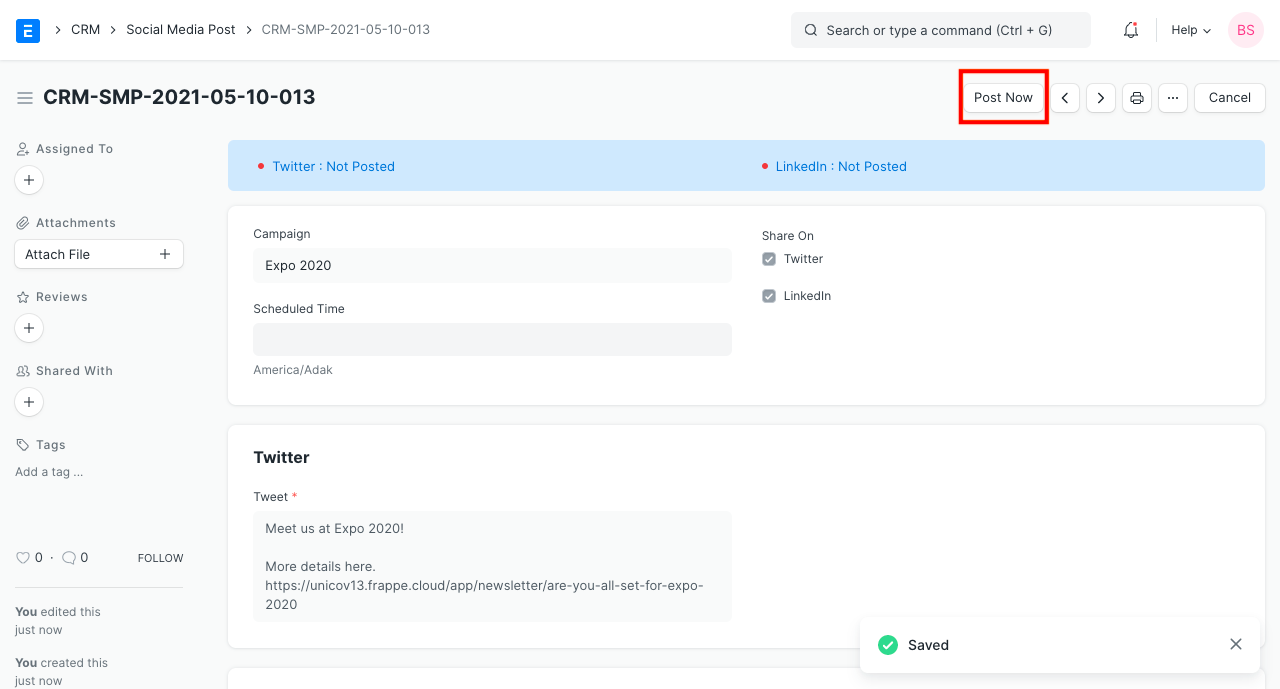
By using the "Post Now" button after submitting a social media post, users can post right away as well.
3.2 Reschedule
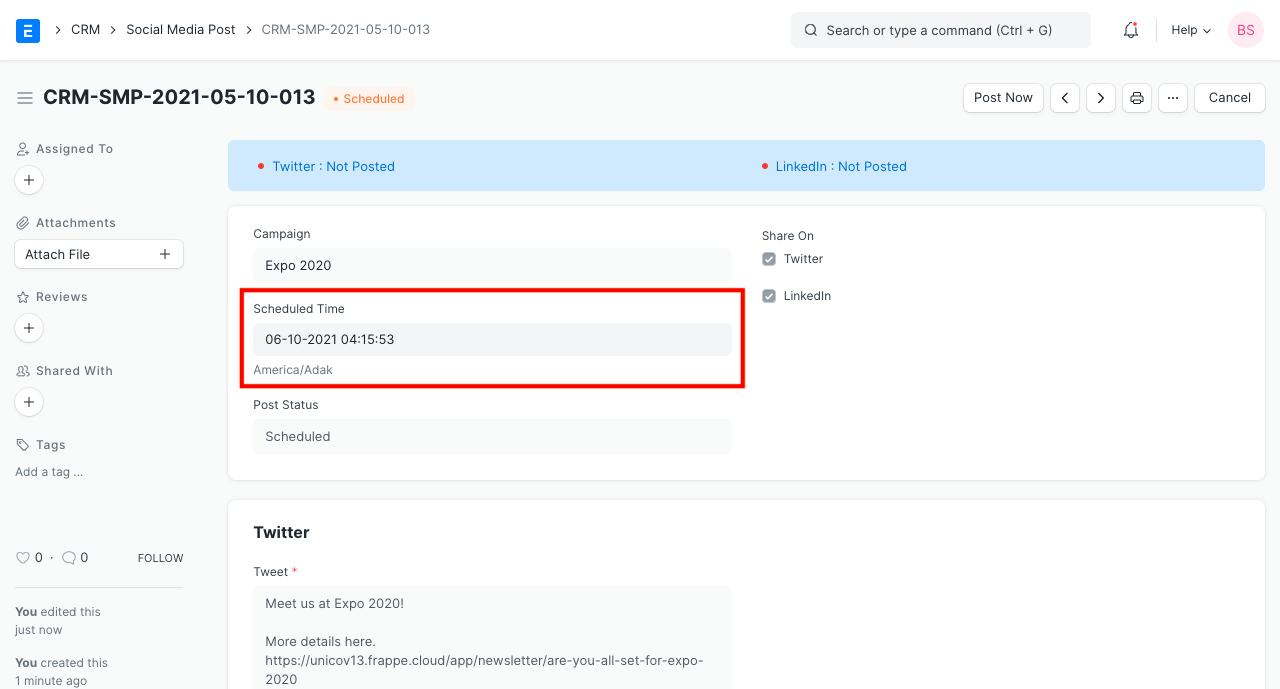
The Scheduled Time of the post can be altered by users. Users can change the Social Media Post document's "Scheduled Time" to postpone a post if there is a mistake.