Sales Partner
Sales Partner
Sales partners are individuals or businesses who help you generate business.
In ERPNext, sales partners can take on a variety of names. The terms "Channel Partner," "Distributor," "Dealer," "Agent," "Reseller," etc. can all be used to describe them.
You can set a commission rate for each Sales Partner. A Sales Partner's commission is determined by adding their share of the Net Total of the Sales Order/Invoice or Delivery Note to the transaction when they are chosen.
Go to: to access Sales Partner.
Home > Selling > Sales Partner
1. How to Create a Sales Partner
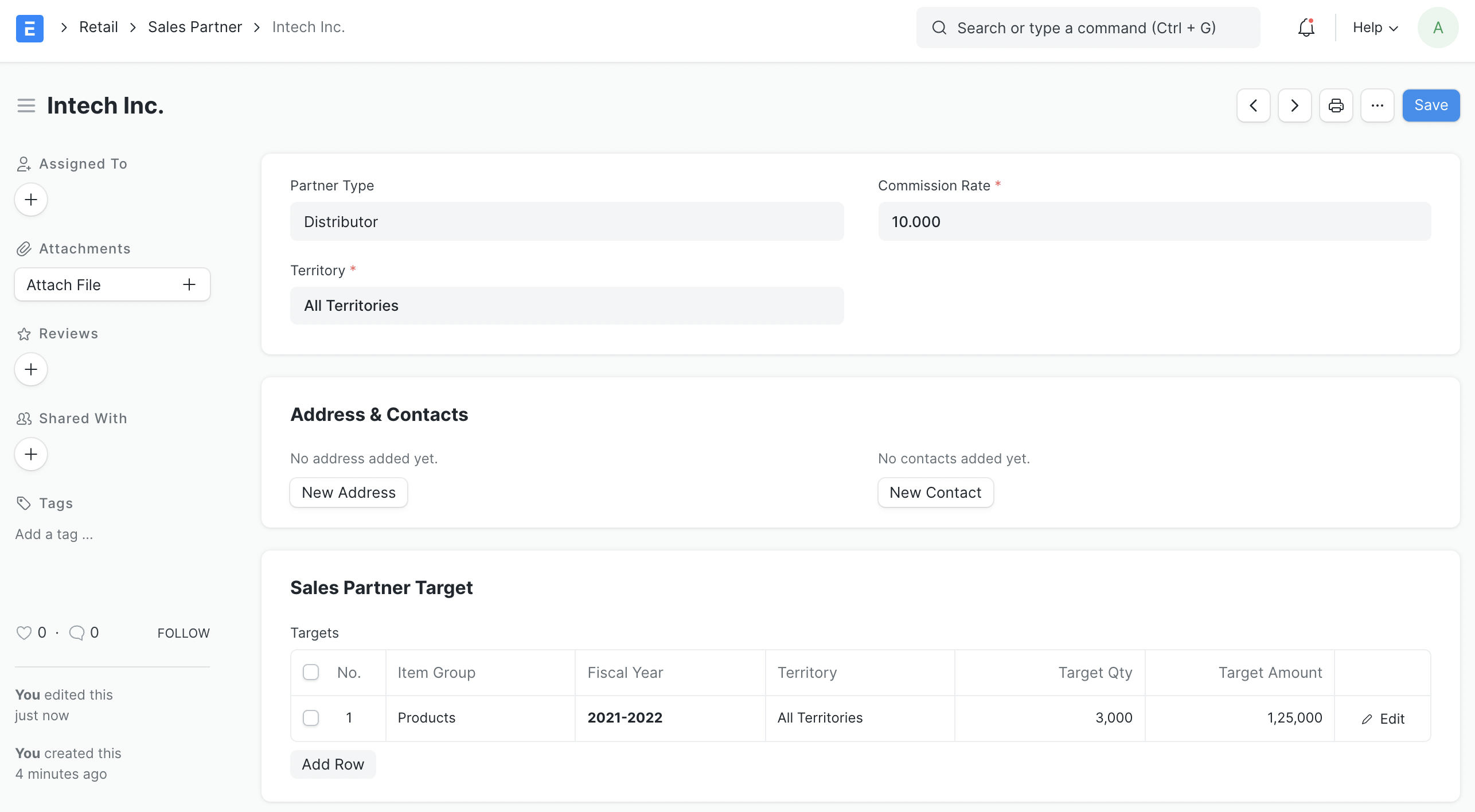
Click New from the Sales Partner list.
Name your sales partner and indicate your commission rate.
Also, you can specify the type of Sales Partner you're creating, such as whether they are a Reseller, Retailer, etc.
Save.
2. Features
2.1 Address and Contact
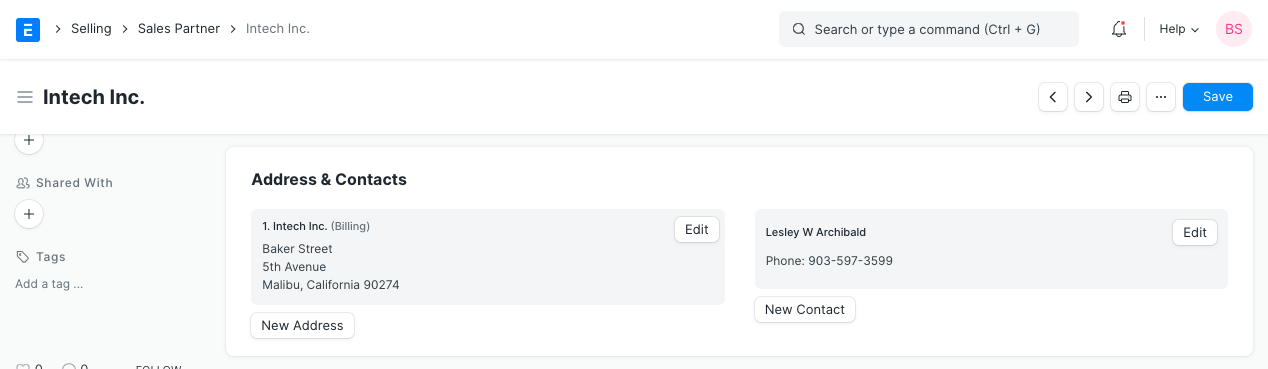
Addresses and contact information for a sales partner can be added and tracked. These can be added to a Sales Partner's Address & Contacts section:
2.2 Sales Partner Target
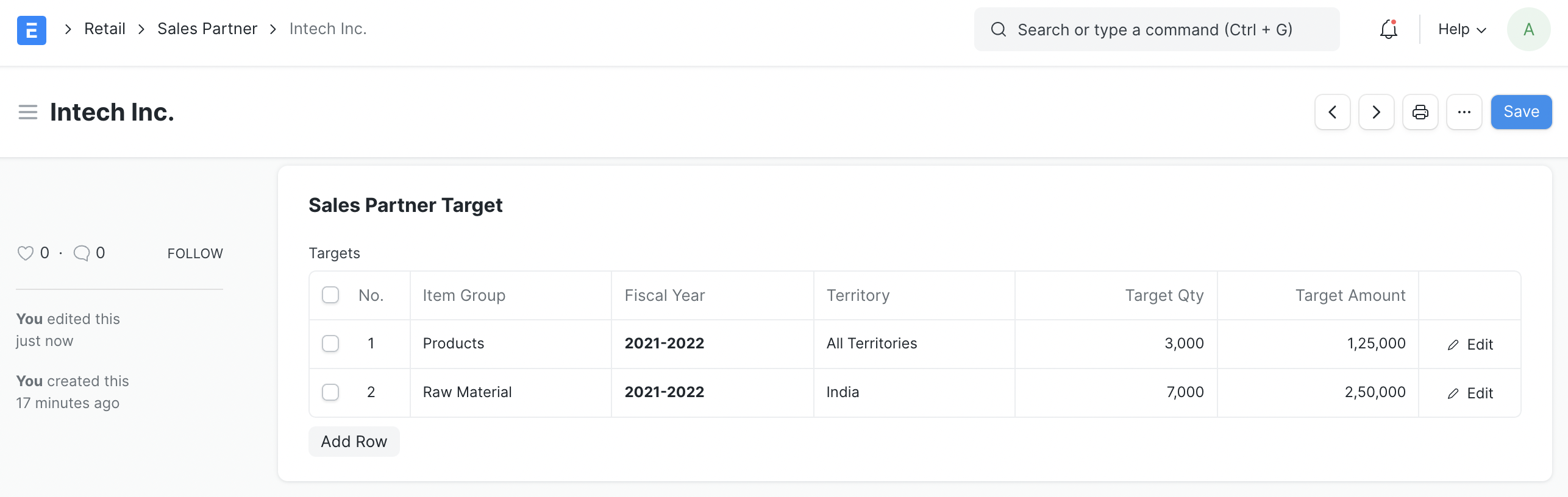
Based on quantity and amount, you can assign targets to each item group and territory. You can assign targets based on territory or month; for additional information, see Related Topics.
2.3 Including Sales Partners in Your Website
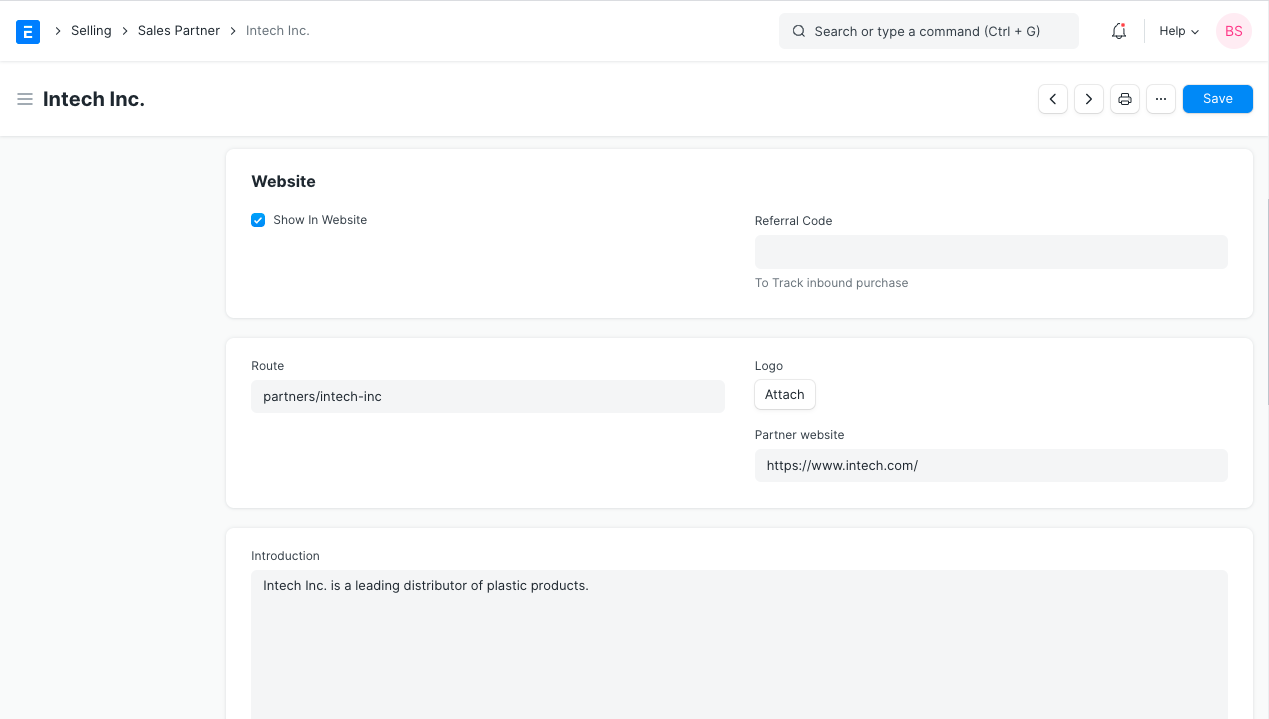
Choose "Display in Website" to display the name of your partner on your website. A field will appear when you click "Show in Website" where you can attach the partner's company logo, provide a quick summary of the partner, and optionally provide a description for internal use/references.
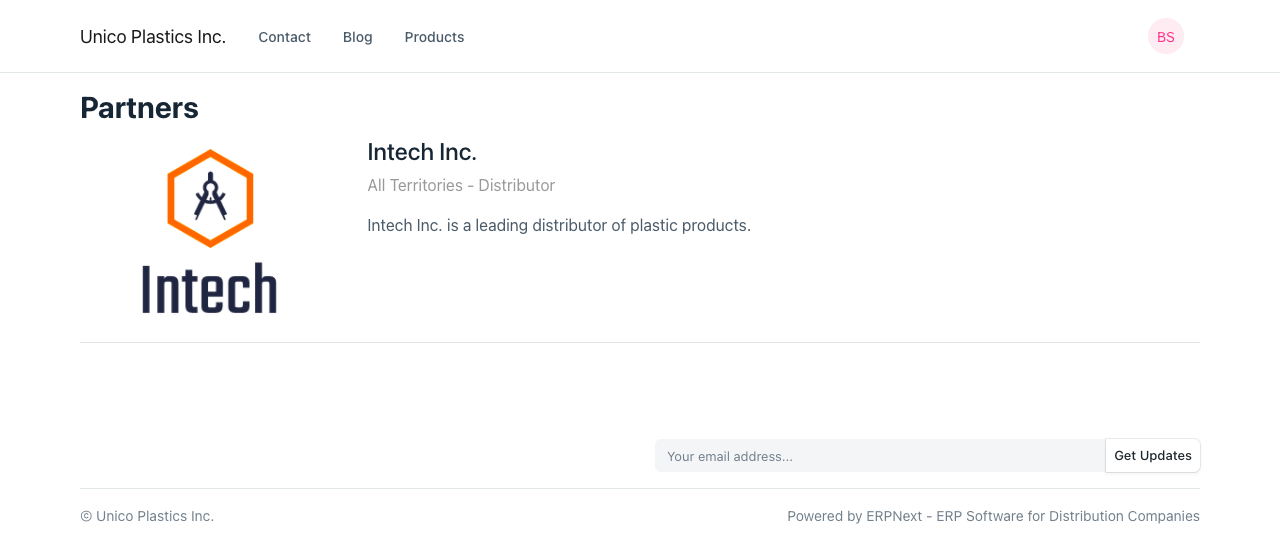
To see the listing of partners, go to:
https://yourCompanyName.erpnext.com/partners
2.4 Track Sales via Sales Partner
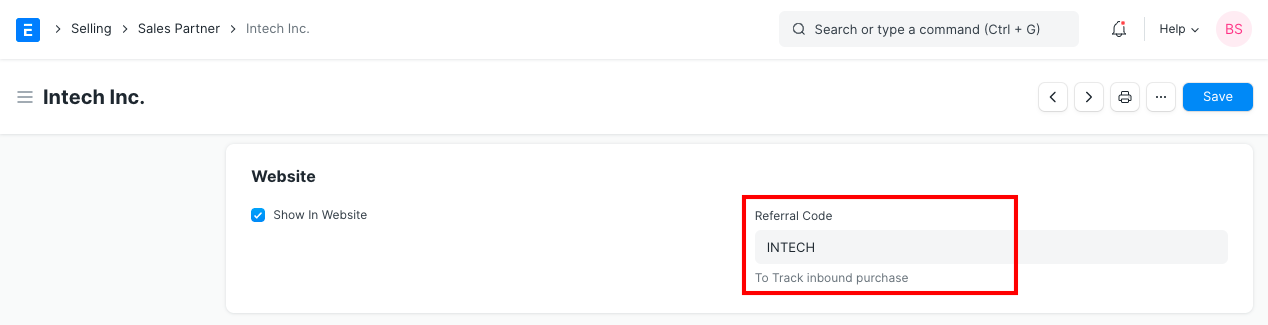
A sales partner can actively generate leads for the goods and services offered by your business. Use the Referral Code and their URL as listed below to keep track of each sales partner's performance.
Provide the sales partner the URL as displayed below for use in their website or campaign.
For instance, a URL with "sp" as a parameter, such as http://xyz.erpnext.com?sp=speed, will record the Sales Partner Information in the Sales Order created by the Shopping Cart.
3. Sales Partner Reports
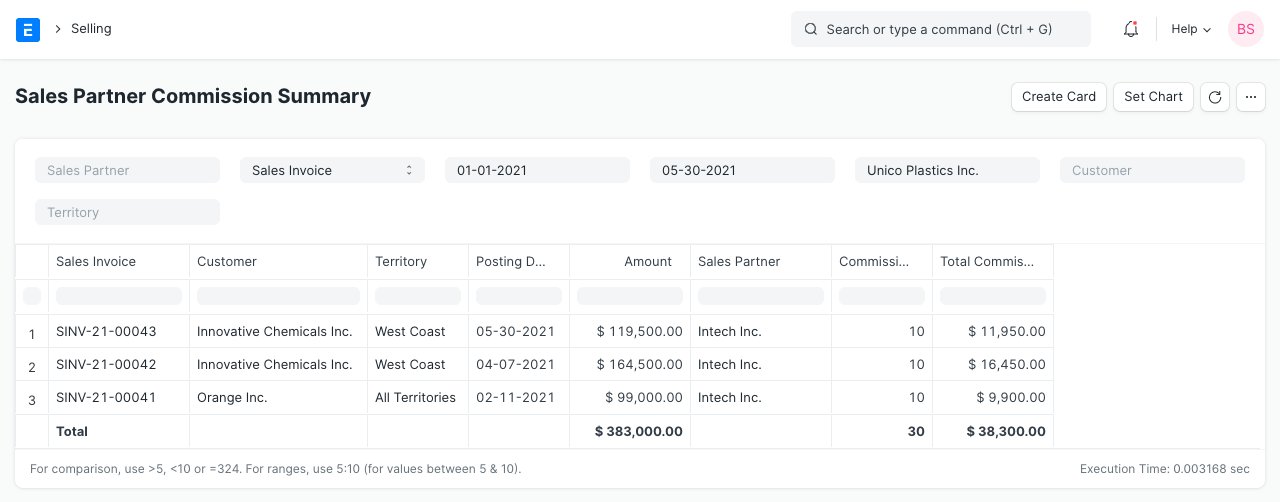
3.1 Sales Partner Commission Summary
for Sales Partner commission information broken down by Sales Order.
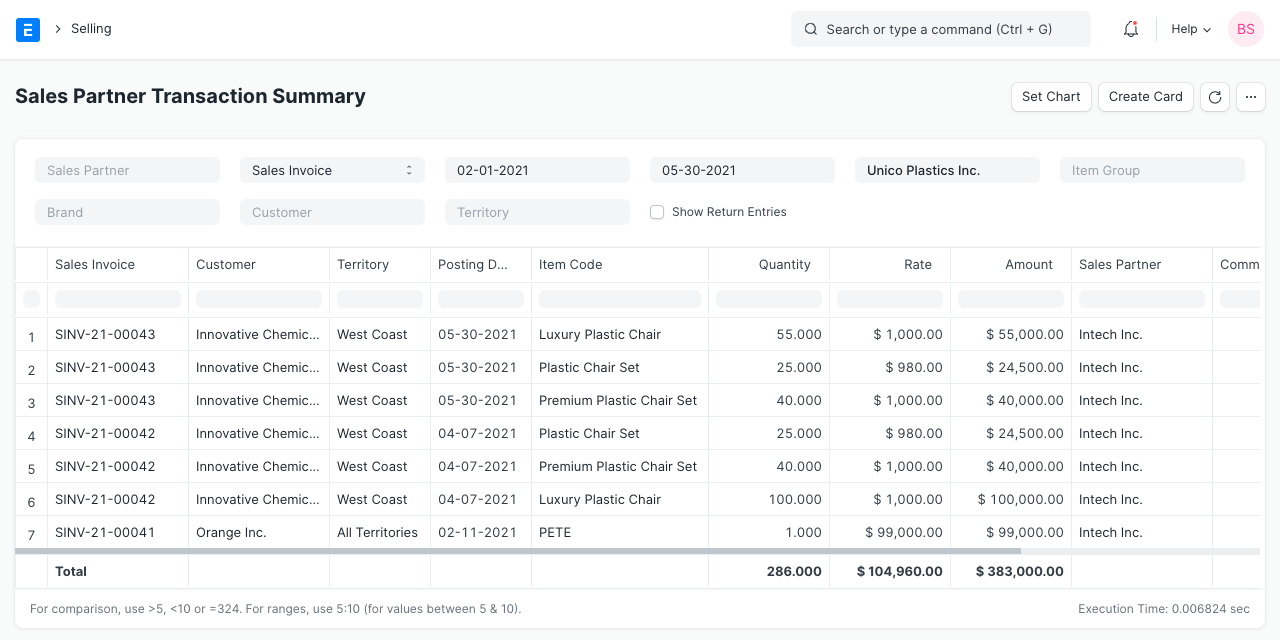
3.2 Sales Partner Transaction Summary
to obtain Sales Partner commission information broken down by Sales Order item.
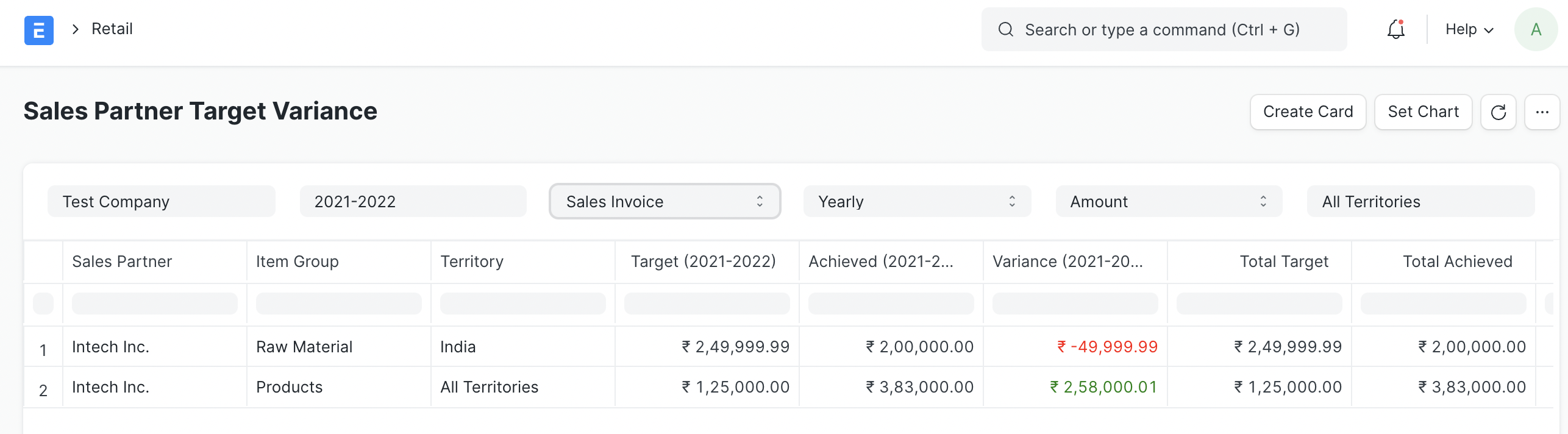
3.3 Sales Partner Target Variance
Based on the data from the Sales Order, Sales Invoice, and Delivery Note, this report will show you the difference between the Sales Partner's objective and actual performance. This report can be viewed by the user on a monthly, quarterly, half-yearly, or annual basis.