Manufacturer
Manufacturer
An item is developed or produced by a manufacturer.
The individual or business that sells the item under a certain Brand may not be the same as the Manufacturer. For instance, Unico Plastics may manufacture plastic brushes but sell them under a different brand, like Super Brushes.
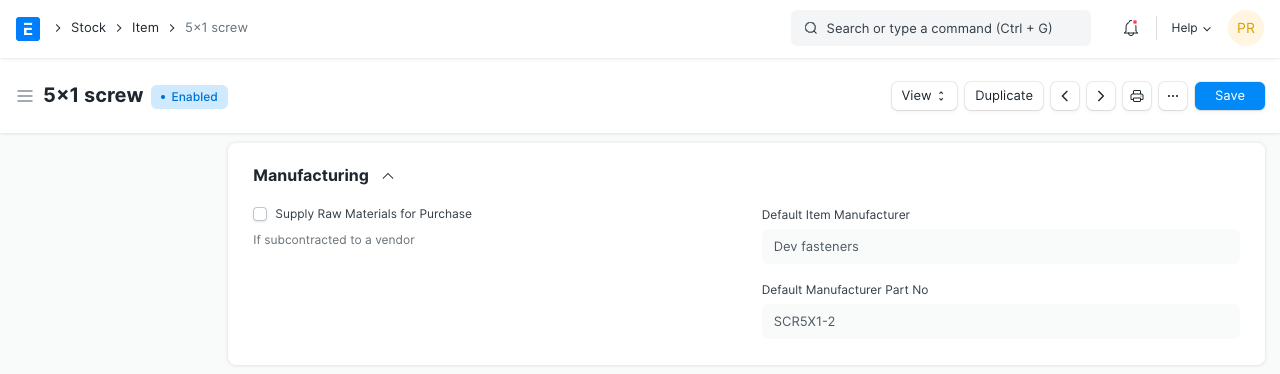
With ERPNext, an item can be identified by a Manufacturer by utilizing a specific component number.
Go to: to access the Manufacturer list.
Home > Stock > Manufacturer
1. How to Create a Manufacturer
Click New from the Manufacturer list.
Insert the name of the manufacturer and, if necessary, a description.
Save.
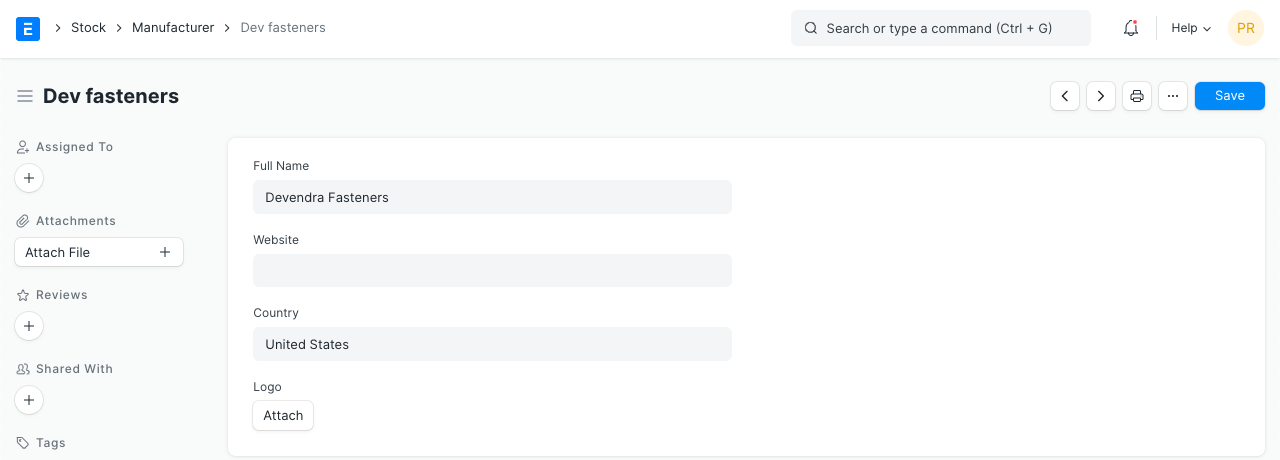
Once a Manufacturer has been created, it may be identified in the Item form by setting a Manufacturer Part Number.
1.1 Additional details
You can specify the following information for a Manufacturer:
- Website
- Country
- Logo
2. Features
2.1 Address and Contacts
For this Manufacturer, an Address and Contact can be specified.