E-commerce Search
E-commerce Search
A Search bar is present on every Product Listing page, allowing users to conduct a rapid search for Website Items or Item Groups. Also, it saves recent searches that you may access and use again.
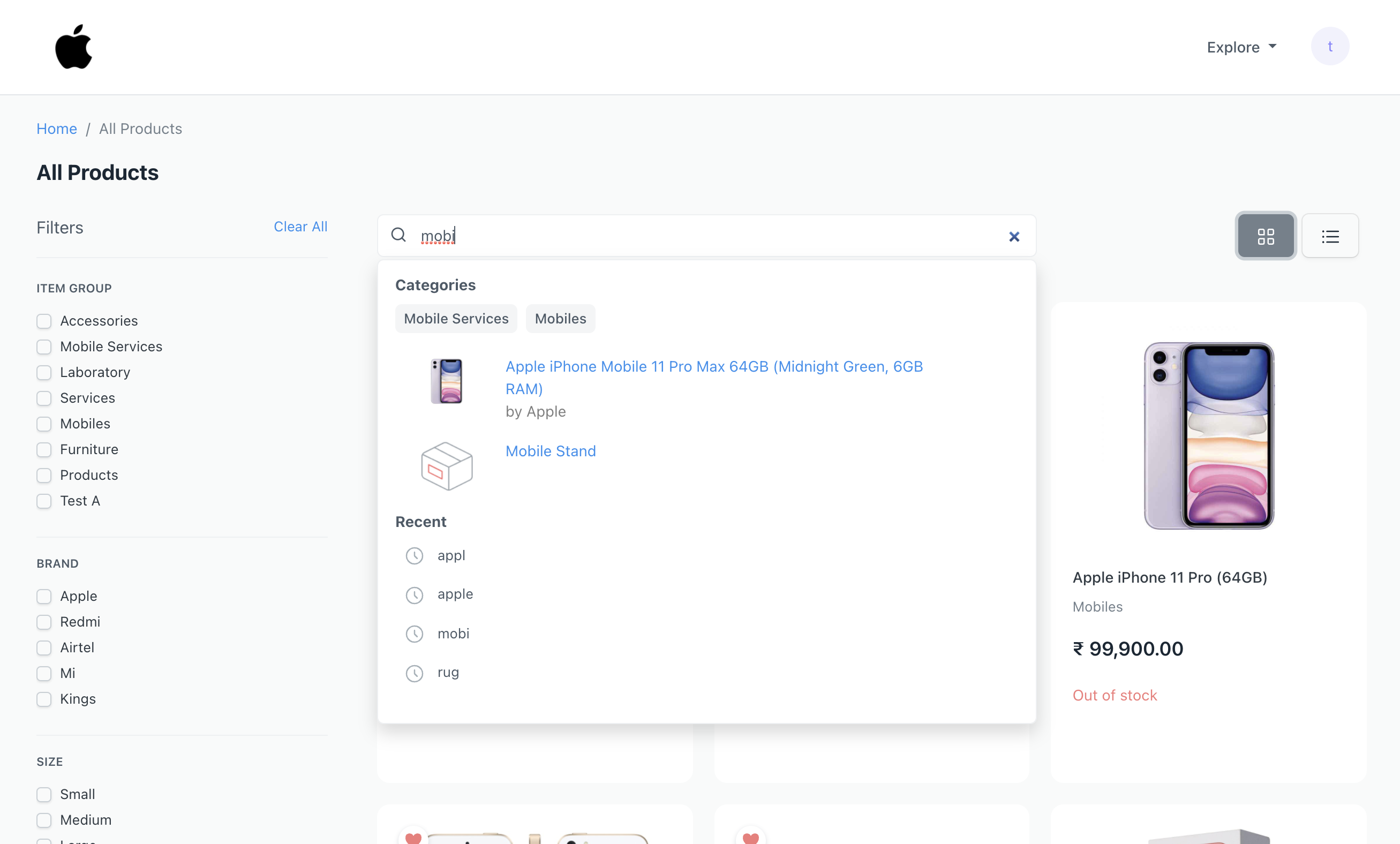
RediSearch
Experimental: Requires Redis 6+
By default, ERPNext runs a straightforward DB search, but you can elect to use RediSearch for an incredibly quick search instead. The installation instructions for RediSearch are available.
Go to > E Commerce Settings > Item Search Settings > Check Enable Redisearch
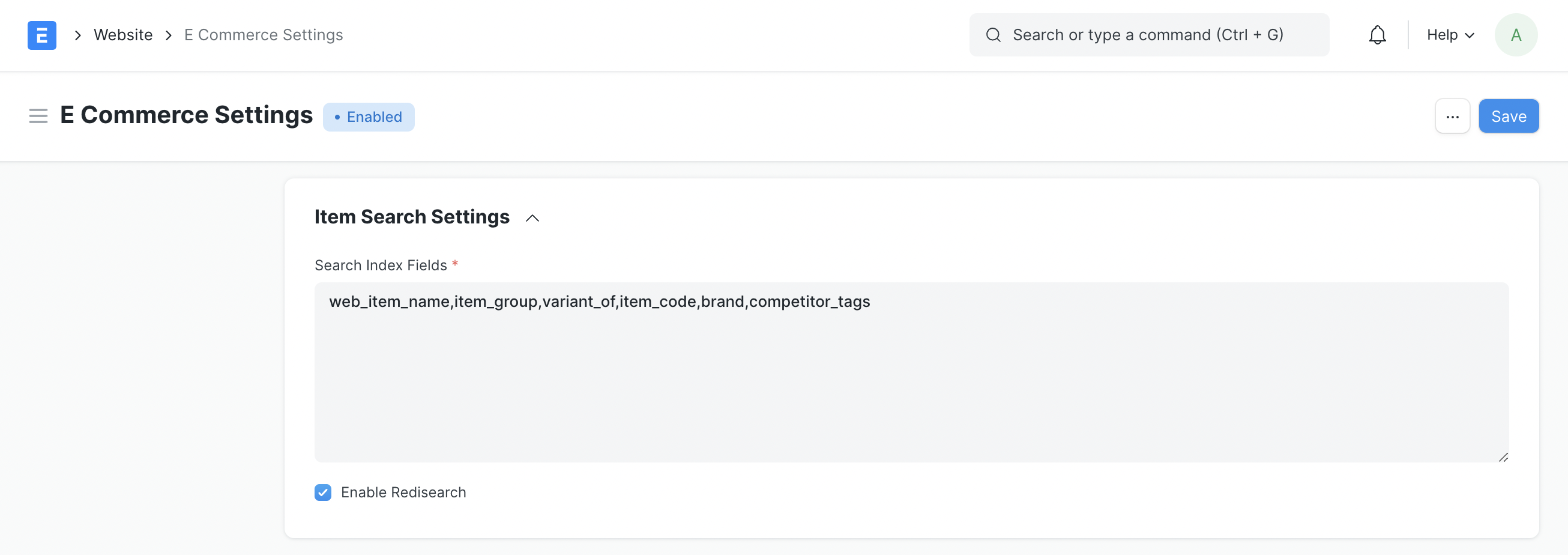
Settings without RediSearch
The Item Search Settings will appear as follows if RediSearch is not installed:
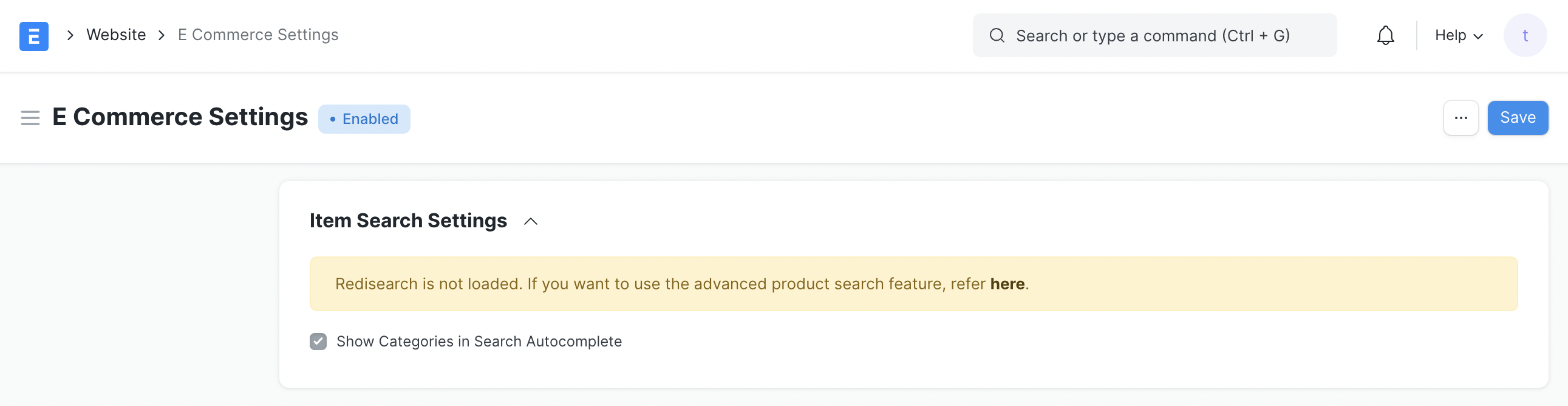
Configurable Fields You have the choice to customize the fields that you want search to take into account in addition to fast search. To make them searchable, enter comma-separated fields in the Search Index Fields text box.
E.g. Making these fields brand-specific makes it searchable. If you type a brand name, like "Apple," you should get results for products with that name.
The values in all the fields listed in the Search Index Fields text box will be used to determine the results.
Supported fields include Link, Table MultiSelect, Data, Tiny Text, and Text Editor