Training Program
Training Program
Programs meant to train employees or other individuals in certain abilities are referred to as training programs.
You can make a training program in ERPNext and schedule training events for it.
Go to: to access the Training Program.
Home > Human Resources > Training > Training Program
1. How to create a Training Program
1.Click on New under Training Program List.
2.Type the name of the training program.
3.Type in the trainer's name, email address, and phone number.
4.In the event that a third-party vendor or expert was enlisted to lead the training, select the Supplier n(optional).
5.In the Description box, you may also include a brief summary of the Training Program (optional).
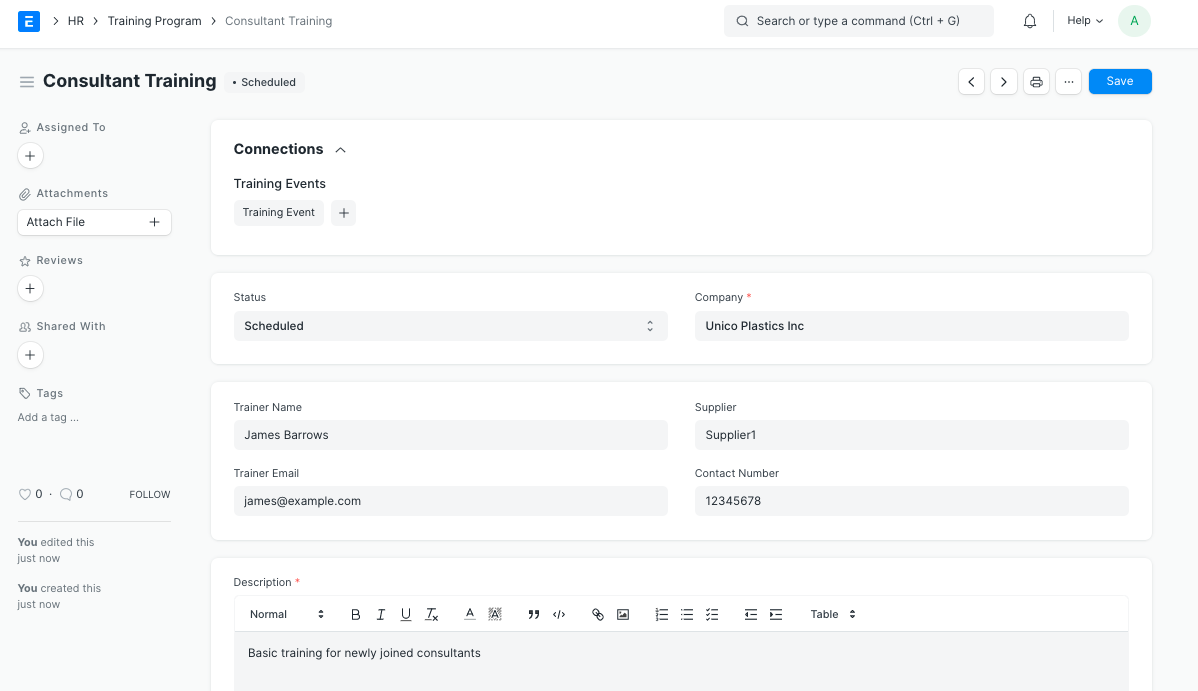
Note: The Training Program's Status is automatically set to "Scheduled." You can, however, alter the status to "Completed" or "Cancelled" according on your needs.
You can construct Training Events under the same Training Program once it has been saved.