Loan Repayment
Loan Repayment
Introduced in Version 13
Loan To keep track of loan repayments, utilize payback entry.
Go to: to view the Loan Disbursement list.
Home > Loan Management > Disbursement and Repayment > Loan Repayment
1. Prerequisites
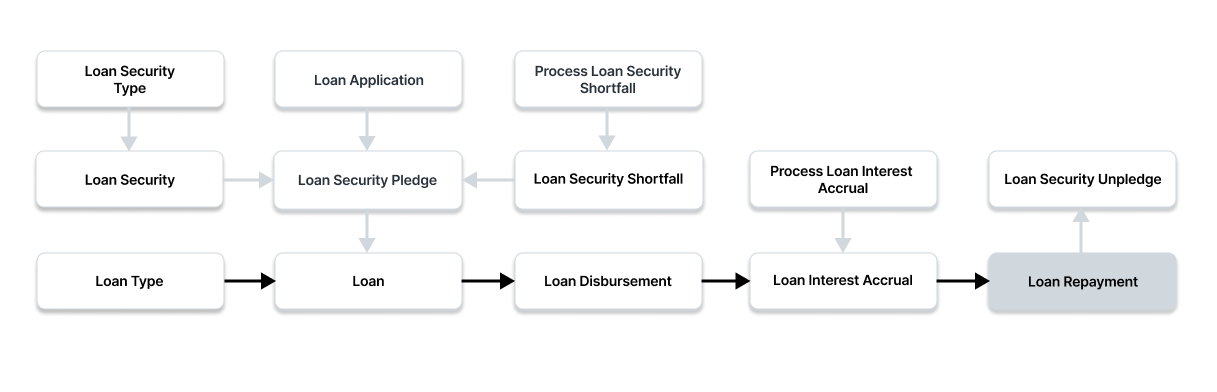
You must first generate the following items before generating a loan disbursement:
- Loan
- Loan Interest Accrual
2. How to Create a Loan Repayment
Click New under Loan Repayment List.
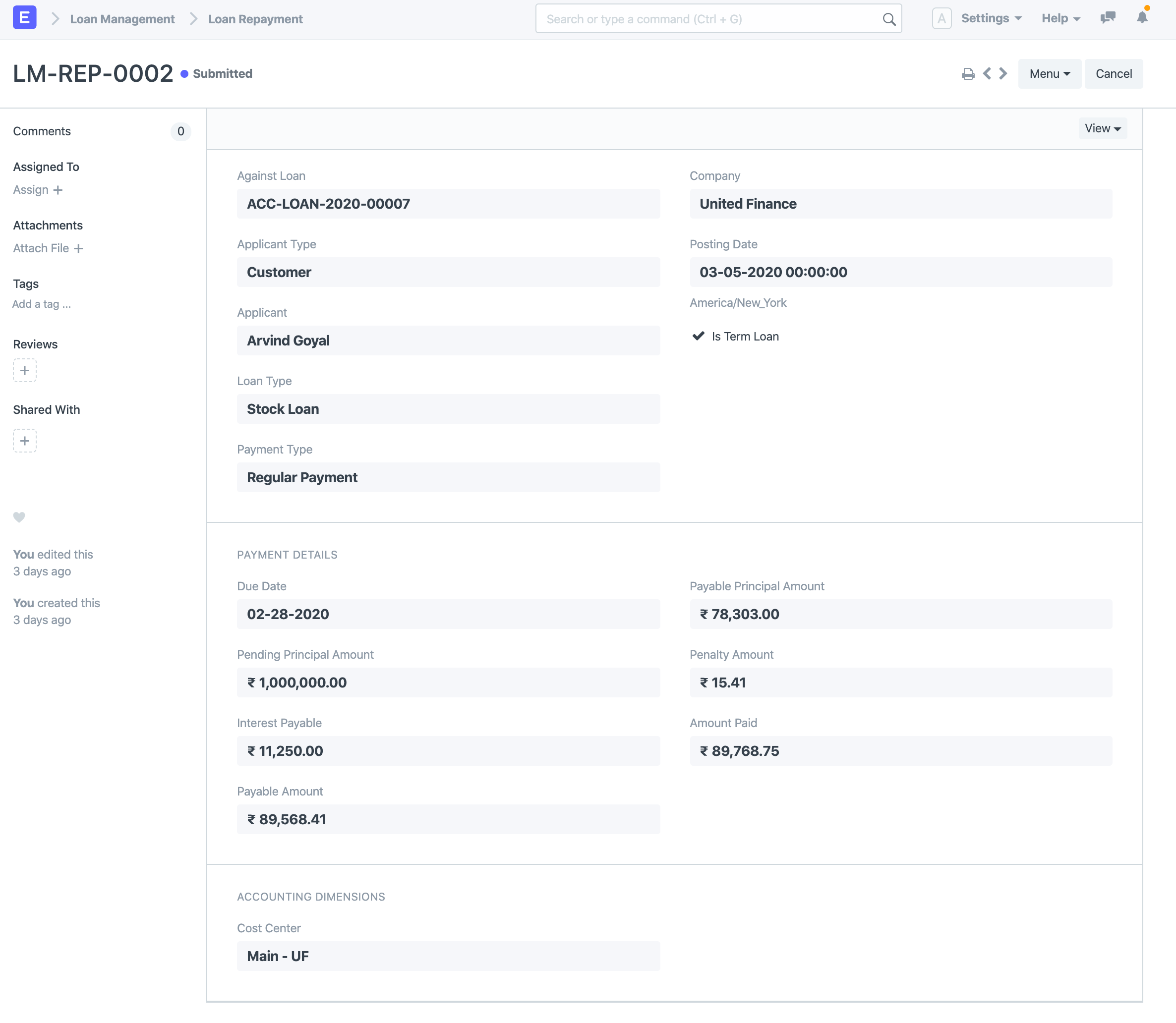
Choose the loan that is receiving payback. The Loan will be queried to retrieve the Applicant Type and Applicant.
Choose the payment type. When a regular monthly payment is made, the default selection is "Regular Repayment," while "Loan" is chosen otherwise.
Closure' is used when the loan needs to be closed due to final repayment. Posting Date, please. All of the payable sums, including pending principal, interest, penalty, and payable amount, will be automatically fetched when the posting date is entered.
To save the draft of the Loan Repayment Entry, click "Save."
To submit the Loan Repayment Entry, click "Submit."
2.1. Other ways to create a Loan Repayment
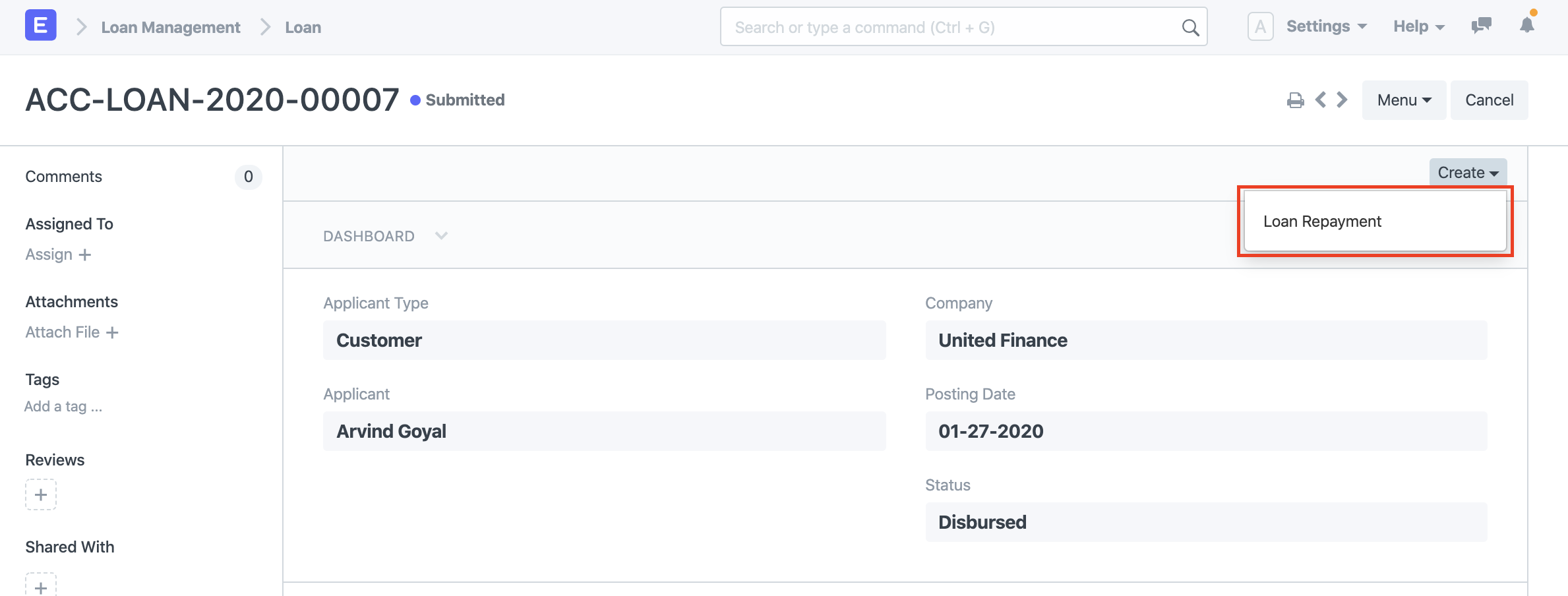
Using the Create button in the top right corner of a Loan, you can also make a Loan Repayment from a disbursed Loan.