Retaining Sample Stock
Retaining Sample Stock
A batch of any Products kept for subsequent analysis is known as a sample stock.
The item for which sample stock is kept may be a finished good, a raw material, or a packaging material.
1. Prerequisites
It is recommended that you first create the following before employing sample retention:
- Item
- Batch
- Warehouse
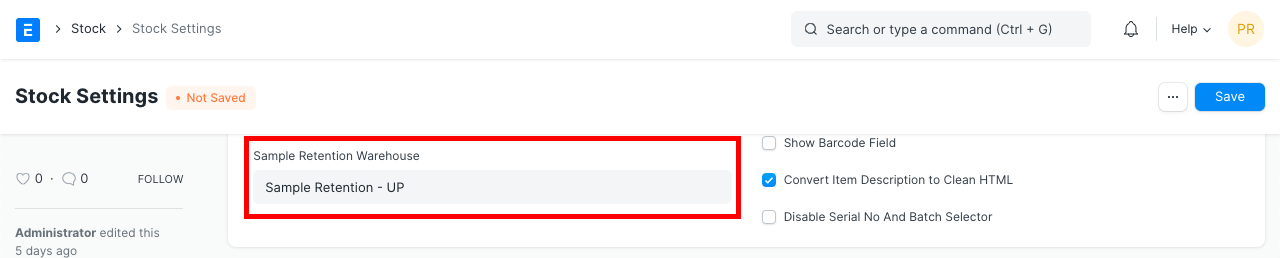
1. How to Set Sample Retention Warehouse in Stock Settings
For the purpose of storing samples, it is advisable to construct a new Warehouse and not utilize it for manufacturing.
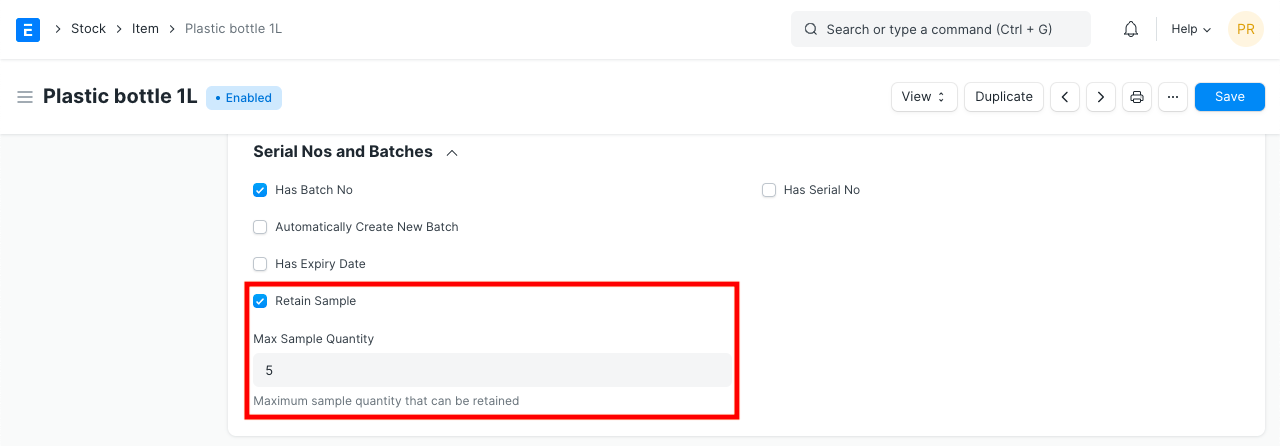
1.2 Enable Retain Sample in Item master Has Batch No should be enabled first since Retain Sample is based on Batch. Set the Maximum allowable samples for a batch while checking Retain Sample.
1.3 Make Stock Entry
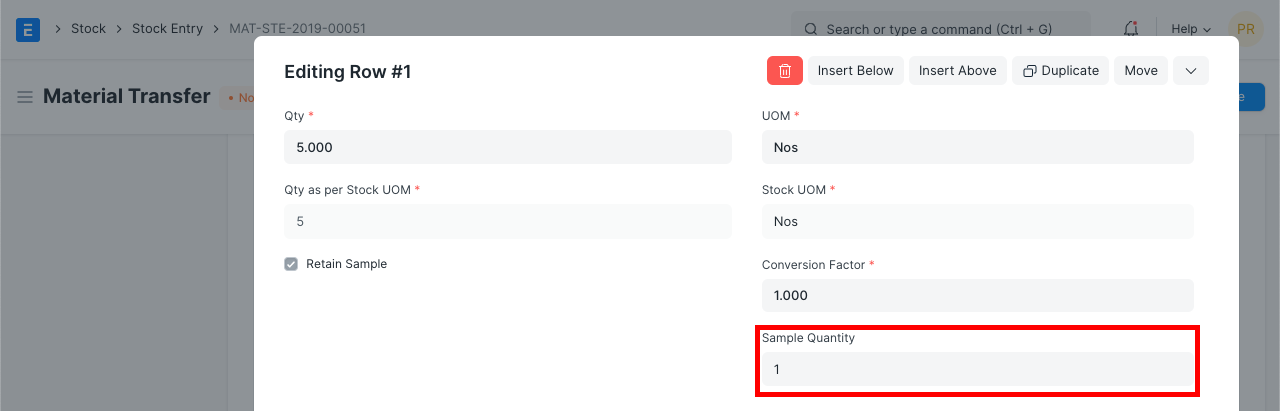
For products for which Retain Sample is enabled, the Sample Quantity can be set whenever a Stock Entry with the purpose of Material Receipt is generated. The batch number for the item or items must be chosen. The maximum sample quantity established in the item master cannot be exceeded by the sample quantity.
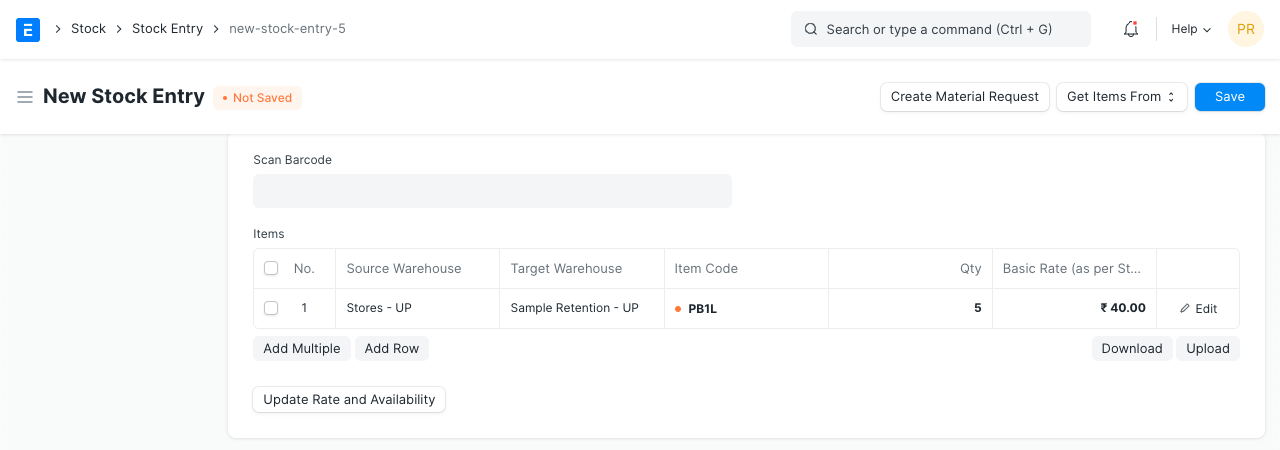
The "Create Retention Stock Entry" button will become accessible after this Stock Entry has been submitted, allowing you to create a second Stock Entry for the transfer of sample goods from the batch listed here to the retention warehouse specified in Stock Settings.
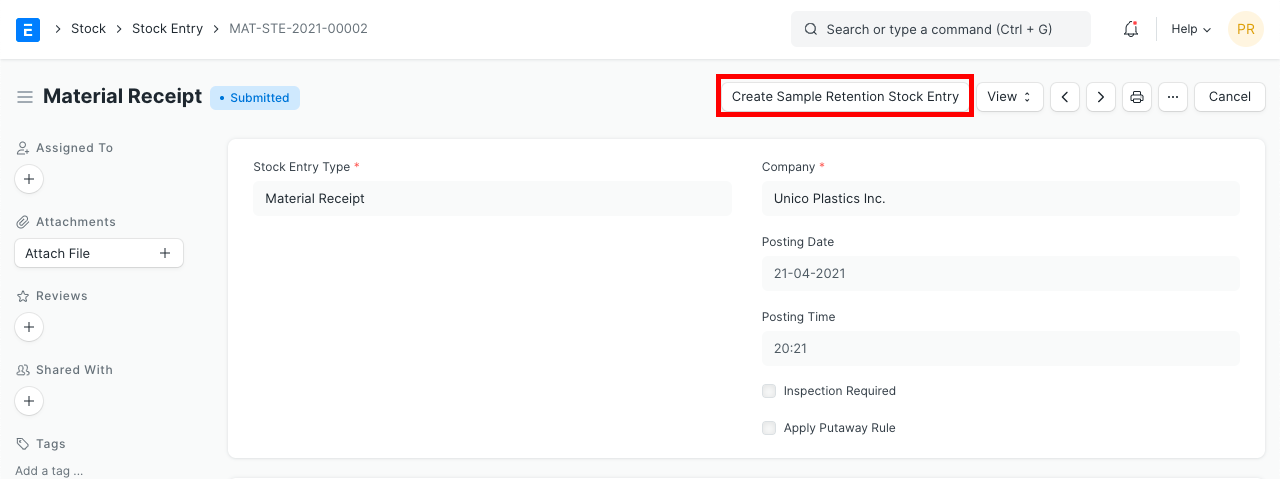
You will be taken to a new Stock Entry of type "Material Transfer" after clicking this button. The Sample Retention Warehouse will now hold your sample retention that was previously stored in your Target Warehouse (Stores). Verify it has everything, then click the Submit button.