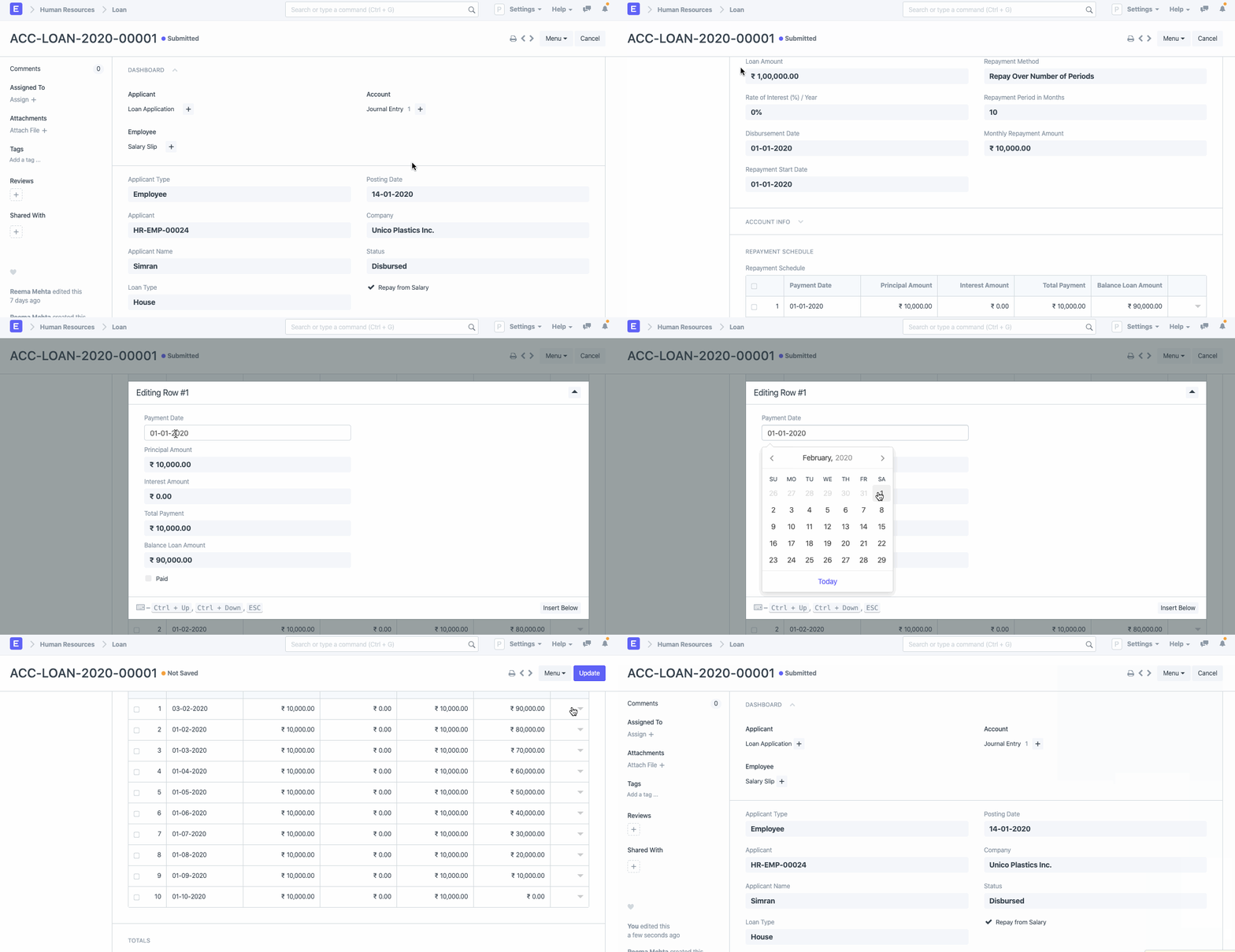
Loan
Loan
A loan record and payback plan can be made for the applicant using the loan once it has been accepted by the manager.
To access Loan, go to:
Human Resources > Loans > Loan
1. Prerequisites
You must make the following documents before you can create a Loan record:
- Loan Type
- Loan Application
- Chart of Accounts
2. How to create a Loan record
Go to Loan > New.
Choose the name of the applicant.
Choose Loan Application. Once a loan option has been chosen, data on the loan, including the Loan Type, Loan Amount, Rate of Interest, Repayment Method, Repayment Term in Months, and Monthly Repayment Amount, will be fetched.
Specify the Start Date of Repayment.
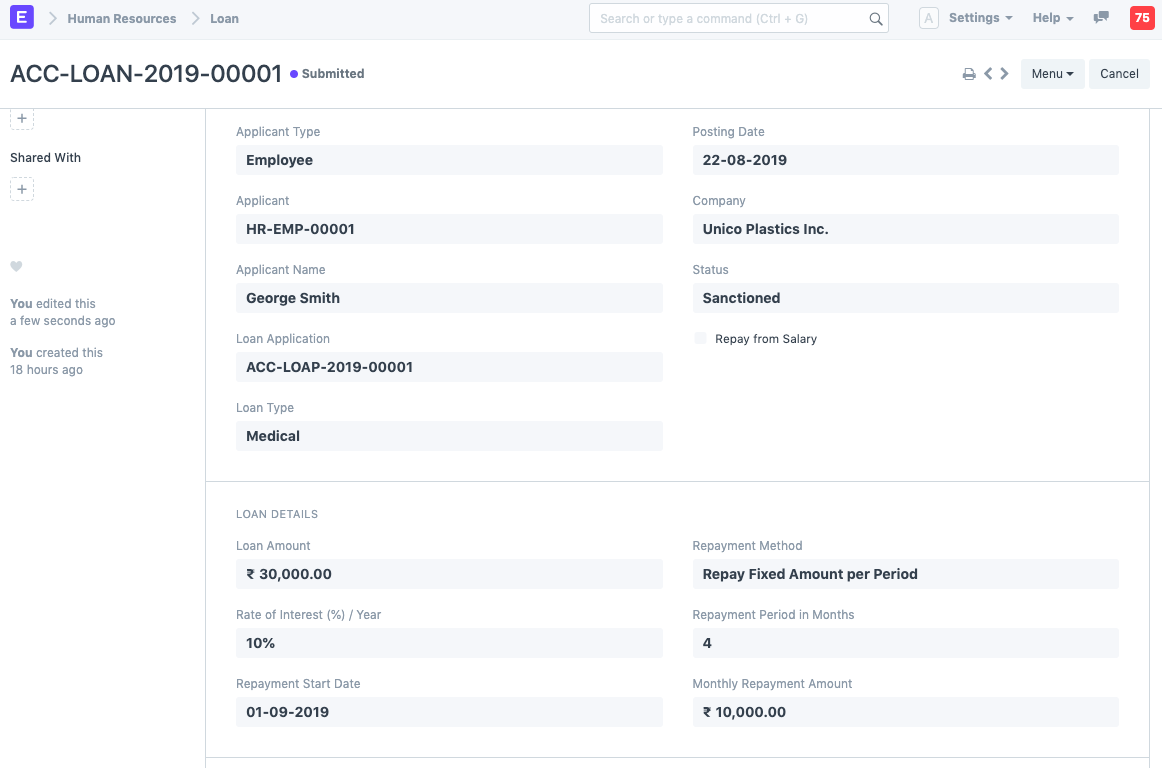
Fill out the account details, including the payment method, payment account, loan account, and interest income account.
Save. A Repayment Schedule is created automatically after saving. The "Repayment Start Date" would be used to determine the first repayment payment date.
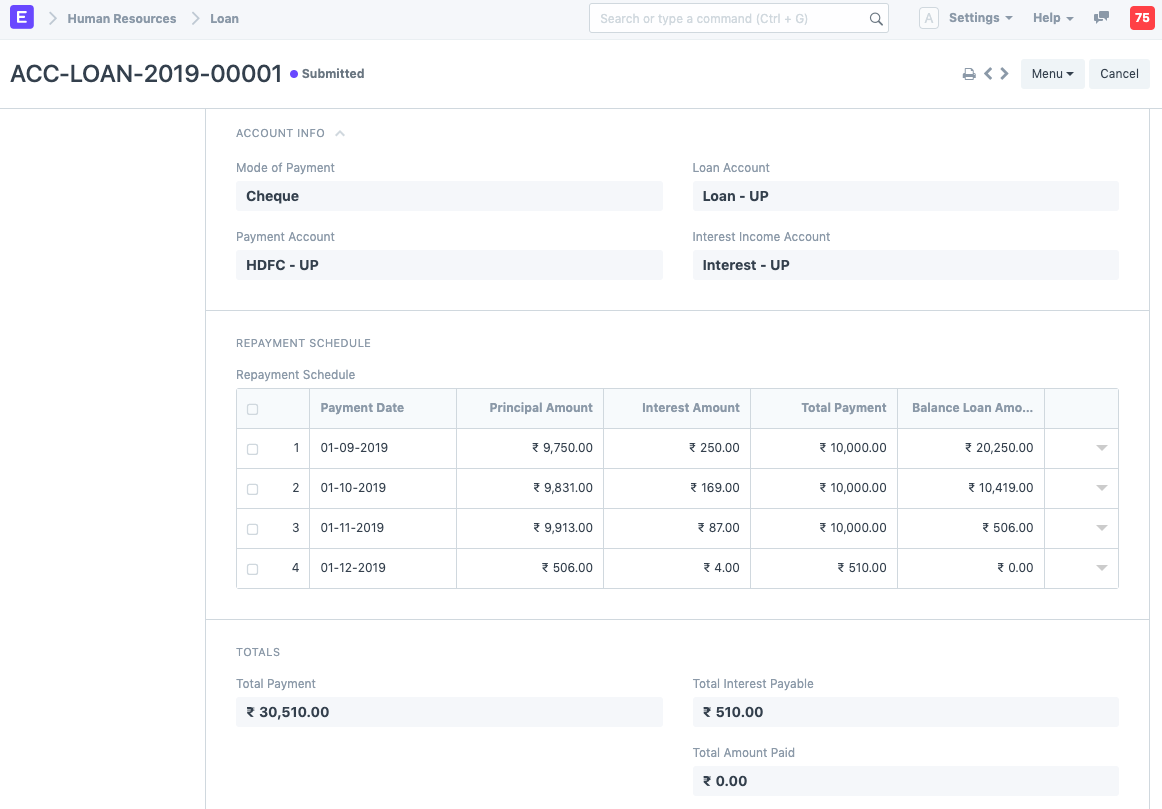
Note: If the loan payback will be withheld from the wage, select "Repay from Salary."
Alternatively, you can establish a Loan record straight from a Loan Application.
3. Features
3.1 Creation of Disbursement Entry
You can make a journal entry for the loan by clicking "Create Disbursement Entry" after submitting the loan paperwork and verifying that the status is "Sanctioned."
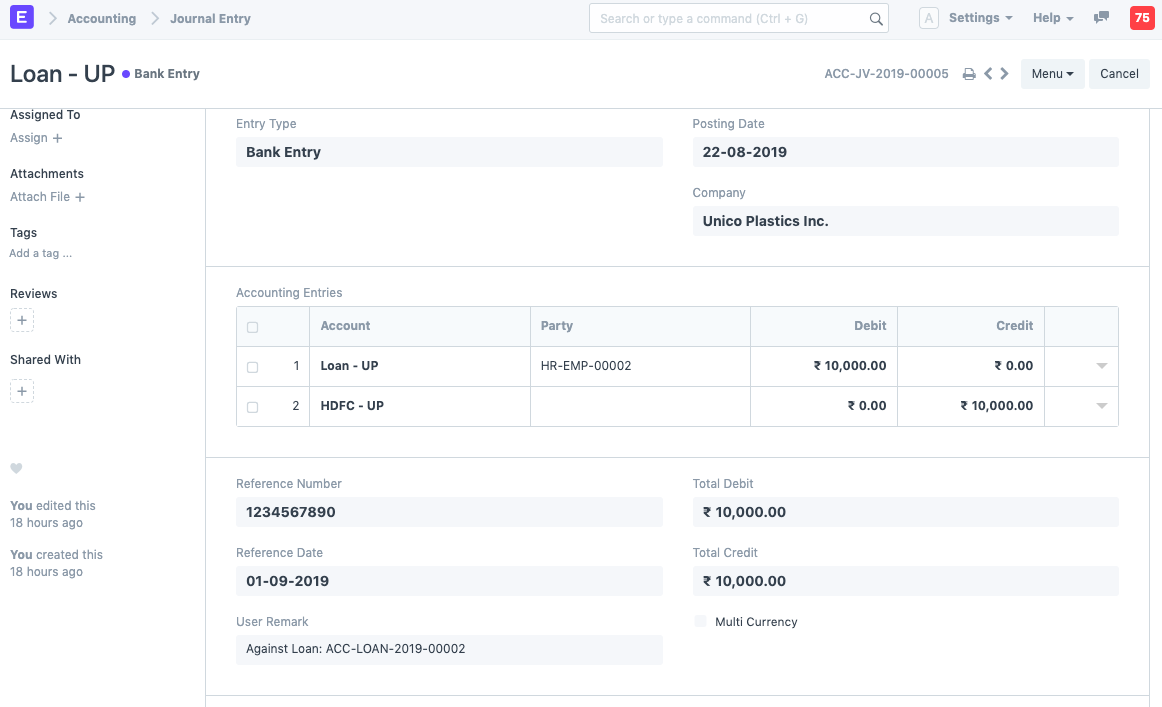
3.2 Loan repayment deduction from Salary
Check "Repay from Salary" in Loan to automatically deduct the loan payments from your paycheck. The loan repayment will be indicated on the pay stub.
3.3 Extending the Loan
The loan amount is taken out of the paycheck. The existing loan may be extended without the requirement to create a new loan if the employee is on long-term unpaid absence. Even after filing the loan, this can be done by modifying the Repayment Schedule table.