Item Attribute
Item Attribute
The qualities that are applied to item variants when they are produced are known as item attributes.
Item attributes include things like color, size, and length. It is possible to define several attributes, such as various colors.
To access the Item Attribute list, go to:
Home > Stock > Settings > Item Attribute
1. How to create an Item Attribute
Click New from the Item Attribute list.
Give the attribute a name.
Fill out the table with the attribute values.
Save.
The values of the attributes may or may not be numerical.
1.1 Non Numeric Attributes
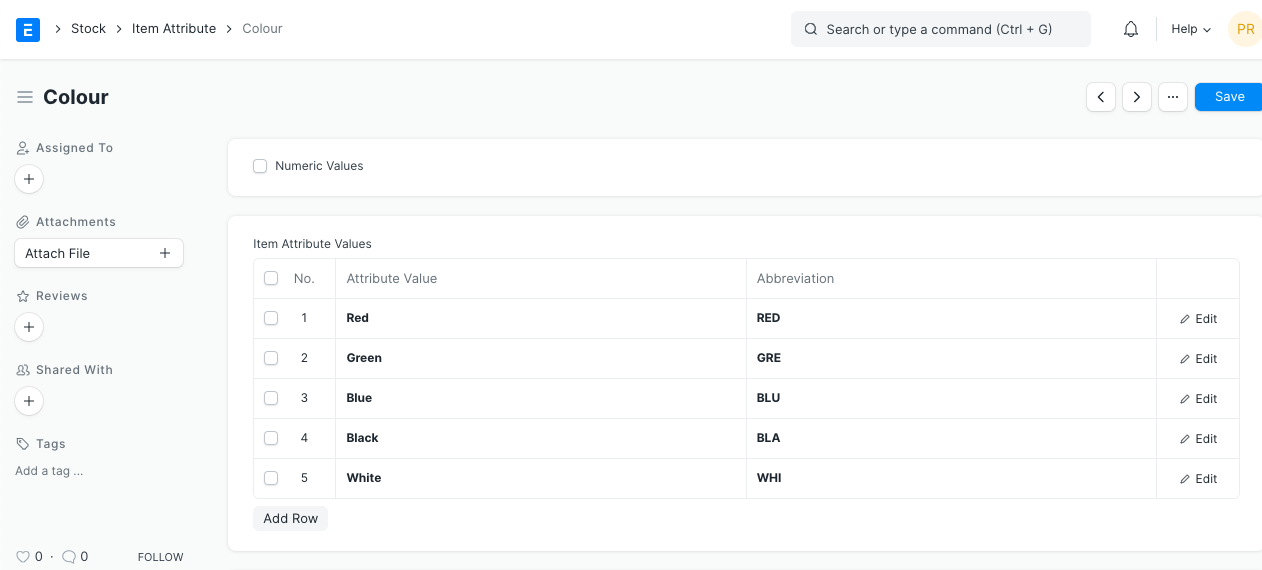
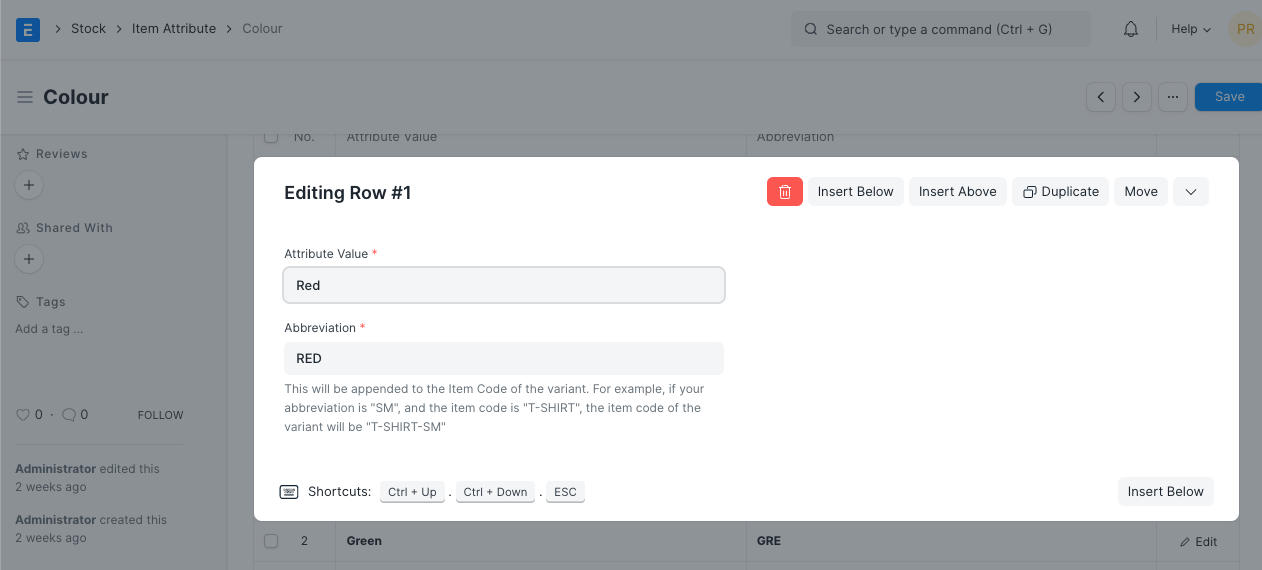
In the table of attribute values, enter the value of the non-numerical attribute together with its abbreviation.
1.2 Numeric Attributes
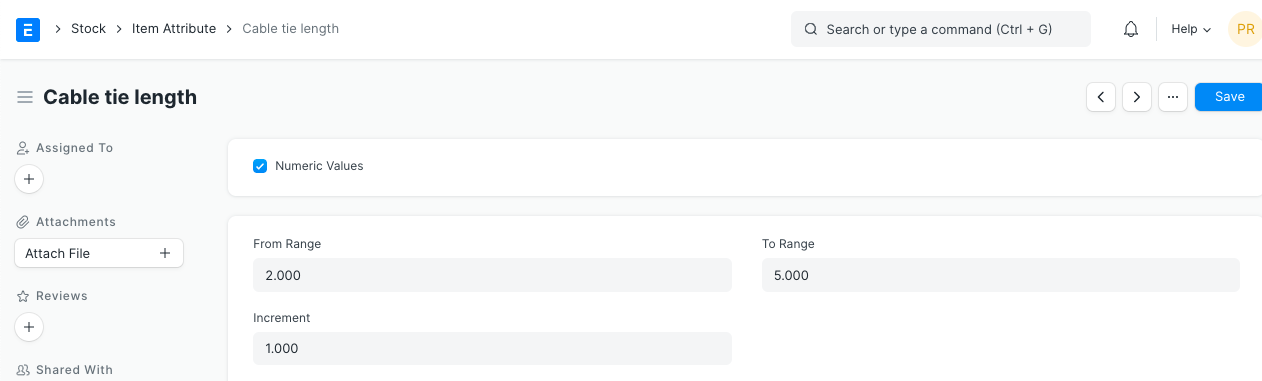
Choose Numeric Values if your attribute has a numeric value. Set the Increment Value and the Range. The pipe length range in the example below is 0.25 to 3.0, thus the variants will be 0.25, 0.5, 0.75, and 3.0.