Adding Margin
Adding Margin
The following two options allow the user to apply the margin to quotation items and sales order items. 1)Price Rule: With this method, the user can apply a conditional margin to a quotation and a sales order. A user must choose the type of margin, either percentage or amount or rate or amount, in the margin part of the pricing rule. If the pricing rule is activated, the system will apply the margin to both quotation and sales order items.
Go to: to set up a pricing rule.
Selling > Setup > Pricing Rule or Accounts > Setup > Pricing Rule
Adding Margin in Pricing Rule
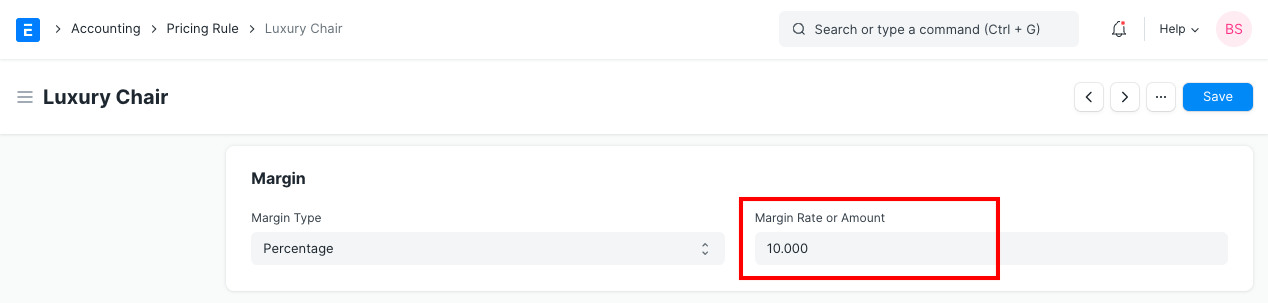
Calculating Total Margin is done as follows: Price List Rate + Margin Rate equals the rate.
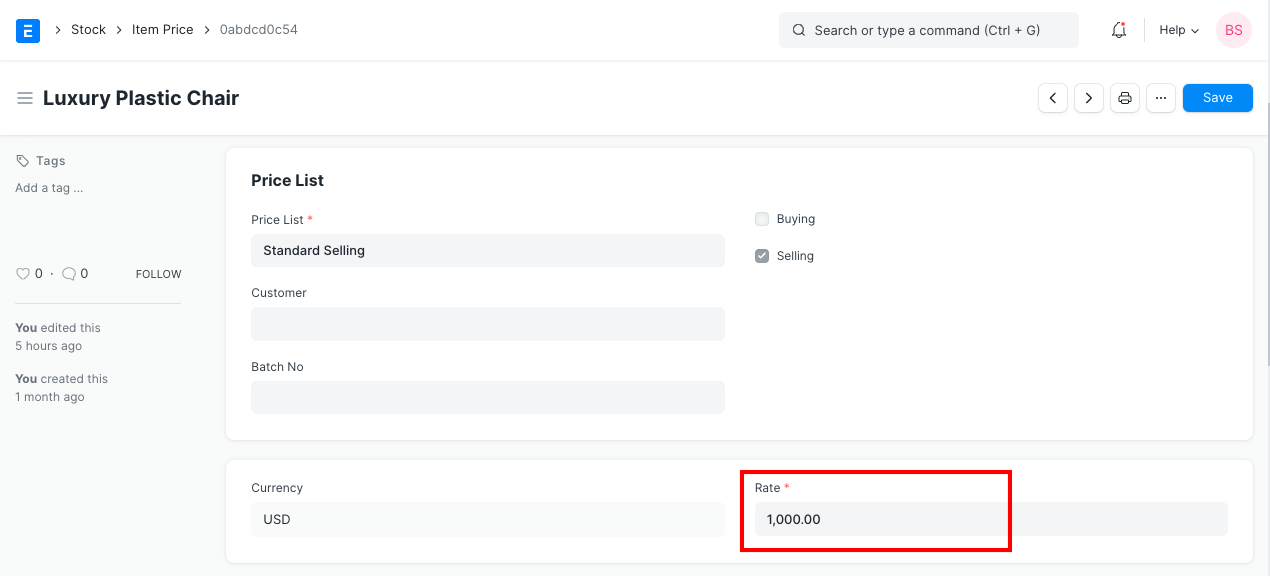
So, in order to apply the margin, you must also provide the item's price list.
Go to: to add a price list.
Selling > Setup > Item Price or Stock > Setup > Item Price
Adding Item Price
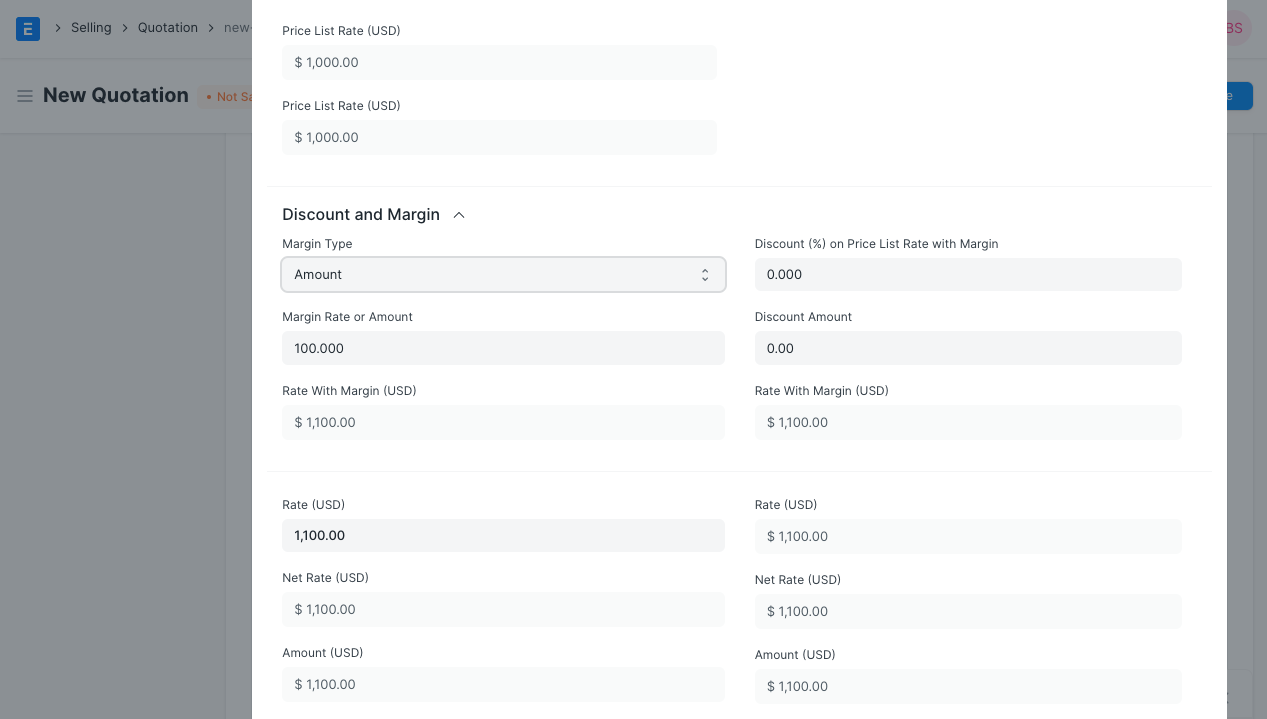
2) Apply margin directly to Item: This option is available if the user wishes to apply the margin without using a pricing rule. The user can choose the margin type, rate, or amount for both Quotation Items and Sales Order Items. To determine the rate of the product, the system will compute the margin and apply it to the price list rate.
Go to: to add margin straight to a quote or sales order.
Selling > Document > Quotation
add item and scroll down to section where you can find the Margin Type
Adding Margin in Quotation