Installation Note
Installation Note
When a product or item is being installed or set up at the customer's location, an installation note might be made.
For instance, if you sell air conditioners, the delivery of the air conditioner usually includes a service technician who will install it at the customer's home. To record the time and specifics of the installation, the service provider can make a "Installation Note."
Go here: to access the collection of installation notes.
Home > Stock > Serial No and Batch > Installation Note
1. How to create an Installation Note
Often, a Delivery Note is used to create an Installation Note. It is also possible to manually build one and use the "From Delivery Note" button to get information from a chosen Delivery Note.
Click New in the Installation Note list.
The Delivery Note will be used to get the Customer, Item, and quantity.
When the note is produced, the time and date are set.
Publish and save.
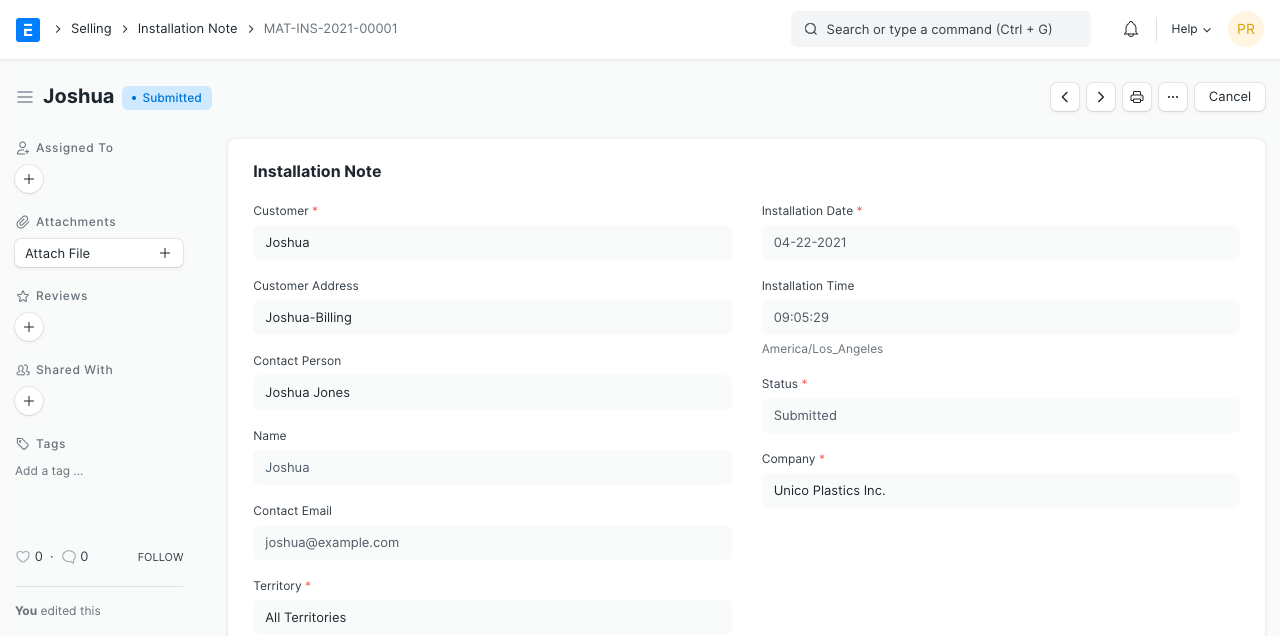
Any additional comments regarding the installation are welcome. Adding serial numbers to the Items database is possible if the item is serialized.