Support Settings
Support Settings
Support Settings contains all of the global settings for documents that relate to support.
To access Support Settings, go to:
Home > Support > Settings > Support Settings
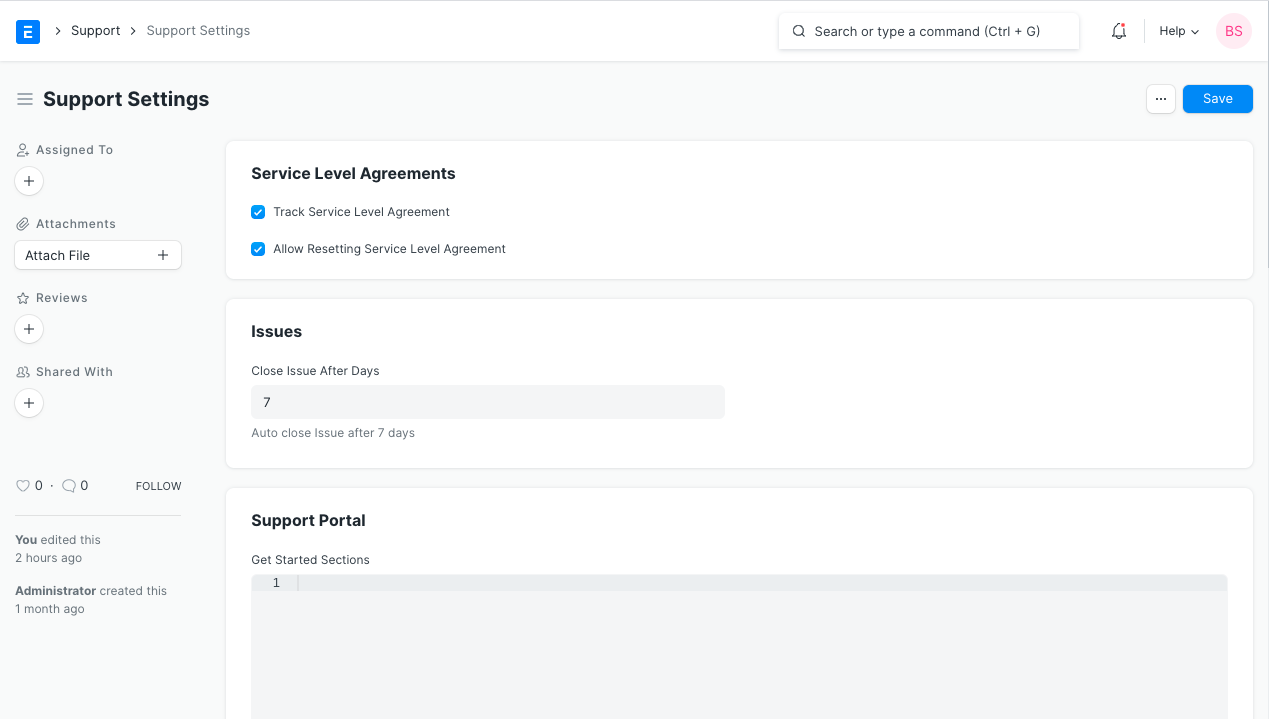
1. Service Level Agreements
1.1 Track Service Level Agreement
Activate this function to use and monitor Service Level Agreement in Problems.
1.2 Allow Resetting Service Level Agreement
Using Problems, a User is able to reset the Service Level Agreement. In the Service Level tab, the user will find a button to Reset Service Level Agreement for Open Problems. The SLA will be reset if the button is pressed prior to the SLA failing. The user of the support team must give justification for resetting the SLA.
2. Issues
2.1 Close Issue After Days
Once the number of days specified in this field has passed, any "Replied" or "Resolved" problem will be closed. A closed issue will reopen if the customer replies to it, though.