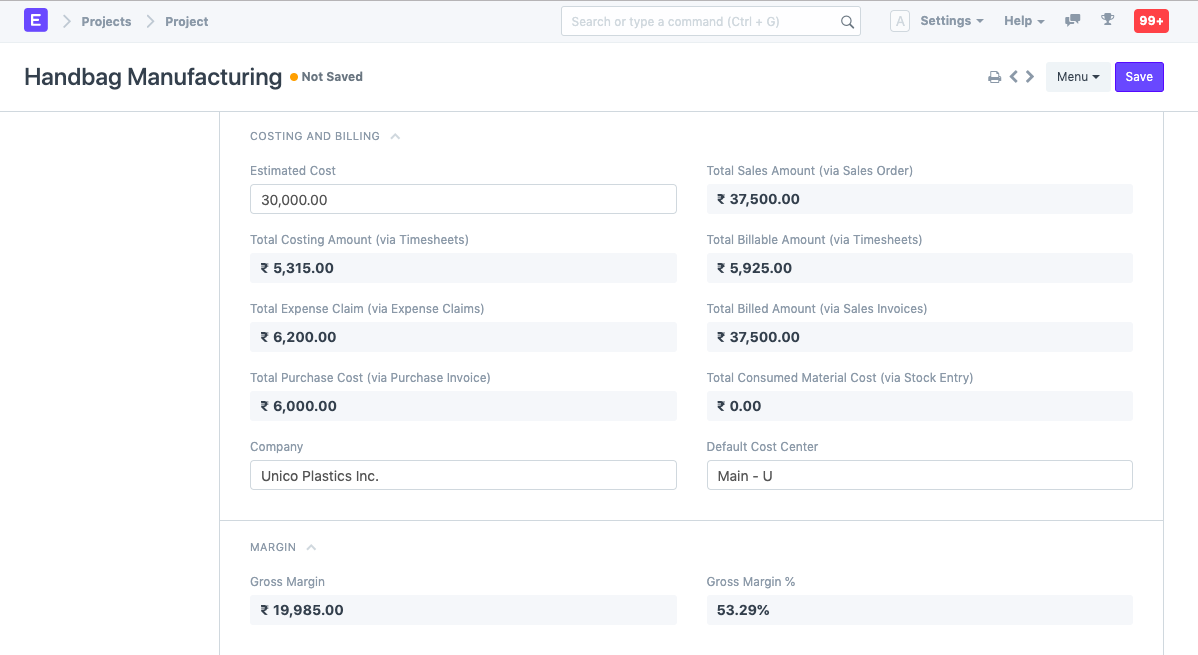
Project Costing
Project Costing
Each project is associated with a number of tasks. Using the time spent on a Task within a Project, a User must generate a Timesheet in order to track the actual cost of a Project, largely in terms of services. The following methods exist for tracking service costs in relation to projects.
Activity Type
A master of the services your staff provides is called an activity type. A new Activity type can be added from:
Home > Project > Activity Type > New
Activity Cost
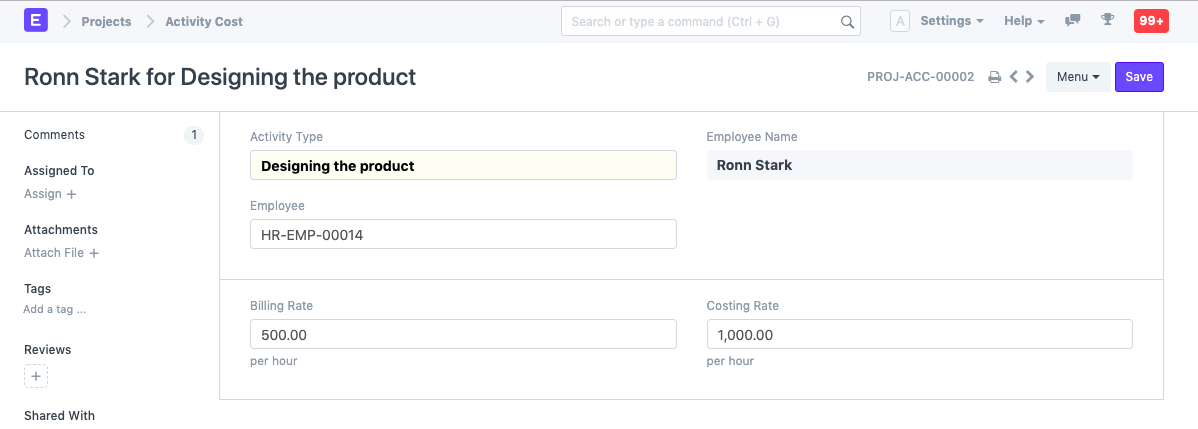
You may track billing and costing rates for each Employee and each Activity Type in the master database known as Activity Cost.
Timesheet
An employee will prepare a timesheet based on the amount of time spent on the project-task.
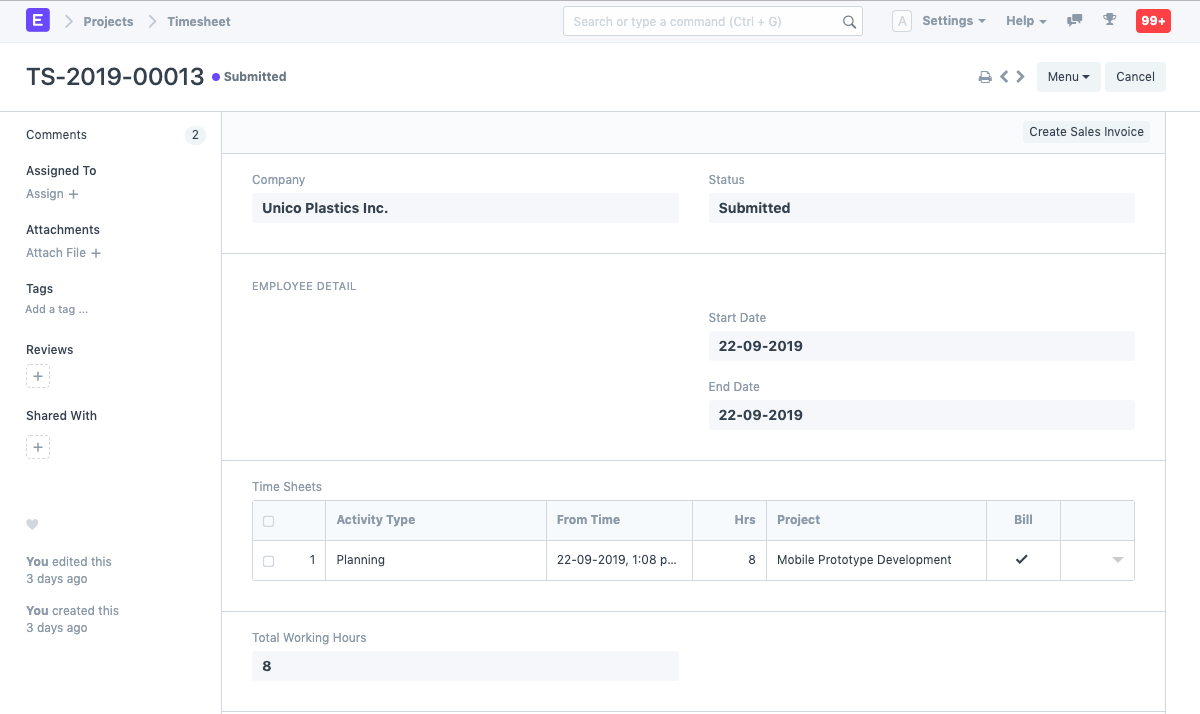
The Billing and Costing Rate for that Employee will be retrieved from the relevant Activity Cost upon selection of the Activity Type in the Time Log.
The Costing Amount and Billing Amount for the particular Time Log are obtained by multiplying these rates by the entire number of hours in the Time Log.
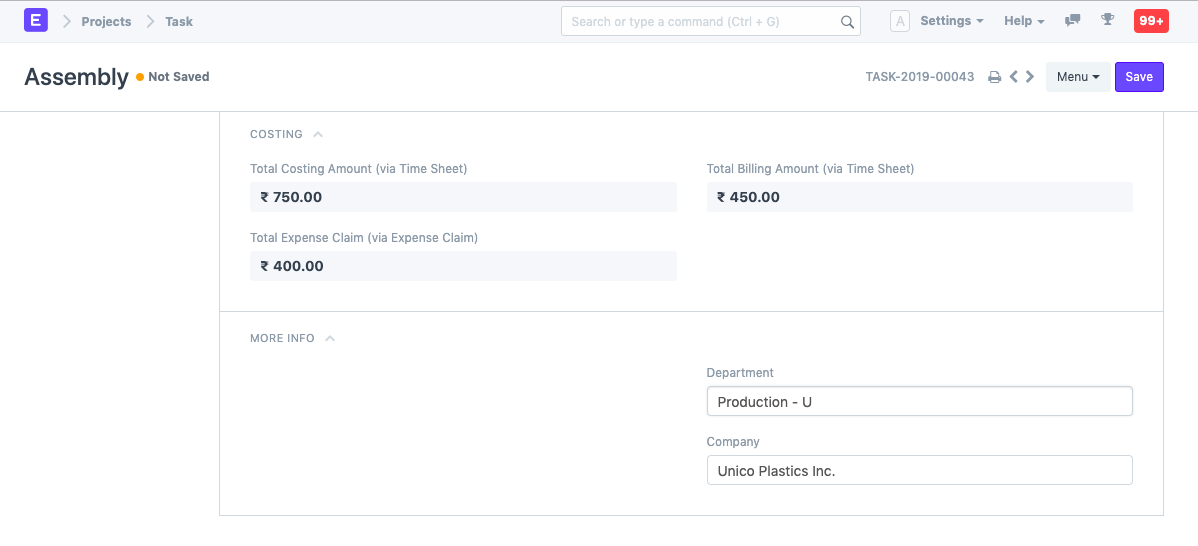
Costing in Project and Task Its costs will be updated in the relevant Task based on all the Timesheets prepared for that Task.
In the same manner, the Project cost will be updated based on Timesheets made against each of its related tasks, and the Project cost is updated simultaneously.