Payment Request
A Payment Request is used to request payment from a Customer for a Sales Order or Invoice.
A link to a Payment Gateway will be included in a Payment Request sent through email, if one has been set up. A sales order or a sales invoice can be used to establish a payment request. For internal records, a Payment Request can also be created against a Purchase Order or a Purchase Invoice. Then, using a Payment Order, payments can be executed in bulk.
To access Payment Request go to:
Home > Accounting > Accounts Receivable > Payment Request
1. Prerequisites
It is advised to first create the following before making and using Payment Request:
- Sales Invoice
- Purchase Invoice
- Sales Order
- Purchase Order
2. How to create a Payment Request
A Sales/Purchase Order or Invoice must be used to produce a Payment Request; it cannot be done manually.
2.1 Creating Payment Request via Sales Order
To make an advance payment on a sales order, select Create, followed by Payment. Visit the Advance Payment Entry page to learn more about advance payments.
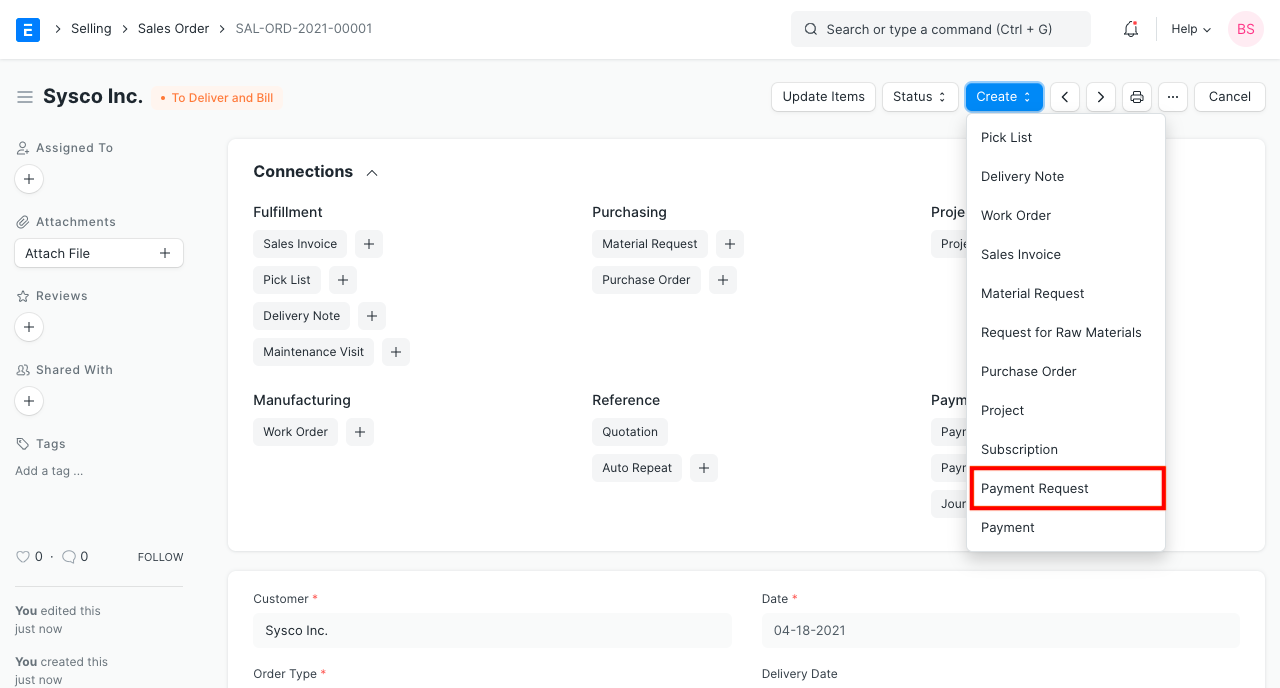
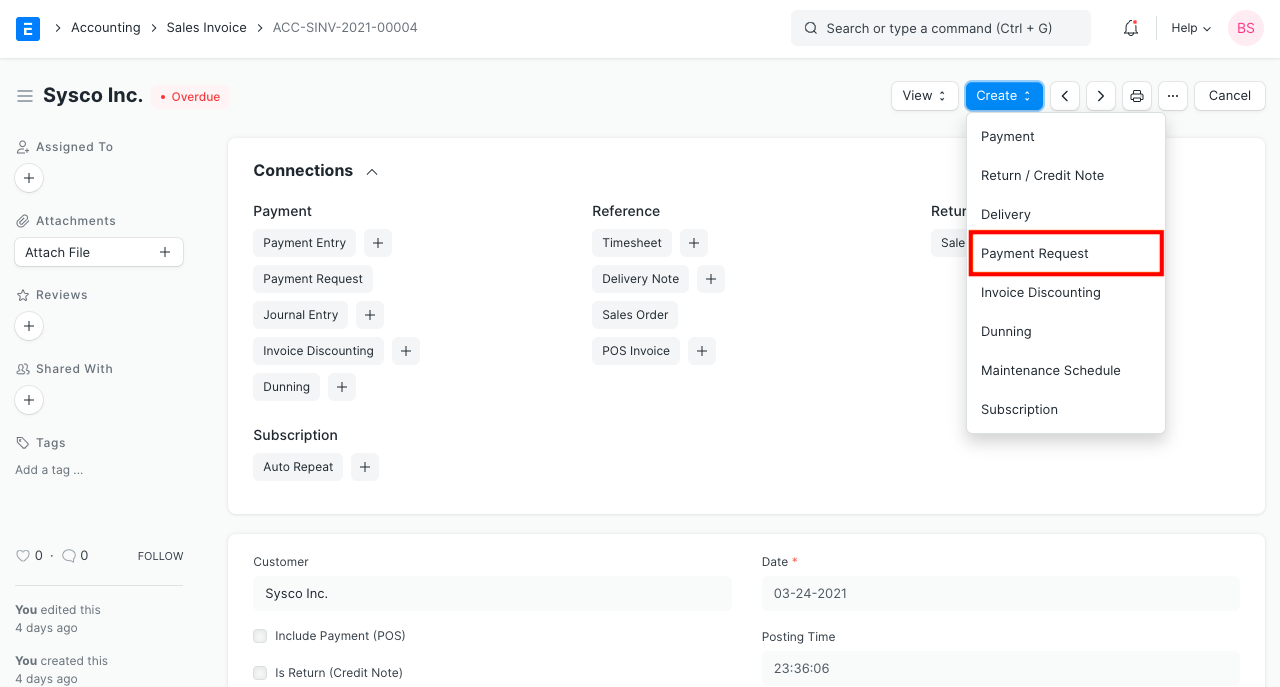
2.2 Creating Payment Request via Sales Invoice
To make a payment against an invoice, click Create on a sales invoice before clicking Payment.
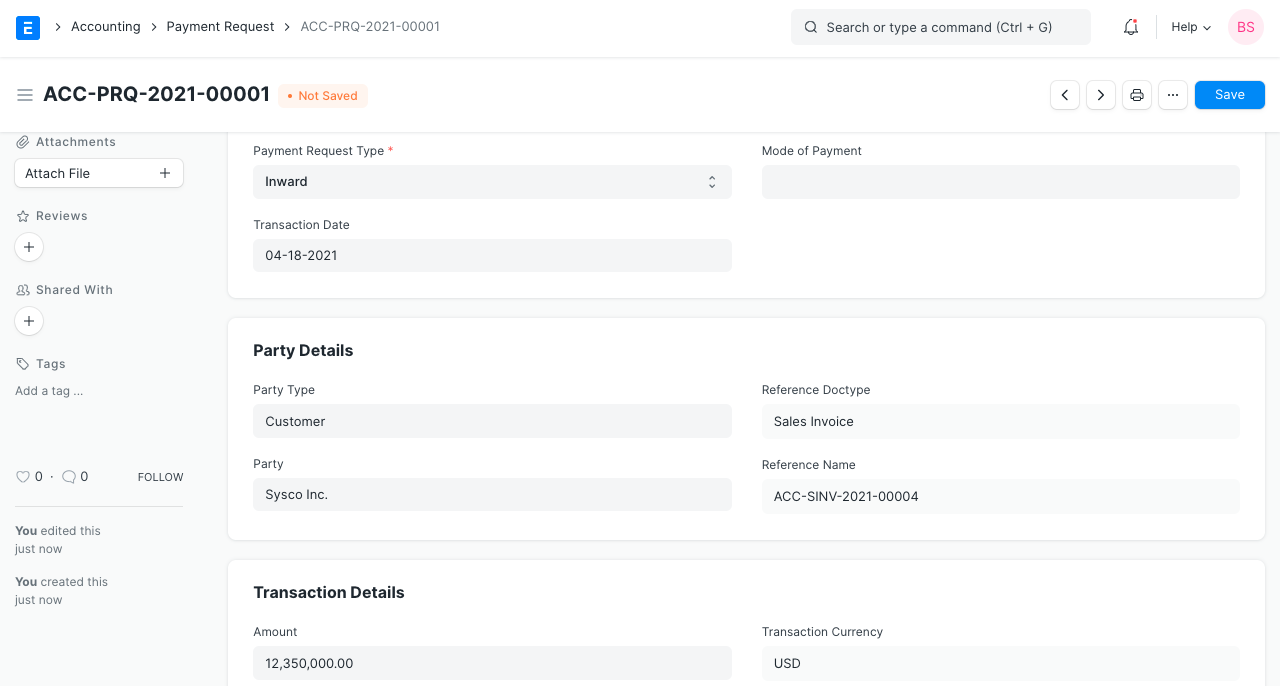
On the payment request, choose the proper Payment Gateway Account for the posting of accounts. To produce a journal entry, the account head given on the payment portal will be taken into account.
Note: Invoice/Order currency and 'Payment Gateway Account' currency should be the same.
2.3 Notifying the Customer
Using print format, you can inform customers about payment requests. The customer contact email will be automatically retrieved if it is set. In the absence of that, you might enter an email address in the Payment Request.
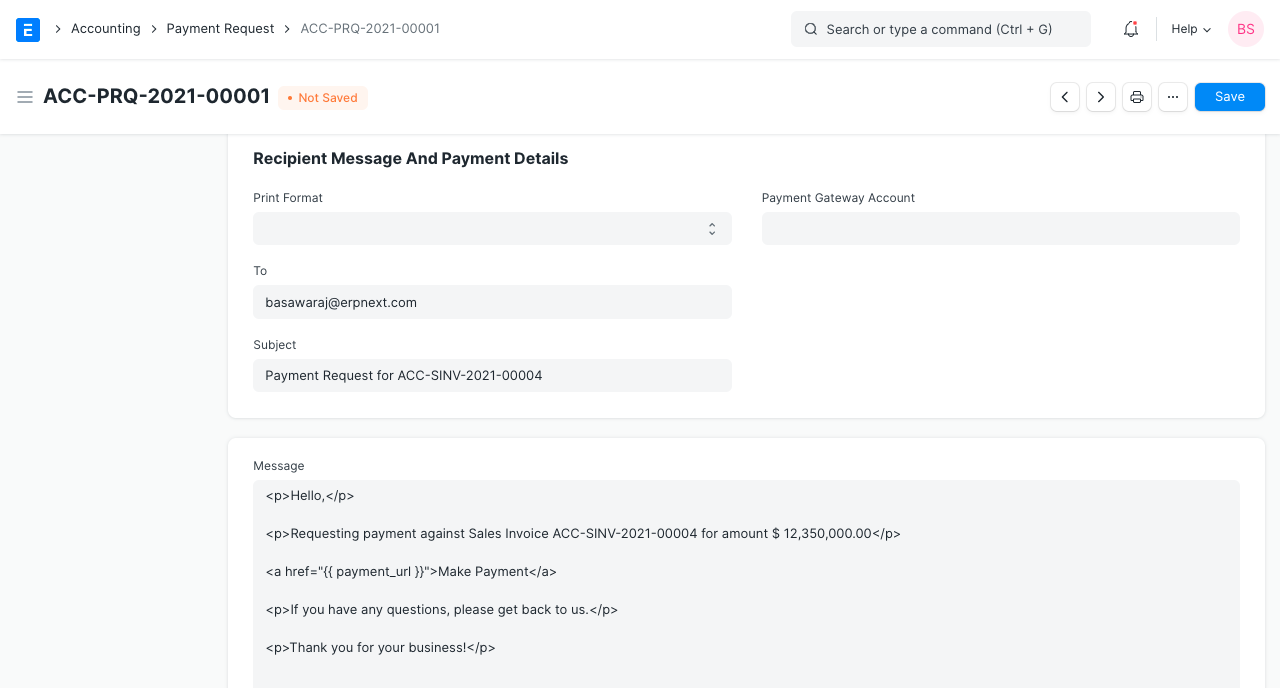
2.4 Request Mail
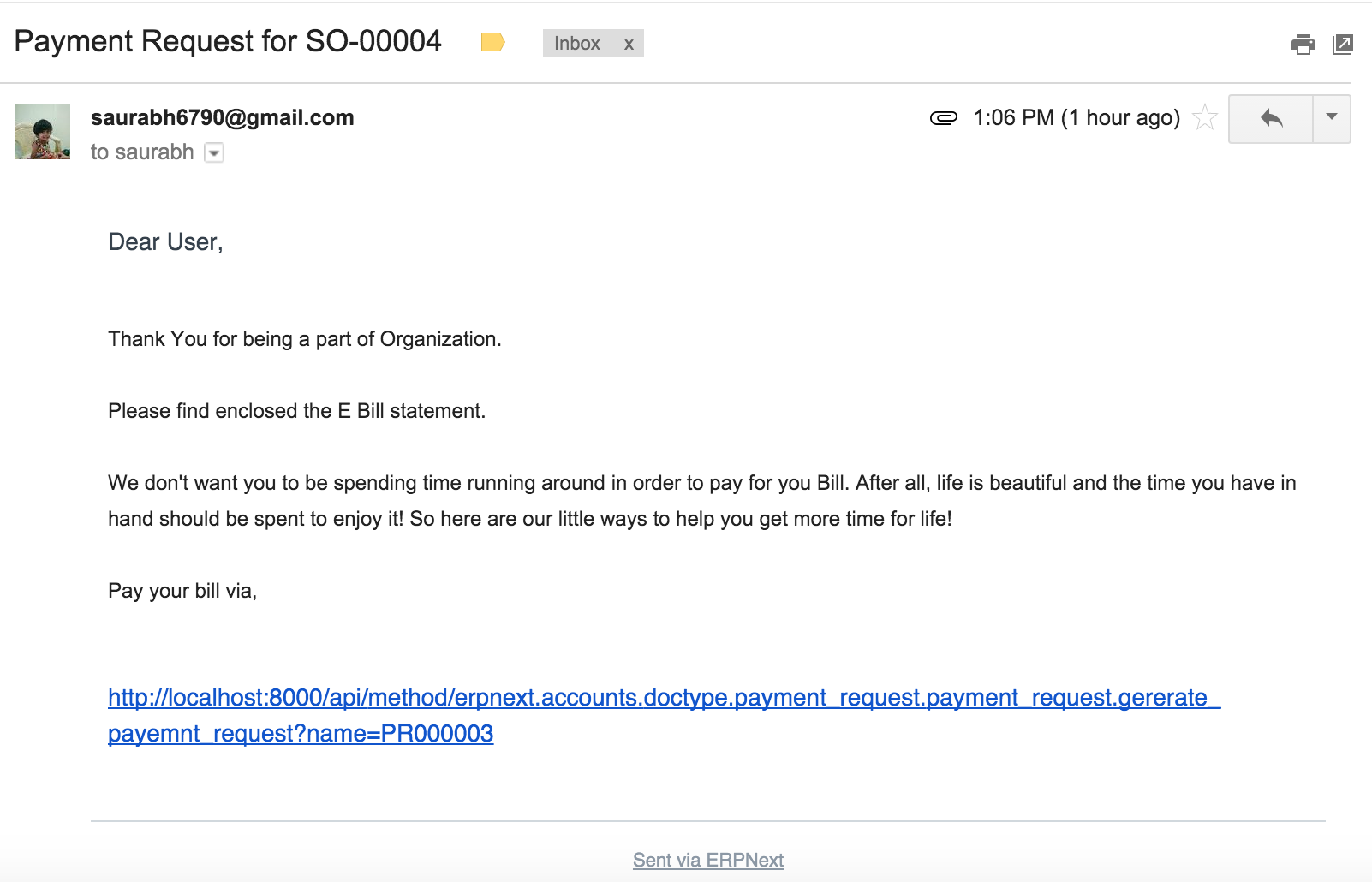
Here is an example email for a request. If the appropriate payment integration is configured, the URL is created automatically. Visit this page for additional information about integrations.
2.5 Payment Request without using any Gateway
Simply set the Bank Account if you only want to send a notification and don't want to utilize any integration or payment gateway. You must include bank information in the message in the appropriate format. The sum can then be transferred from the party to the specified bank account.