Blog Post
Blog Post
An article on your website is known as a blog post.
Blogs are a fantastic platform for discussing your company's ideas. It assists in keeping your readers and clients informed about business-related news.
Writing has a significant role in the internet era since visitors to your website want to learn about you and your offering.
Go to: to access the blog post.
Home > Website > Blog > Blog Post
1. How to create a Blog Post
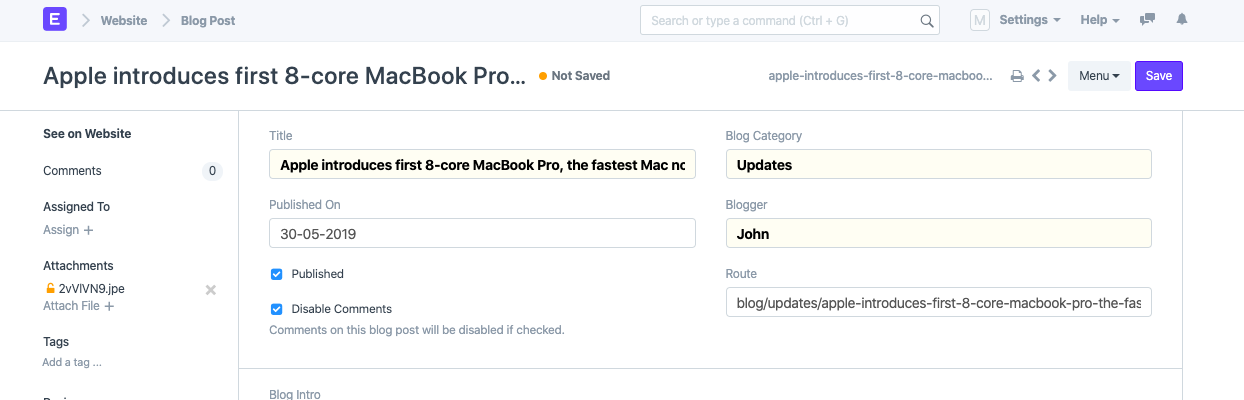
Click New from the list of blog posts.
Type in the Blog Category, Blogger, and Text of the Post.
Choose Published, then hit Save.
The Blog Intro, which follows the title and comes before the content, is a brief summary of your blog.
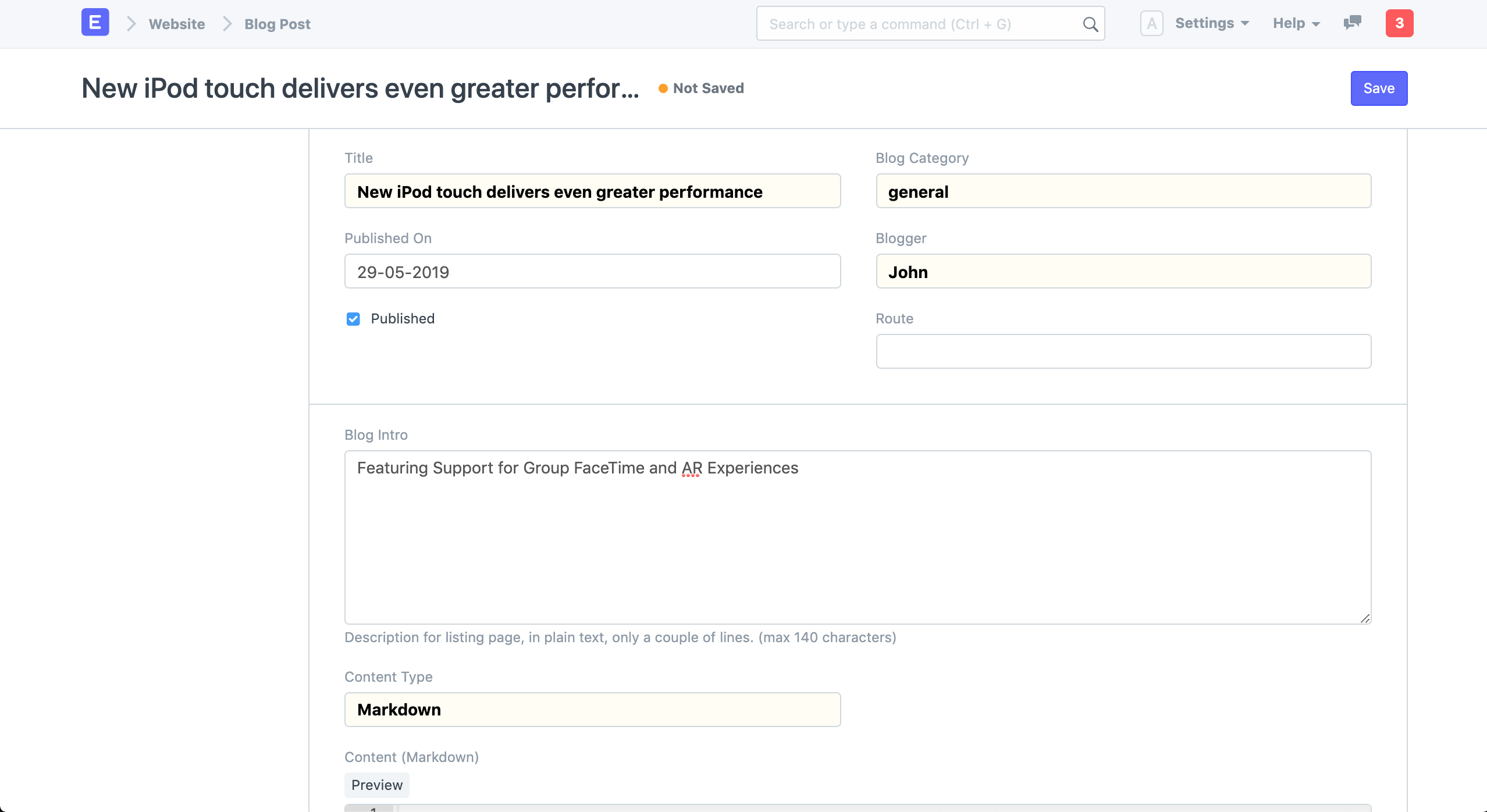
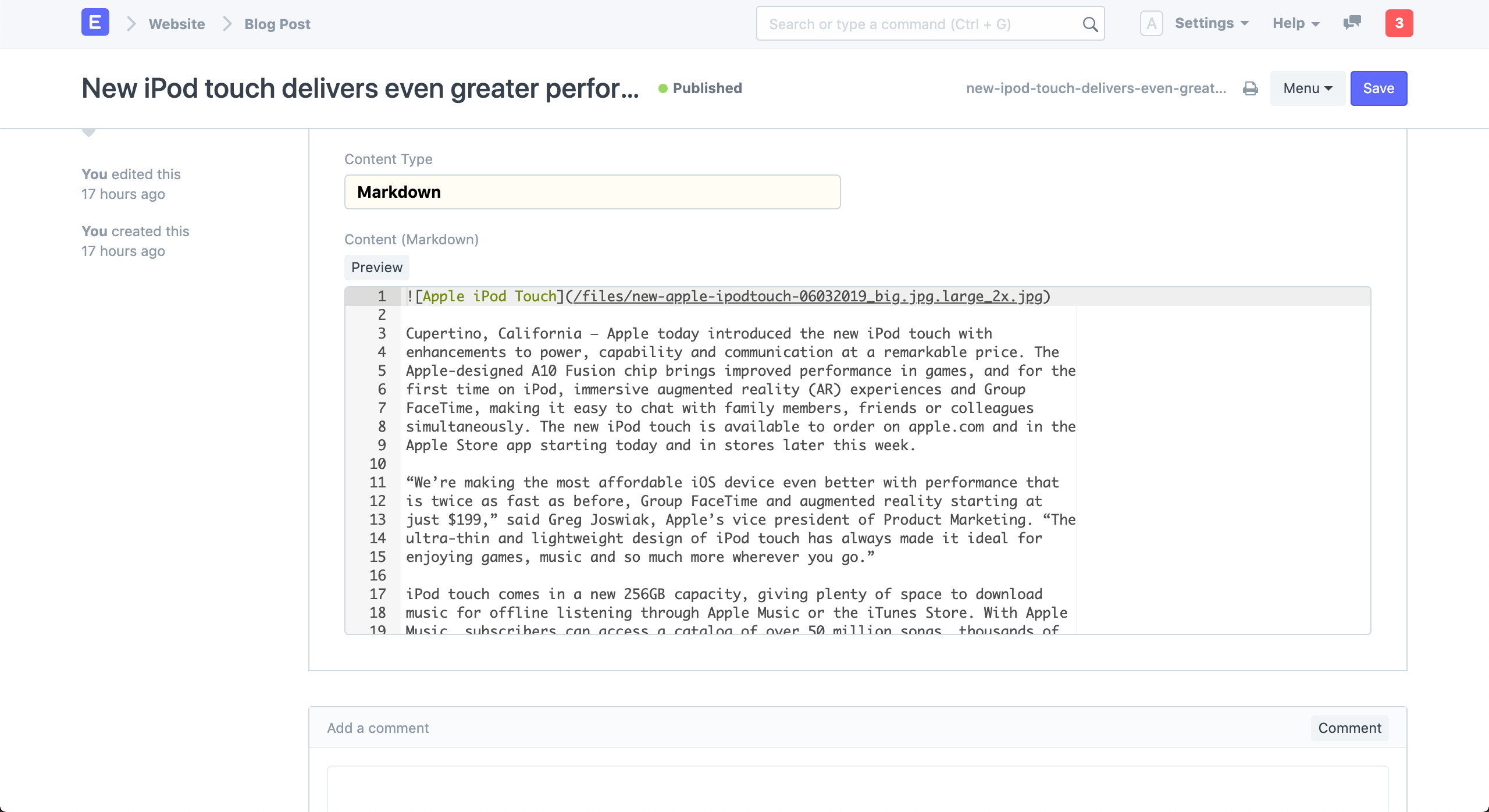
Your blog posts can be written in HTML, Markdown, or Rich Text. Rich Text and Markdown are excellent choices for writing straightforward content pages. Find out here how to add photos to your blog.
At Mastering Markdown, you can quickly learn markdown.
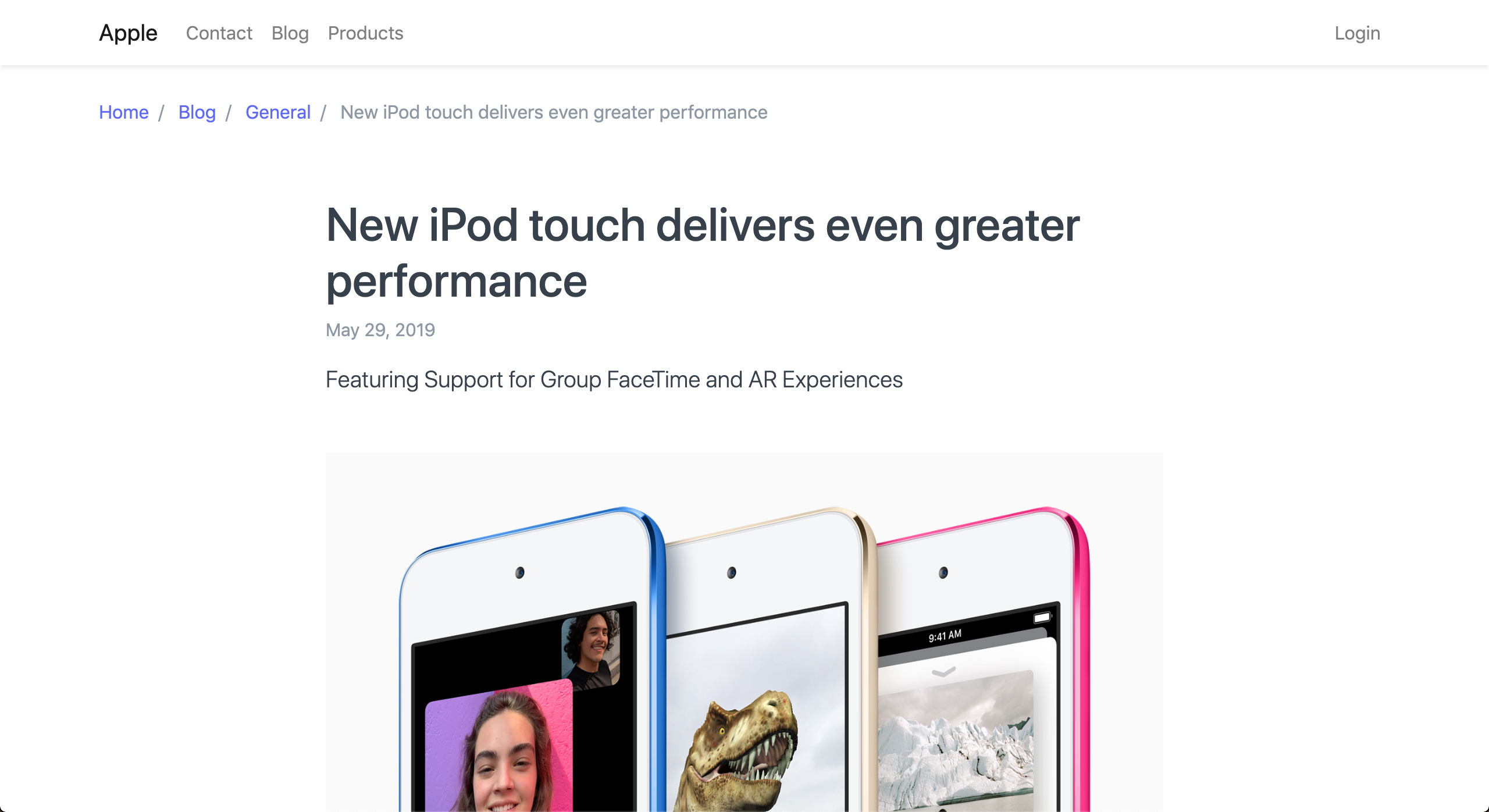
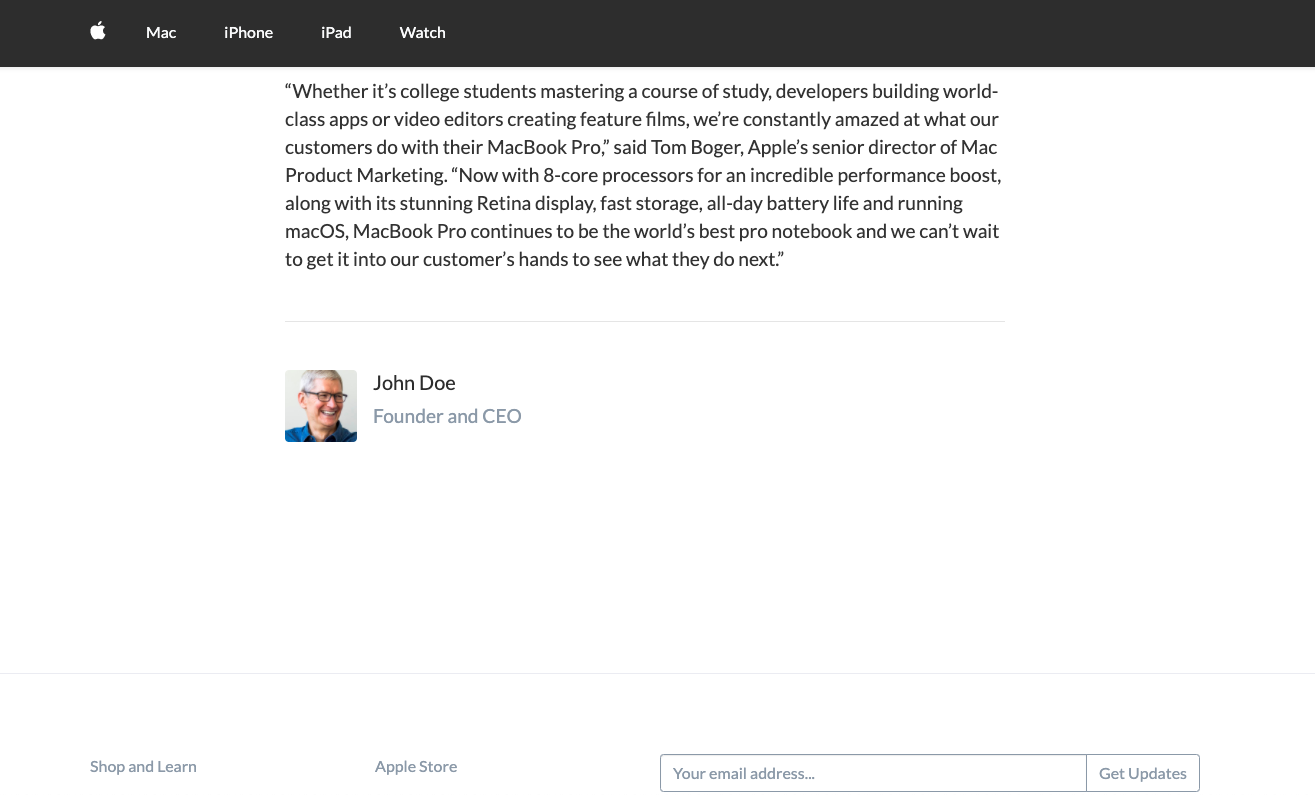
In the sidebar, select See on Website to view your blog post.
If you don't want readers to be able to comment on the current blog post, use the Disable Comments option.
2. Features
2.1 Blogger
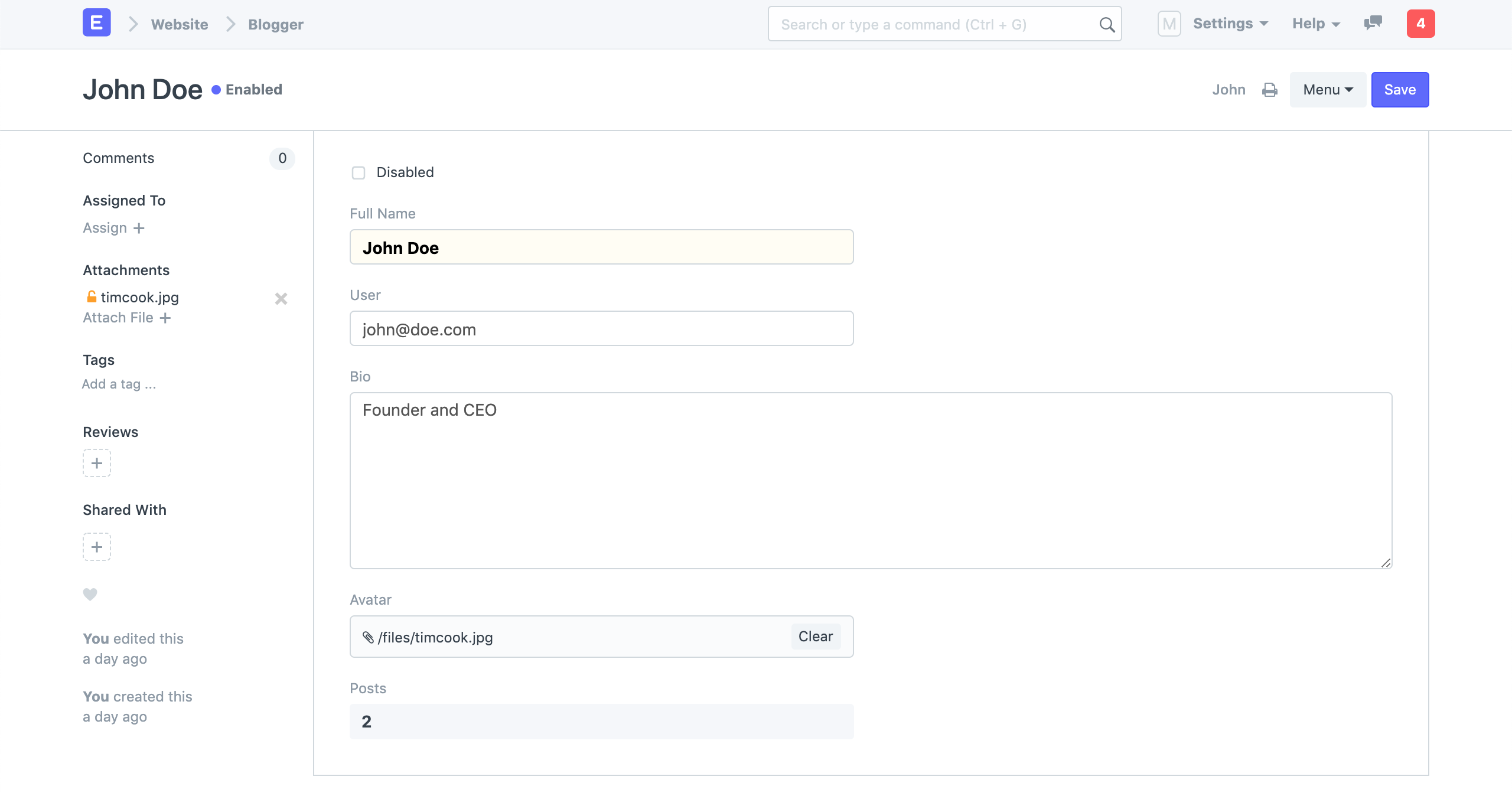
A user who can post blogs is called a blogger. Visit: to register as a blogger.
Home > Website > Blog > Blogger.
Here, you can set an avatar and give the blogger's brief bio.
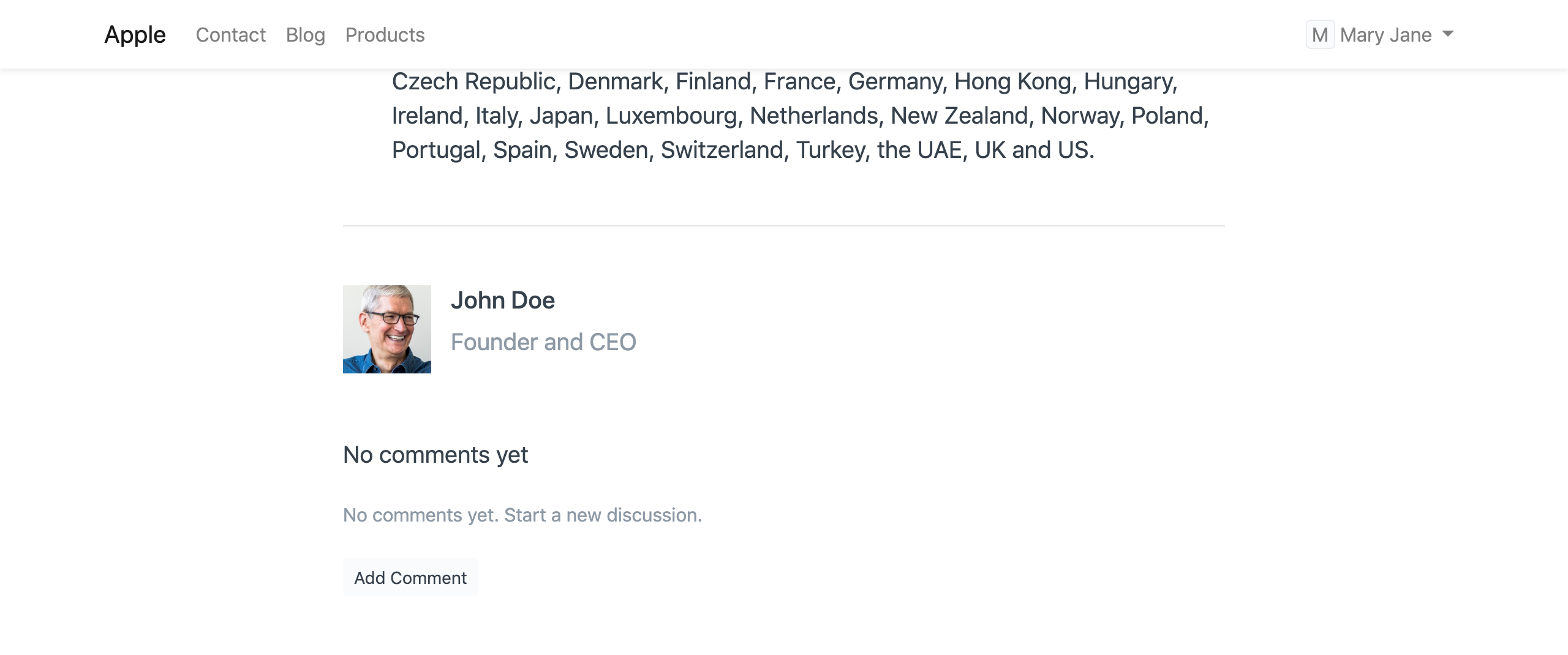
The preview will be displayed at the blog post's conclusion.
2.2 Blog Category
Your blogs can be organized into categories. Go here: to create a new blog category.
Home > Website > Blog > Blog Category.
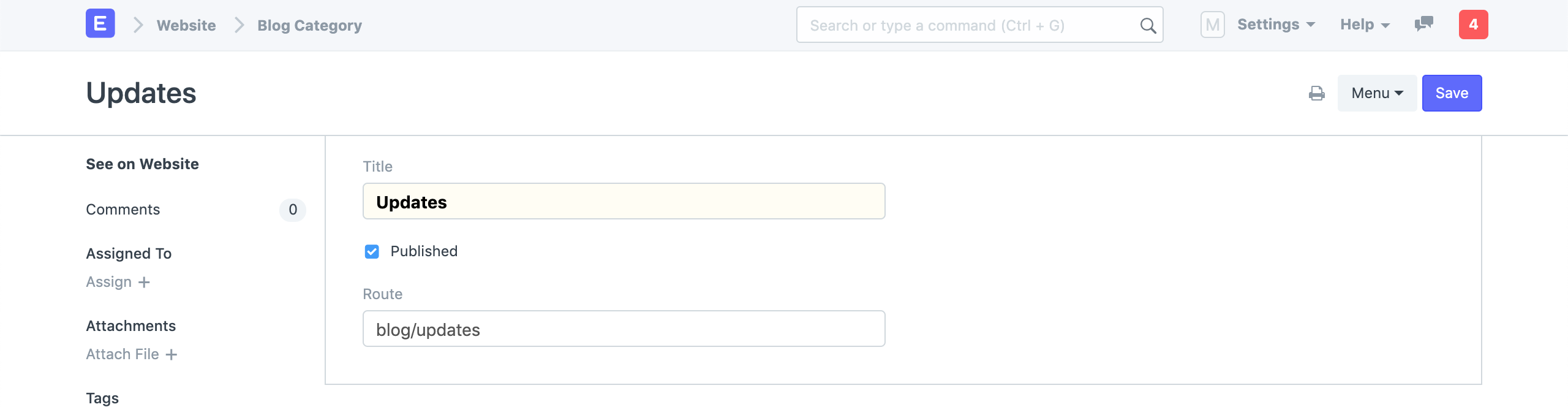
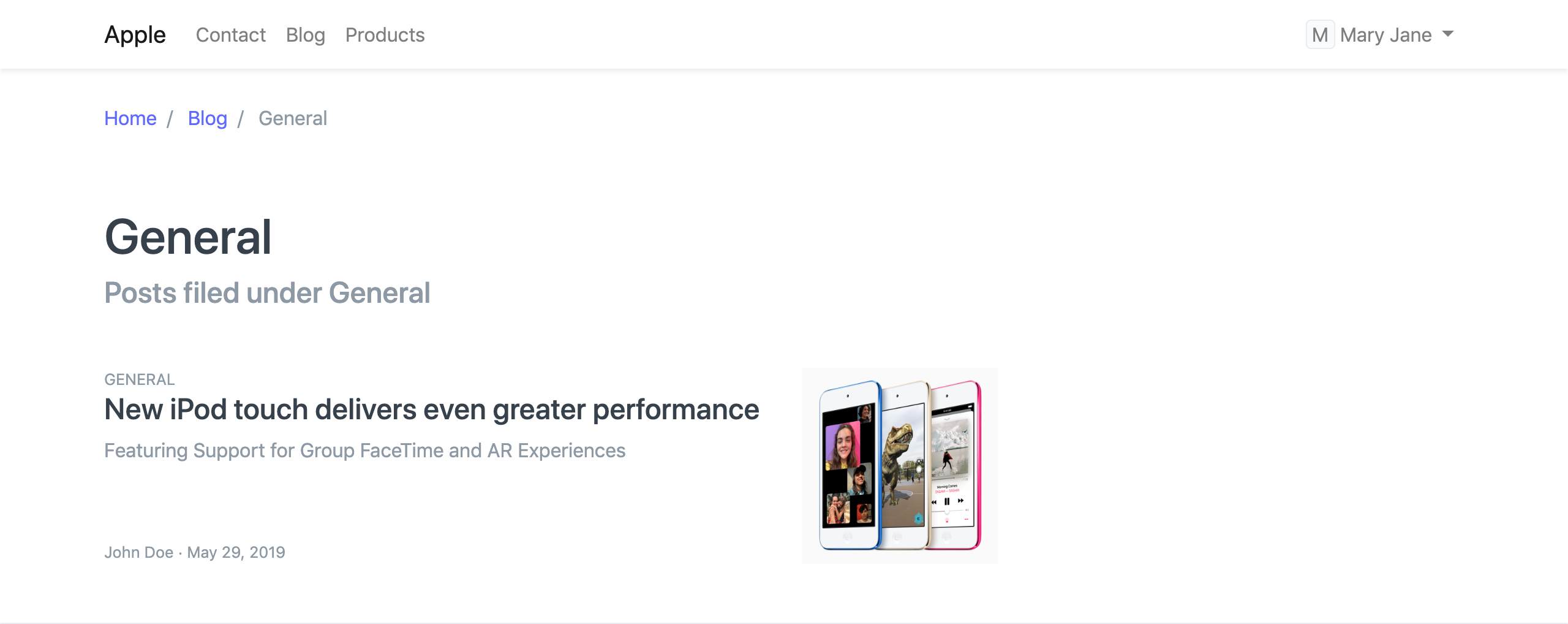
You will be sent to a list of blogs in that category if you click View on Website in the sidebar.
2.3 Meta Tags
Meta tags are HTML tags that inform a search engine or social media site about a page and its content. A webpage's description is provided in a meta description.
The meta description tag in HTML will look like this:
You may add the meta description and image for your blog post under the SEO area. In the event that Google lists the blog as a search result, ERPNext will produce a preview of the blog.
The blog introduction or the first 140 characters of the blog will appear as the meta description if you leave this field empty. The first image in the blog will be chosen if you leave the meta image field empty.
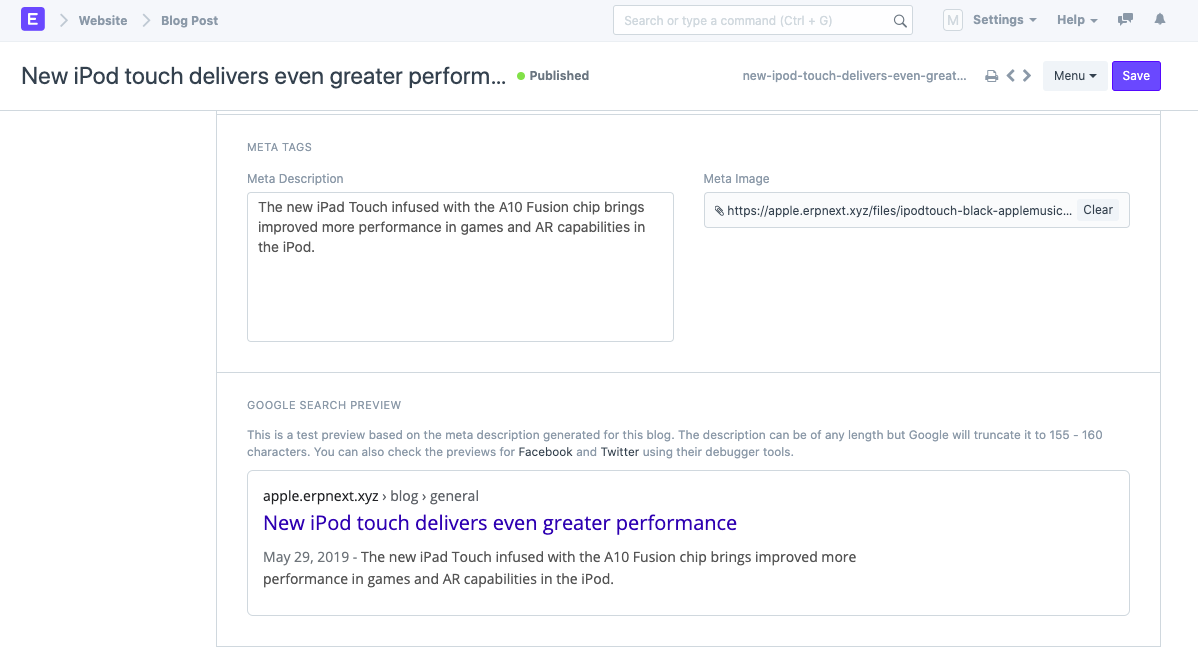
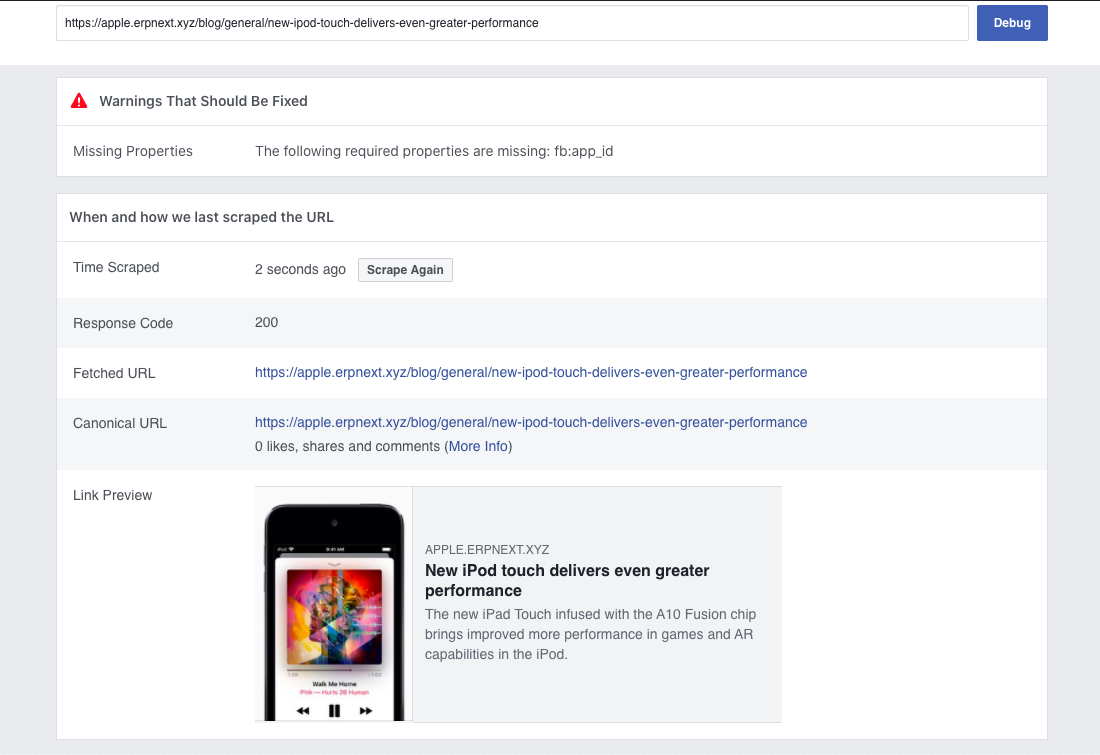
You can see a sample of how the blog will appear when shared on a social media site like Facebook or Twitter when you submit it. Use the debugging tools provided by the platforms to verify this:
Facebook: Sharing Debugger
Twitter: Card Validator
LinkedIn: Post Inspector
Enter the website or blog link into the tool to view the post preview: