Applying a Discount
Applying a Discount
In a sales transaction, there are various ways to apply a discount on a product. This is possible in all sales and buy agreements.
1. Discount on Price List Rate of an item
Click on the downward pointing arrow on the right-hand side of a row to access the Discount field in the Item table of a transaction. A discount can be provided as a fixed dollar amount or as a percentage off the item's price list rate.

Any sale or purchase transaction can use the Discount (%) function.
Use a "Pricing Rule" instead if you wish to consistently apply a discount (as a percentage) for a specified quantity. To learn more, consult the Price Regulation documentation.
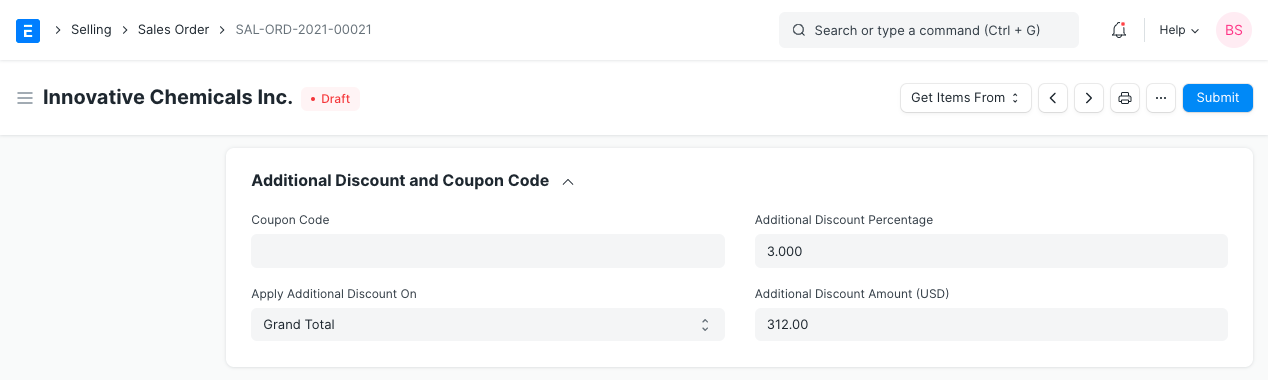
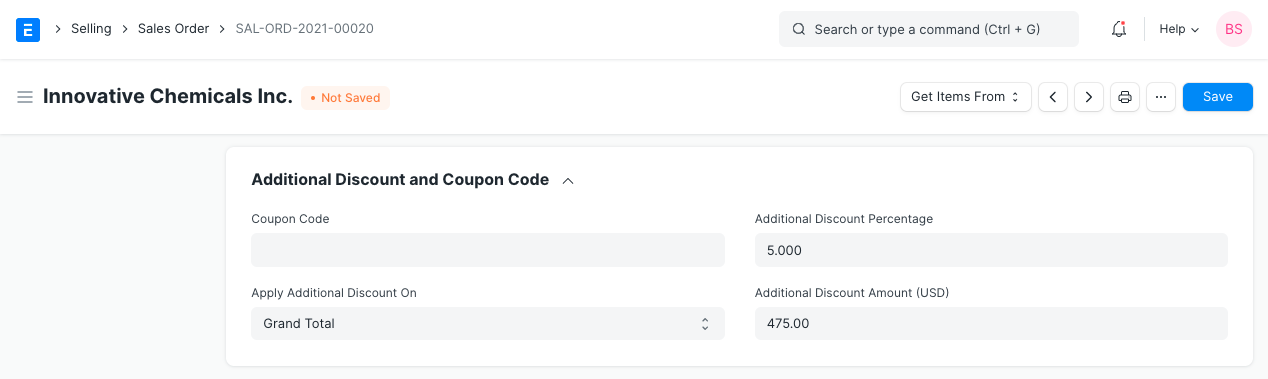
2. Discount on Net Total or Grand Total You can apply a discount as a set amount or a percentage on the total amount of the Sales in the "Additional Discount" section (of a "Sales Order" or "Sales Invoice") alike.
2.1 Discount on "Net Total"
If a discount is applied to the net total, the net rate and net amount of each item are computed according to the discount amount. Only if the discount is applied using this feature will the Net Rate and Amount field be visible.

2.2 Discount on "Grand Total"
By applying a discount based on the grand total, the item's net rate, net amount, and taxes are all recalculated according to the discount amount.