Setting up "Buy 1 Get 1 Free" Pricing Rule
Setting up "Buy 1 Get 1 Free" Pricing Rule
A pricing rule outlines the terms under which discounts were given to specific items.
The methods listed below can be used to create a pricing rule for a "Buy 1 Get 1 Free" promotion:
1) Click New under Price Rule List.
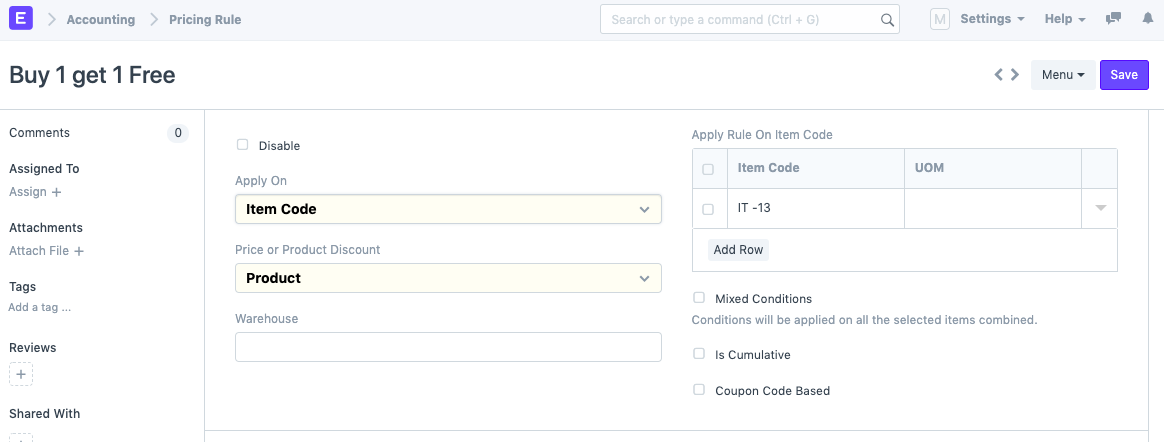
2) Under the "Apply Rule on Item Code" table, choose the item whose purchase will result in a free item. Choose the product discount as well.
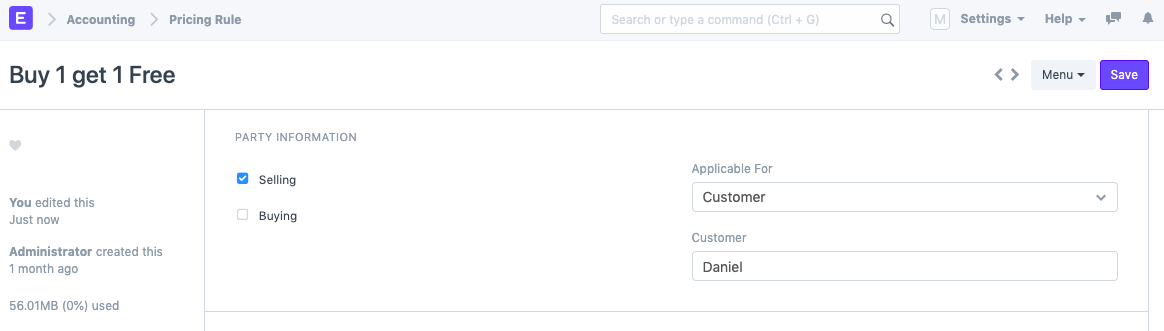
3) Choose the Party Details (if needed). Depending on the requirement, you can leave this field empty or choose "Selling," "Buying," or both.
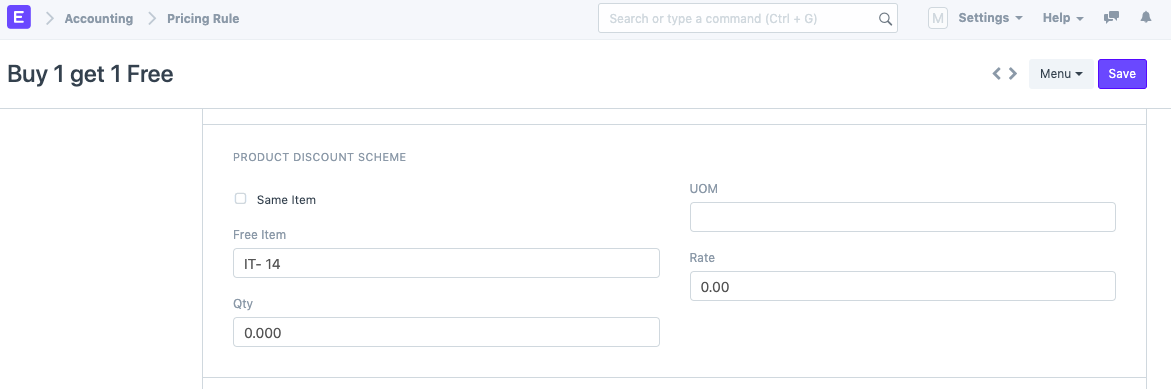
4) The details on the free item must then be configured under the "Product Discount Scheme" section. There are two possibilities in this instance:
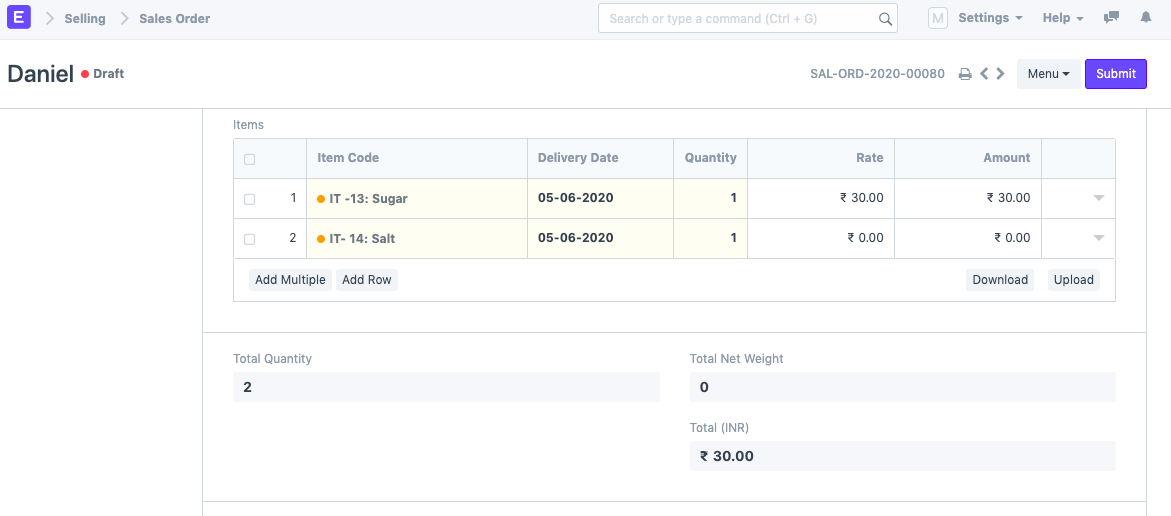
a) A free thing is a unique item. For instance, when you buy a packet of sugar, you also get a packet of salt for free. Choose the Salt item code in this situation since it is the free item.
b) The same thing is offered for free. For instance, if you buy one packet of sugar, you get a second one for free. Choose the "Similar Item" checkbox in this situation.
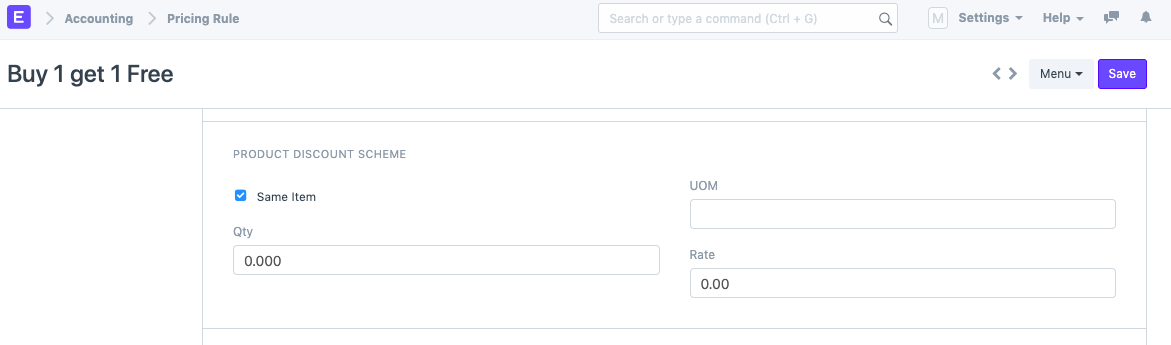
If necessary, you can also set the Qty, Rate, and UOM.
Preserve the pricing rule, please.
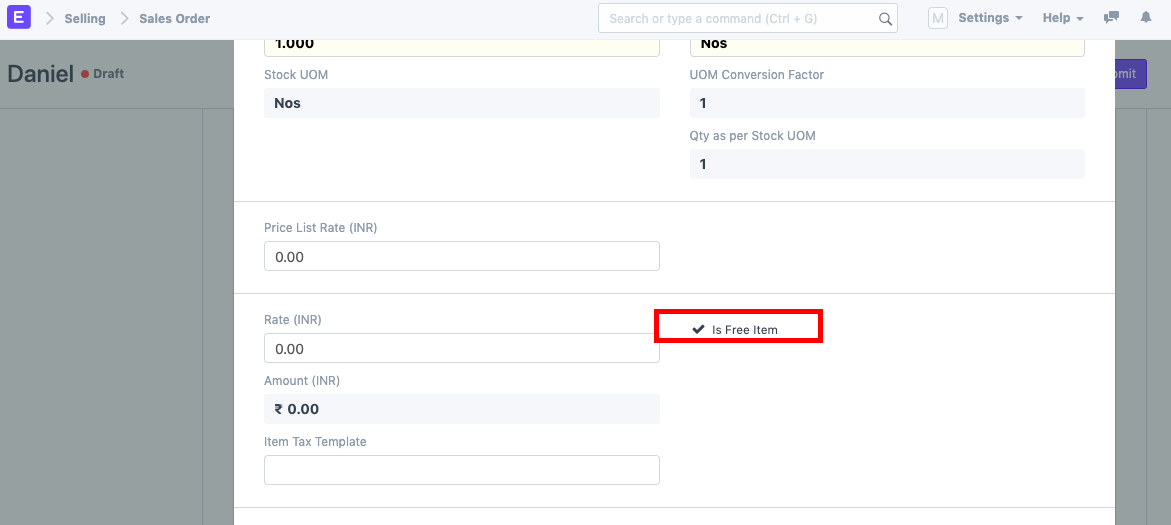
6) Construct a purchase order or sales order (depending on the rule). The second item is immediately fetched with rate 0 upon selection of the first item.
a) Two goods marked "Buy 1 Get 1 Free."
b) "Buy 1 Get 1 Free" on the identical product.
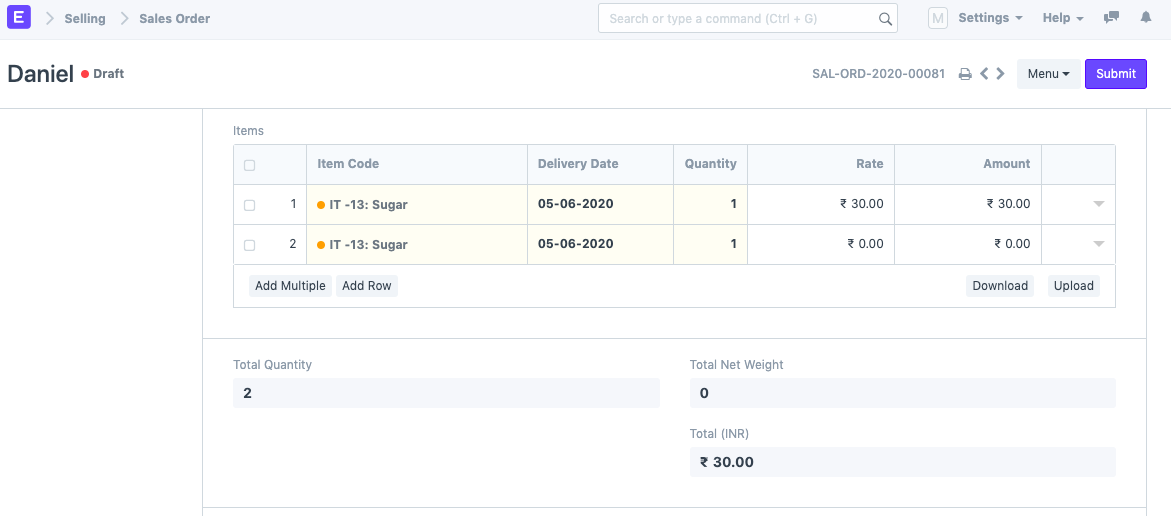
b) "Buy 1 Get 1 Free" on the identical product.