Set Current Value for Naming Series
You can define a prefix for a document's name using the Naming Series feature. For instance, the series will be created as SO-00001, SO-00002, etc. if a sales order has the prefix "SO". To find out how to alter the Number Series for a transaction or master in Geer ERP, click here.
1. Setting the Current Value
Additionally, the Naming Series tool allows you to set the Current Value for a particular prefix. If you have recently begun using Geer ERP and have old transactions in the old system, you will typically need to do this if you want the numbering series to begin where it finished in the old system. To further understand this, let's think about an example.
As an illustration, your old system generated 322 Sales Orders, with SO00322 serving as the highest Sales Order Id. When #323 is saved in Geer ERP, the first Sales Order must take it up. You must set the Current Value for SO series in the subsequent steps in order to enable this.
Go to Naming Series Tool
System settings > Naming series
Update Series Section
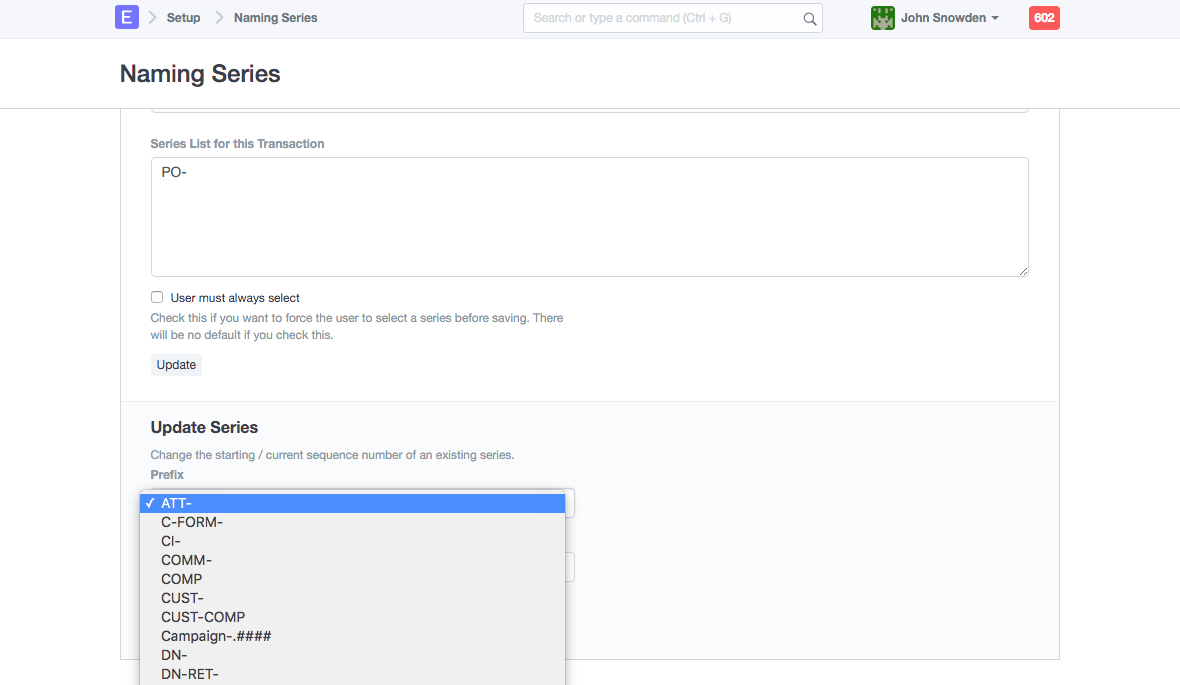
Select Prefix
If our scenario holds true, the prefix for a sales order will be "SO."
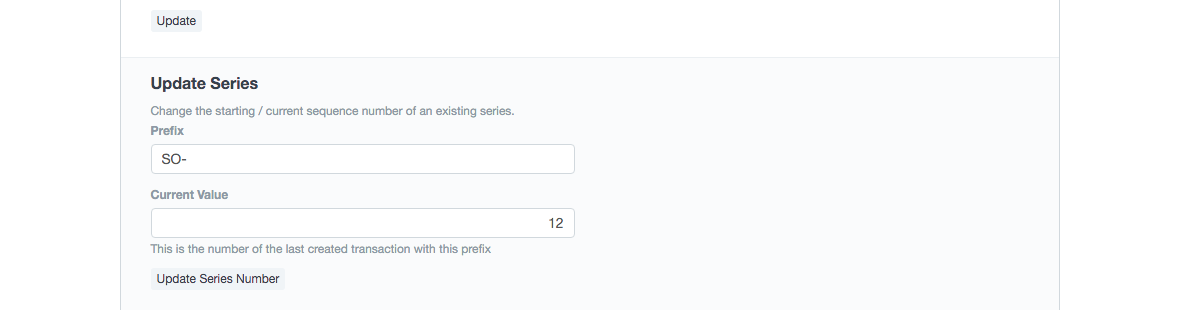
Current Value
The current figure updated in your account will be 12 if you presently have 12 Sales Orders created. After changing the Current Value to 322, select Update Series Number.
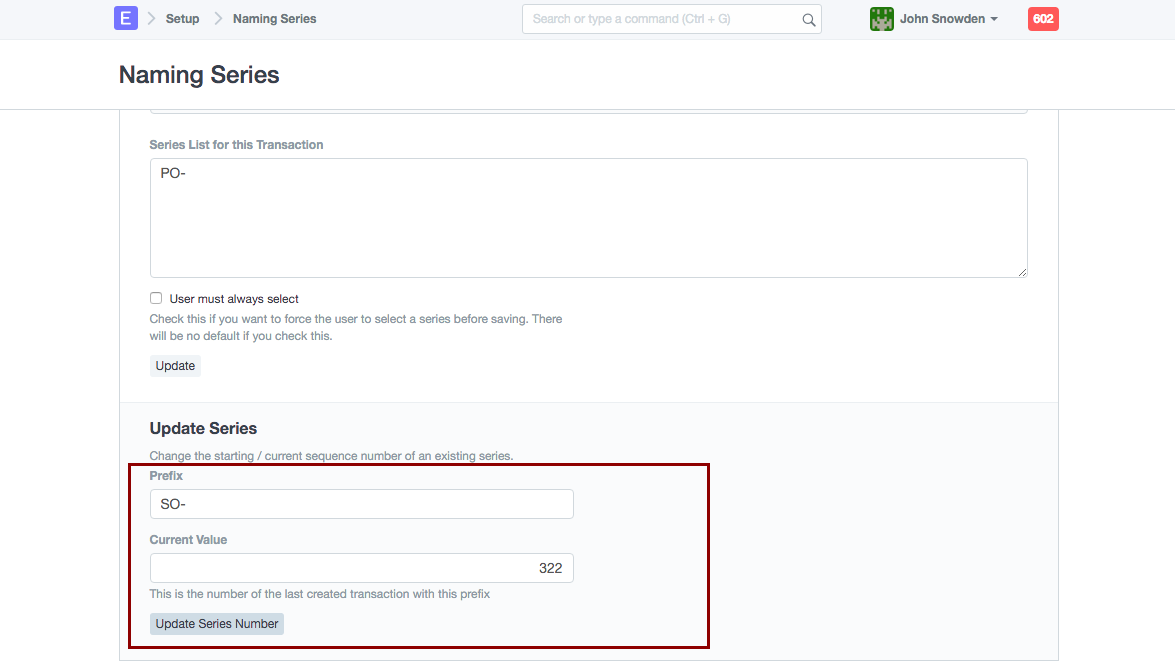
With this setting, the New Sales Orders will have numbers beginning with #323.
2. Error Due Series Number
If you see a duplicate name problem after saving a transaction, as when saving the item price, for instance:
Name duplicate Price RFD/00016 Item
The system is attempting to allocate "RFD/00016" to that item price record when you attempt to save it, according to this error notice. However, it has been discovered that an item price with this ID already exists in your database.
This issue could occur as a result of a disturbed and out-of-synch Current Value for Series/Prefix of Item Price. The current value for this series has been set to 15, even though the actual current value for item price may be 20 (or any number more than 16).
Check the report for the relevant document (in this case, Item Price) and look for the Item Price ID with the highest value to establish the real Current Value for that Series.
Let's say we discover the real Current Value for the Item Price is 22, in which case you would go to Naming Series, set the Current Value for the Prefix/Series of Item Price to 22, and update the Series Number.
These guidelines are relevant to all Geer ERP documents where the user can modify the Series and its Current Value.
To better understand this, let's think about a different scenario. An error notice appears when a document is assigned to a different user.
To do: duplicate name TDI00014286
This suggests that the Todo (TDI) Current Value for Series/Prefix has been affected. The actions below should be followed in order to change the Current Value for the TDI prefix.
- For the highest ToDo id value, check the ToDo report.
- Settings >> Setup >> Series of names
- Check out Update Series part B.
- Choose "TDI" as the ToDo prefix.
- Make that the To Do column's highest number is updated as the current value in the Naming Series. Otherwise, amend Current Value and select "Update Series Numbering".