How to encash unused leaves using Salary Slips
How to encash unused leaves using Salary Slips
By following the steps outlined below, it is simple to convert unused leave into a salary slip for an employee.
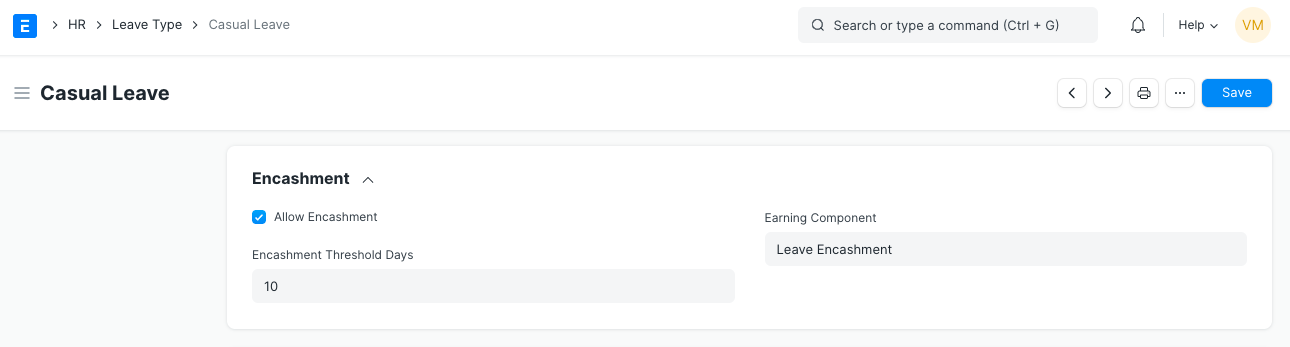
- For the leave type that will be of the encashment type, enable "Allow Encashment."
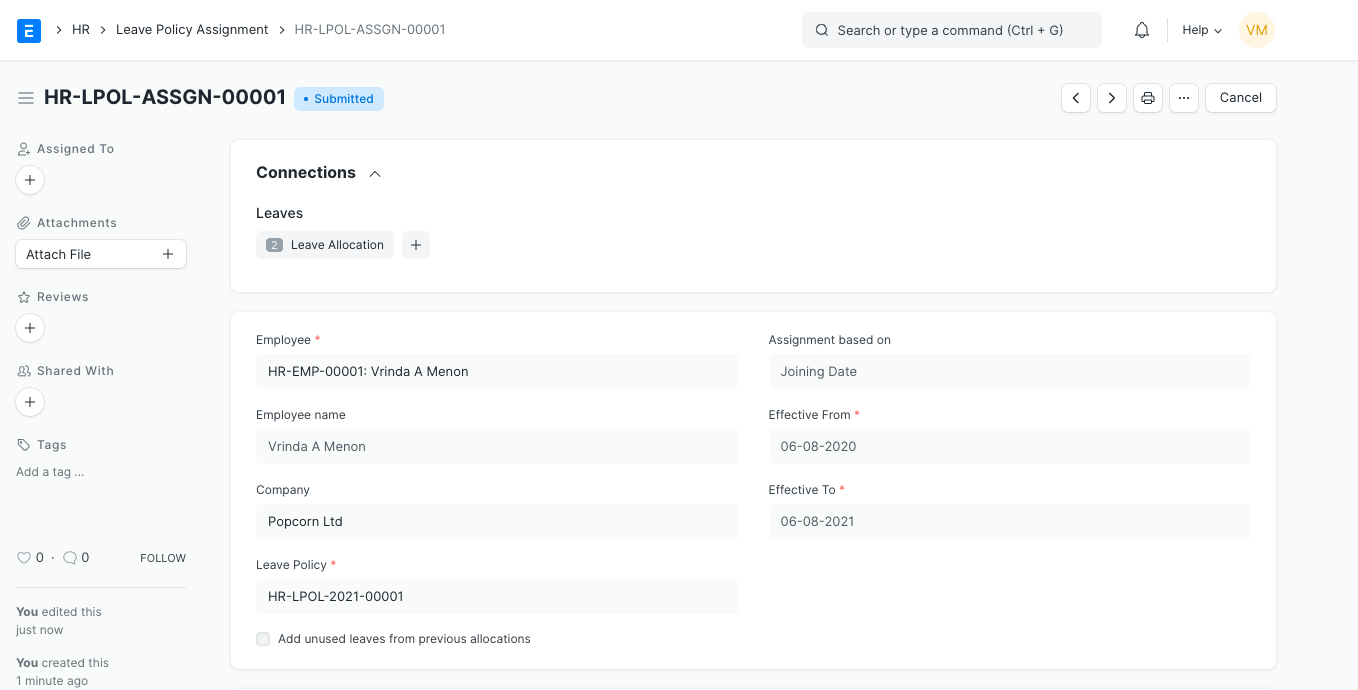
- By navigating to the Leave Policy Assignment page, add it to the leave policy and assign it to the employee you want to create the leave policy for. As soon as the leave policy assignment is "Submitted," leaves will be automatically distributed.
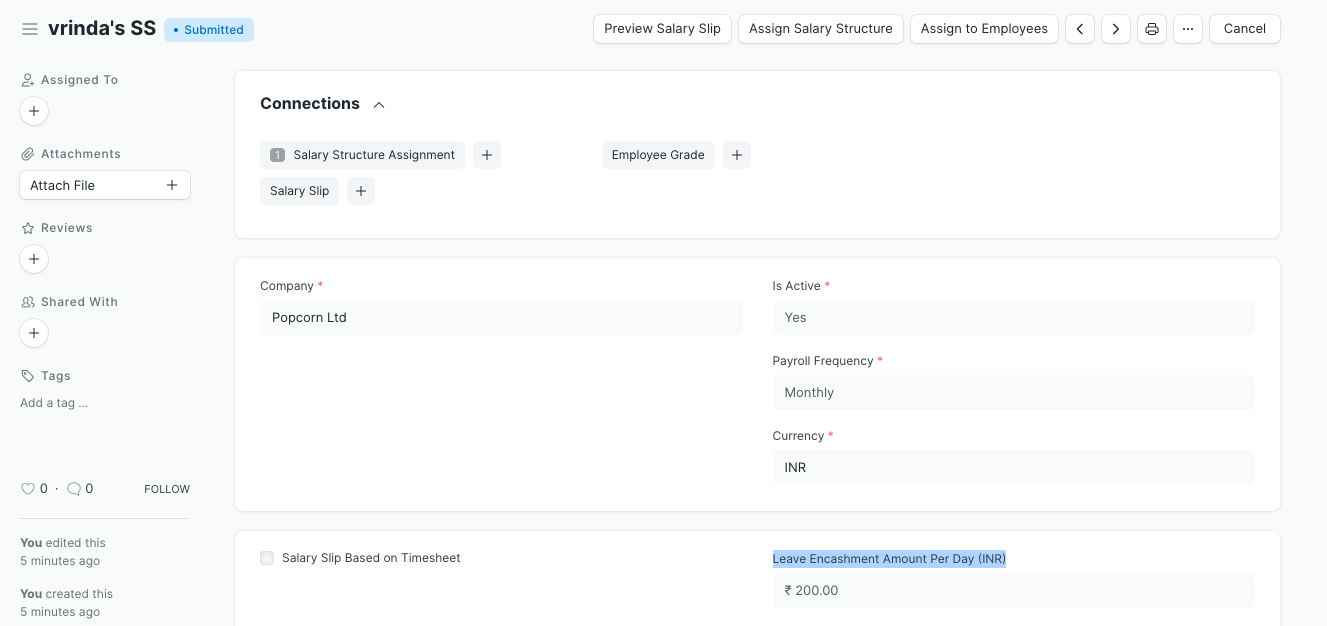
- Ensure that an Employee has a Salary Structure assigned to them and that you have added the "Leave Encashment Amount Per Day (INR)" for that Salary Structure before generating a Leave Encashment using the previously generated Encashable Leave Type.
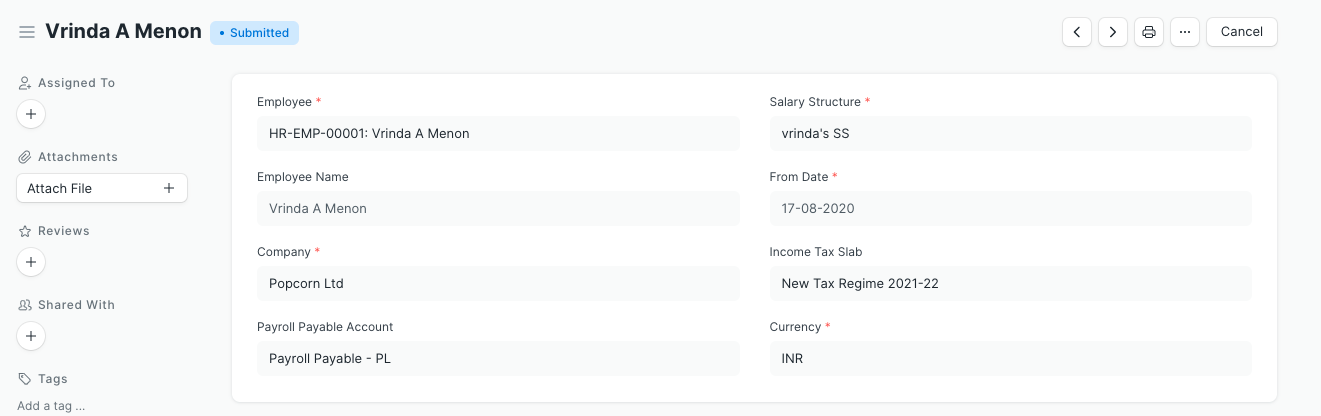
- Give the same Employee the Pay Structure.
- Construct a leave encashment, making ensuring that the date fits within the range of the leave allocation's "From Date" and "To Date."
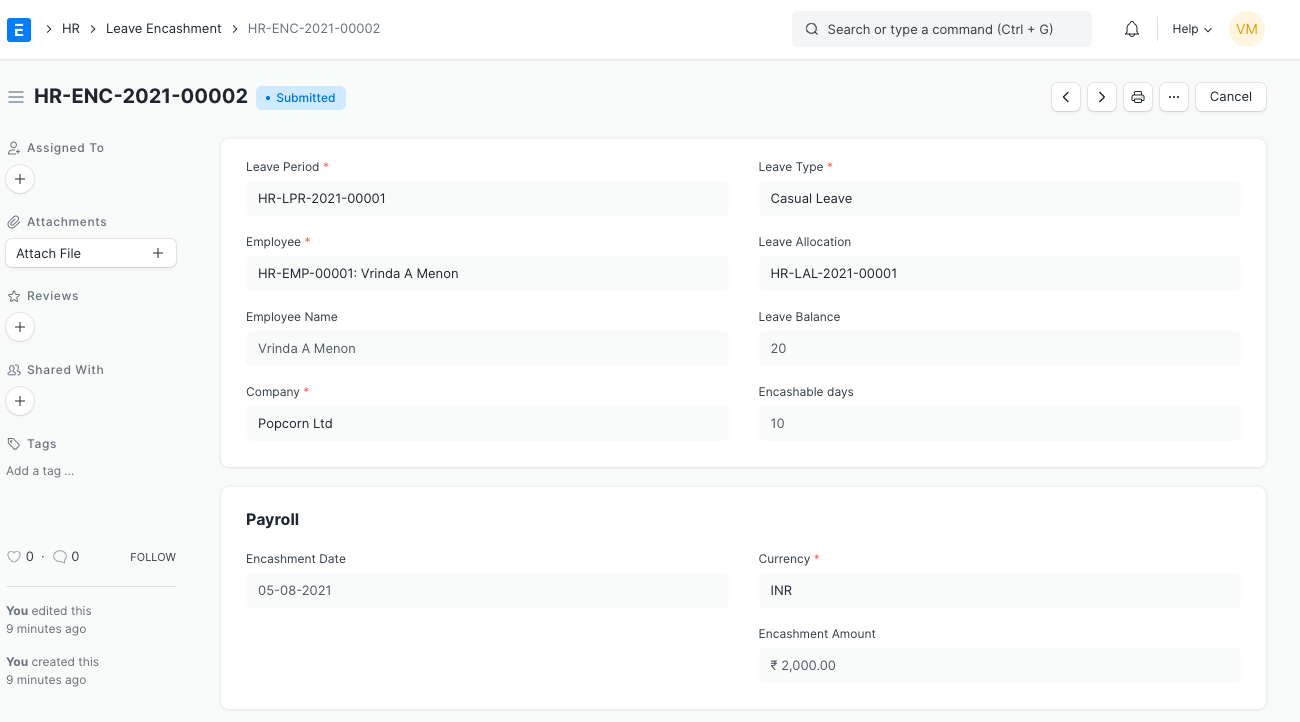
When you save the Leave Encashment DocType, the "Encashment Amount" will be filled in automatically.
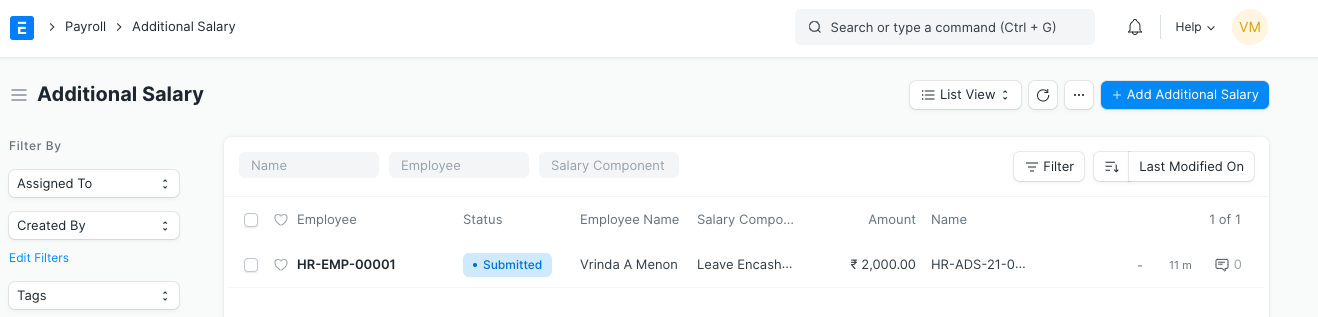
Once the "Encashment Leave" is submitted, an Extra Salary will be instantly produced.
- When the salary slip is created, the leave encashment amount will be included with the other earnings, as indicated below.
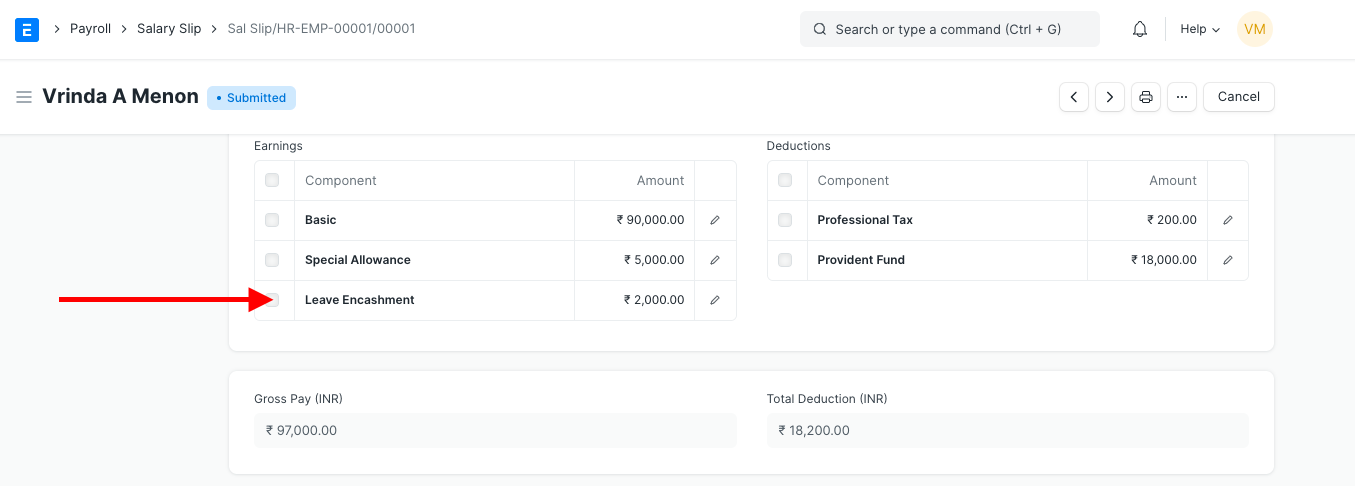
Before submitting the employee's salary slip, you can utilize the "Preview Salary Slip" button to confirm that the encashed leaves are also included in it.