Loans
Loan
Introduced in Version 13
Loan record is the loan account that houses all of the loan-related data.
Loan records serve as loan accounts and contain information about the borrower, their repayment plan, and their payback history. Every loan-related paperwork, including forms for disbursement and repayment, is connected to a loan.
Go to: to see the Loan List list.
Home > Loan Management > Loan > Loan
1. Prerequisites
It is suggested that you first create the following before making and using a loan:
- Loan Security Type
- Loan Security
- Loan Type
- Loan Application
- Loan Security Pledge
2. How to Create a Loan
Go to Loan List and select New.
Choose the applicant type.
Choose the candidate.
If a loan application has been generated for that applicant, choose Loan Application. The Loan record will automatically retrieve all the information from the loan application.
Choose Company.
the date of posting.
Employee applicants should select "Repay from Pay" if the loan will be paid back from their wage.
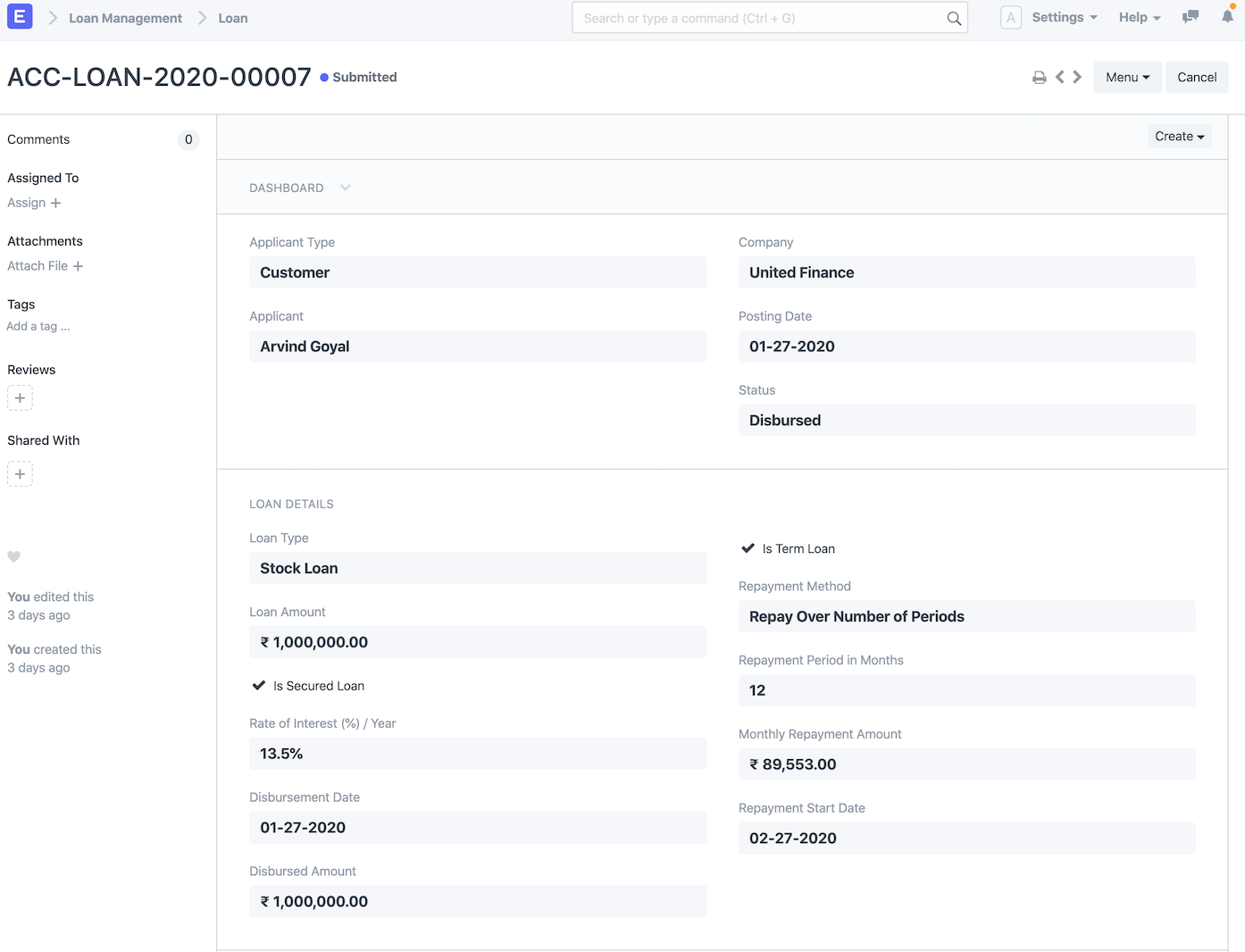
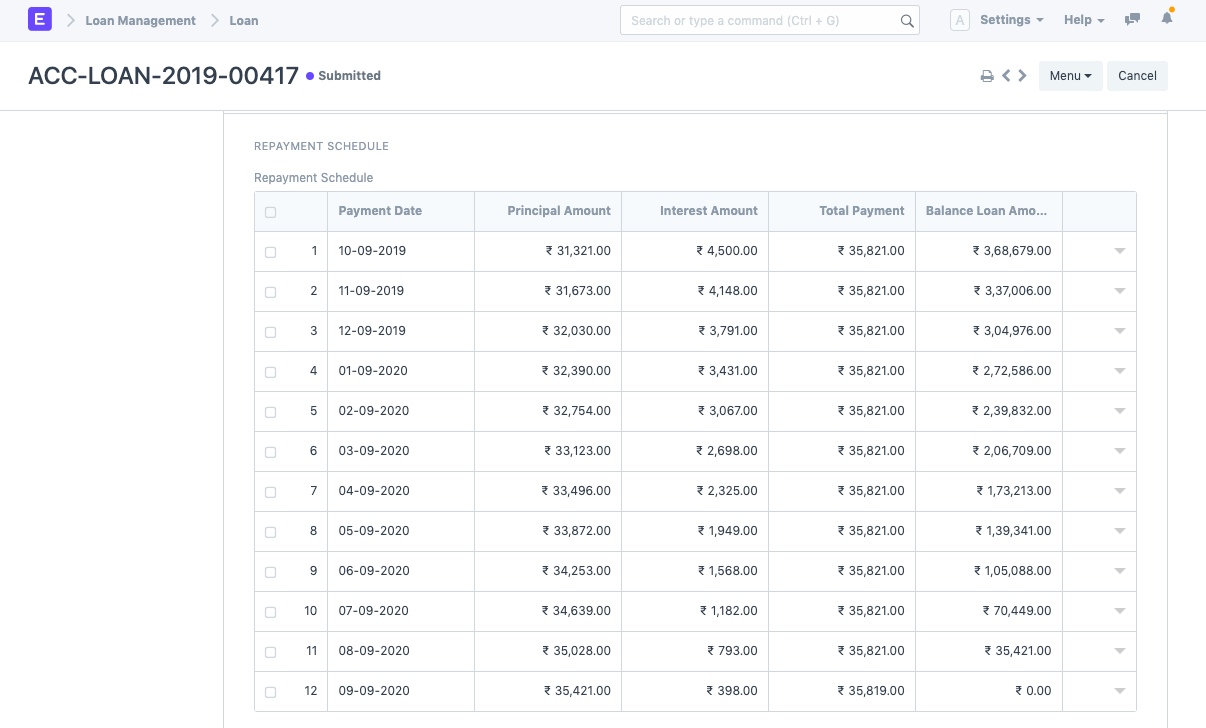
- Kind of Loan. The loan type master will be automatically queried for all loan accounts, payment methods, and other loan information, such as whether the loan is a term loan or a demand loan. On saving the loan document, a repayment schedule will automatically be generated if the loan is a term loan.
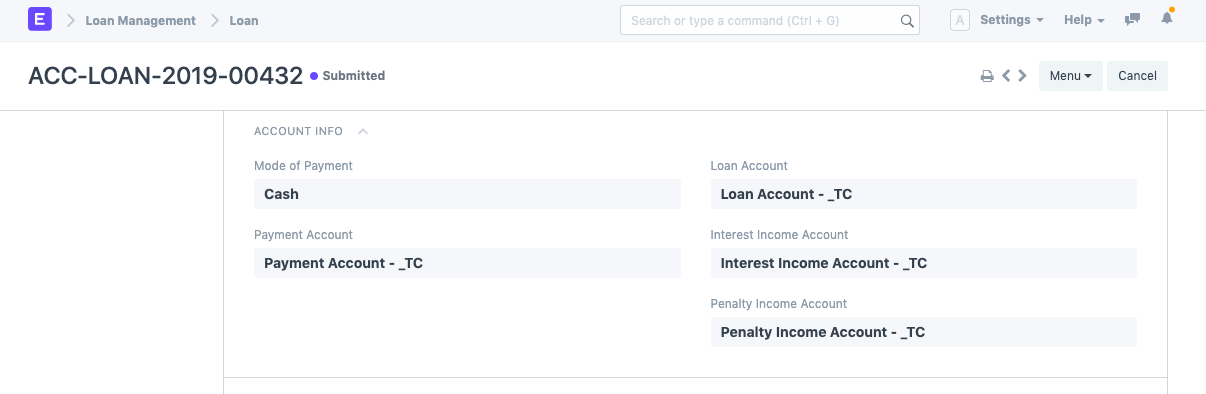
If the loan is a secured loan, see "Is Secured Loan." If the loan is secured, also choose "Loan Security Promise."
To save the Loan draft, click "Save."
To submit the Loan Security Pledge, click "Submit."
The loan amount is prepared to be disbursed after the loan has been submitted.
2.1. Other ways to create a Loan
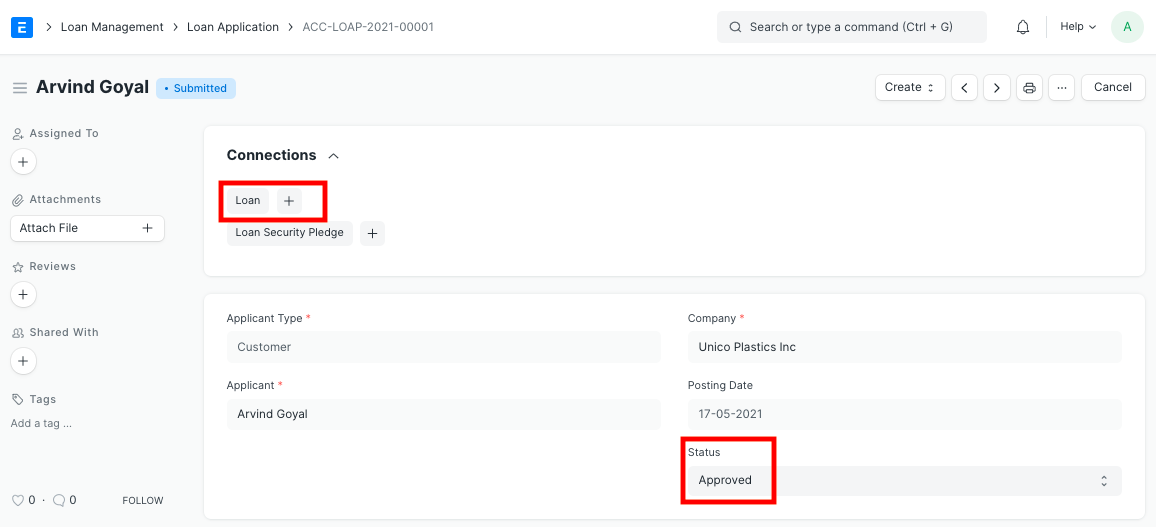
Using the Create button on the top right, you can also generate a Loan from a Loan Application that has been approved.
3. Features
3.1 Creation Of Disbursement Entry
If "Repay from Salary" is not checked after submitting the loan document and the status is "Sanctioned," you can generate a loan disbursement from the loan document by clicking the Create button in the top right corner.
3.2 Creation Of Repayment Entry
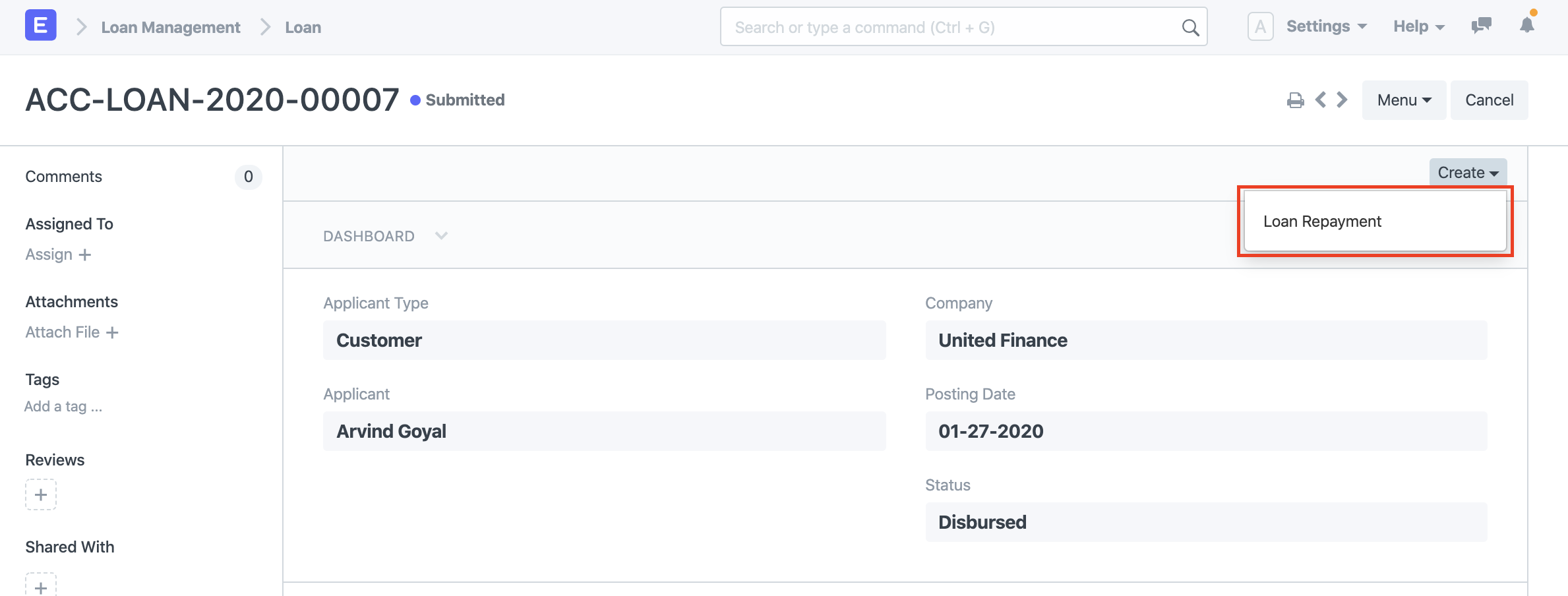
You can make a Loan Repayment from the loan document by selecting the Create button in the top right corner if the loan has been fully or partially disbursed and "Repay from Salary" is not ticked.
3.3 Loan Repayment Deduction from salary
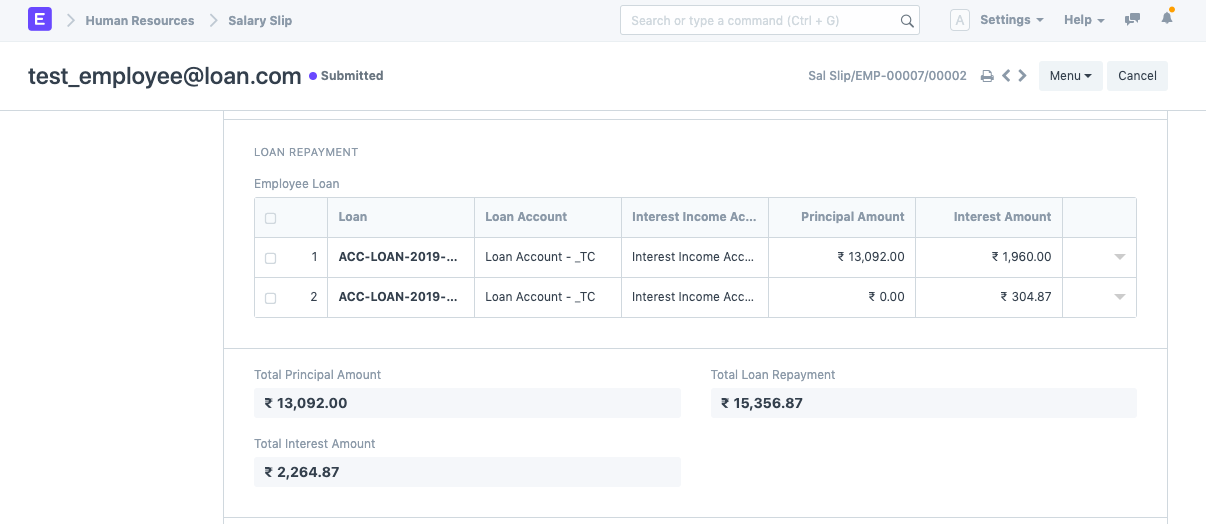
Check "Repay from Salary" in Loan to automatically deduct the loan payments from your paycheck. Loan Repayment will be indicated on the salary slip, and a Loan Repayment record will also be established automatically for it.