Auto Creation of Material Request
Auto Creation of Material Request
You may monitor the level of orders for an item to avoid stockouts. Purchase manager is informed and given instructions to start the buy process for the item when stock level drops below the reorder threshold.
Reorder Level and Reorder Quantity for an item can be updated in ERPNext's item master. You can also alter the warehouse-wise reorder level and reorder quantity if the same item has different reorder levels.
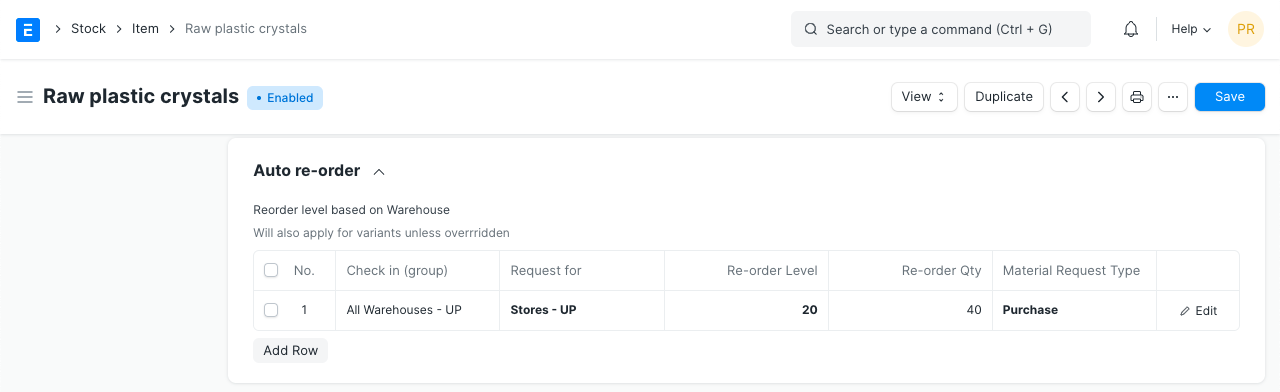
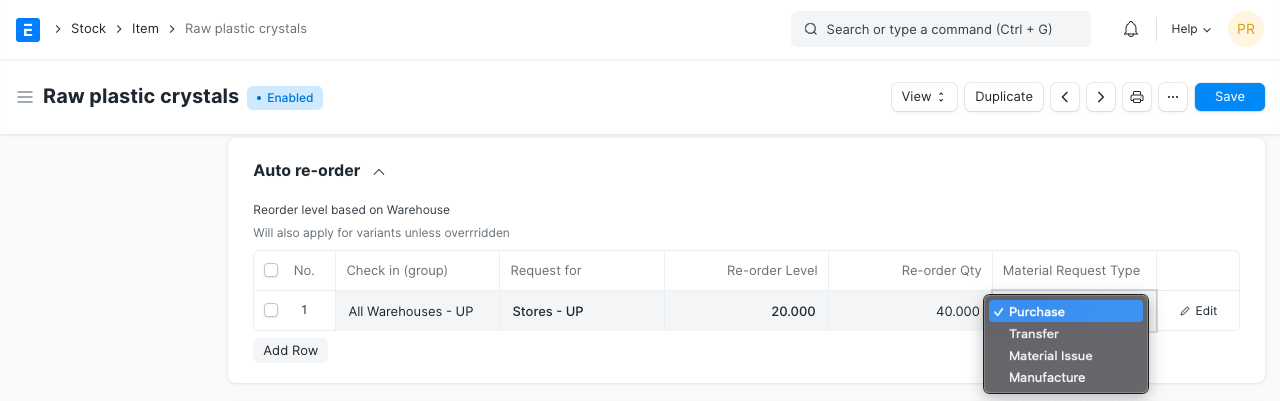
You can also specify what should happen next using reorder level. transfer from another warehouse or new acquisition. The objective of the Material Request will also be changed in accordance with settings in the Item Master.
The automatic creation of a Material Request occurs when an item's stock level necessitates a reorder. This feature can be turned on from
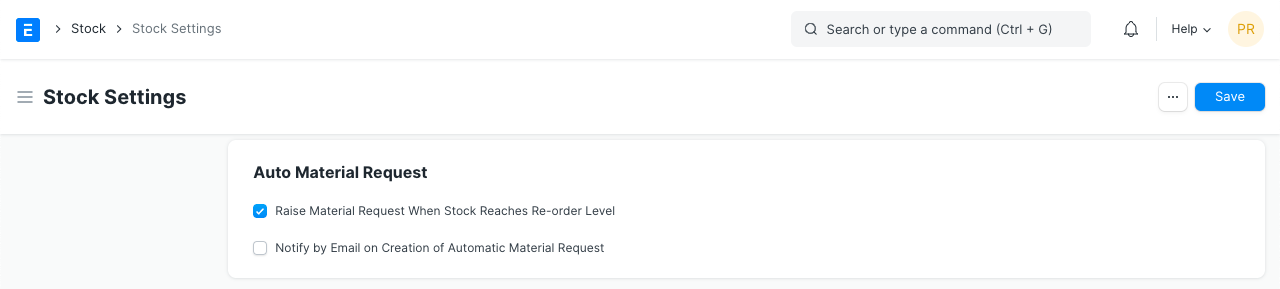
Each item will have its own Material Request made. Email alerts concerning these Material Requests will be sent to users with the Purchasing Manager position.
An error message will be displayed to users with the Purchasing Manager role if the automatic creation of Material Requests fails. The following is one of the most typical error messages:
During the creation of Material Requests based on Re-order level, an issue was encountered for specific Items. 2016-01-04 is not a fiscal year date.
Fiscal Year is another potential source of mistake. To find out more about it, go here.