Land Unit
Land Unit
We must first determine certain specifics on the locations where our crops will be placed. Our farm will be created first as a parent land unit, and one or more fields will be added as nodes or offspring of the parent.
Agriculture > Land Unit
Click the Land Unit icon on the desk at assets/img/new-land-unit-icon.png. Any existing Land Units will be listed.
To build the initial Land Unit, click Create in the top right corner.
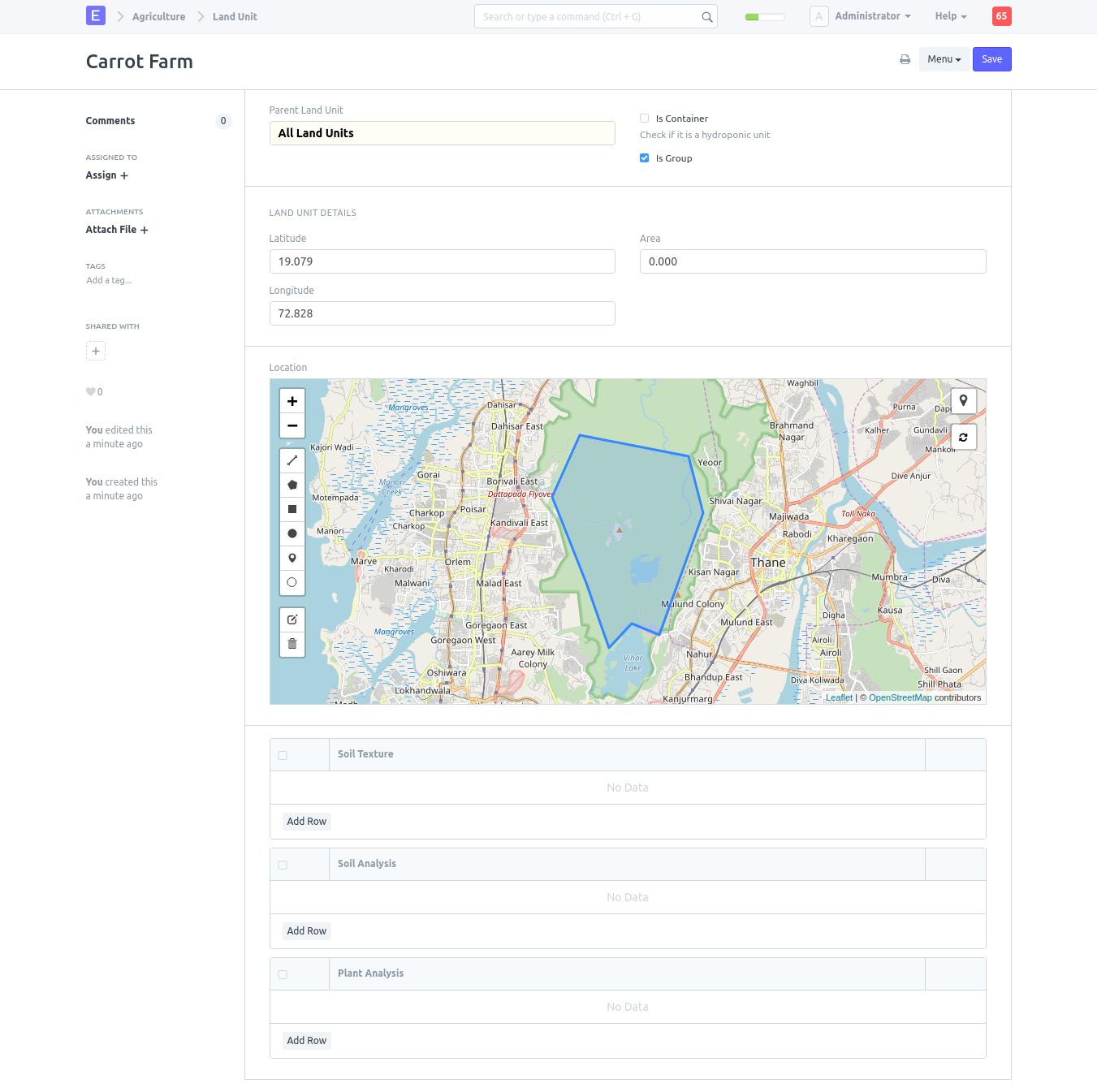
Name of Land Unit: Carrot Farm
All Land Units, as the Parent Land Unit
The "Is Group" checkbox should be selected.
Plot the location as you see fit.
Press "Save"
It should appear similar like this.
Our first carrot field can now be constructed as the farm has been established. Choose New.
Name of the Land Unit: Carrot Field 1
Choose the Land Unit we just built in Step 2 (Carrot Farm) as the Parent Land Unit.
Uncheck the "Is Group" checkbox.
Plot the location as you see fit.
Press "Save"
For as many fields as you require, repeat step 3