Maintain Stock field Frozen in the Item master
Maintain Stock field Frozen in the Item master
The following fields in the item master may have values that are frozen.
Maintain Stock
Has Batch No.
Has Serial No.
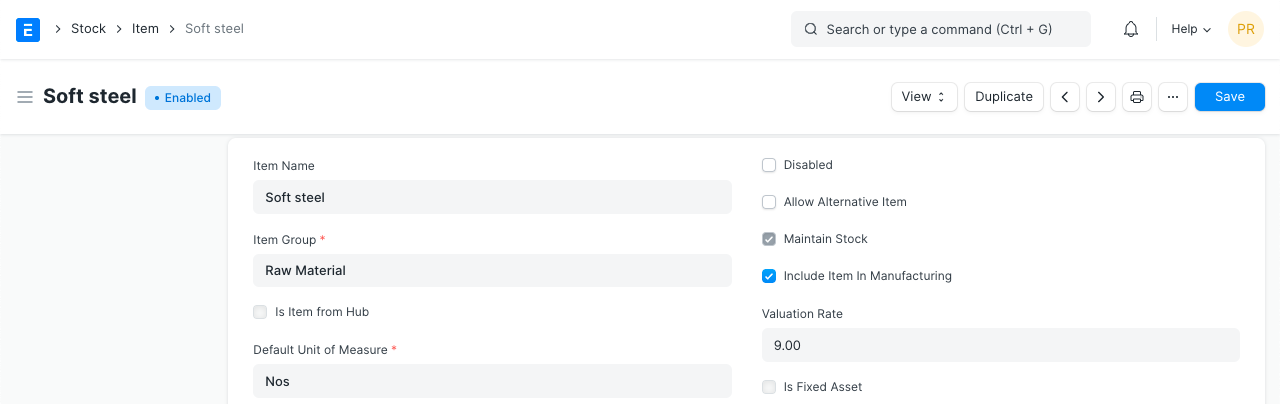
Once a stock ledger entry for an item is made, the values in these fields will be locked. This is done to stop users from altering the value, which would cause an item's actual stock and system stock level to diverge.
Since the stock level of a serialized item is determined on the number of available Serial Nos., changing the item's serialization in the middle of the sync will cause the stock level to be inaccurately displayed in reports. For this reason, the Has Serial No. field has been frozen.
You need to remove all of the stock transactions done for this item in order to make these fields editable once more. You should also remove the Serial No. and Batch No. records for the item that is serialized and part of a batch.