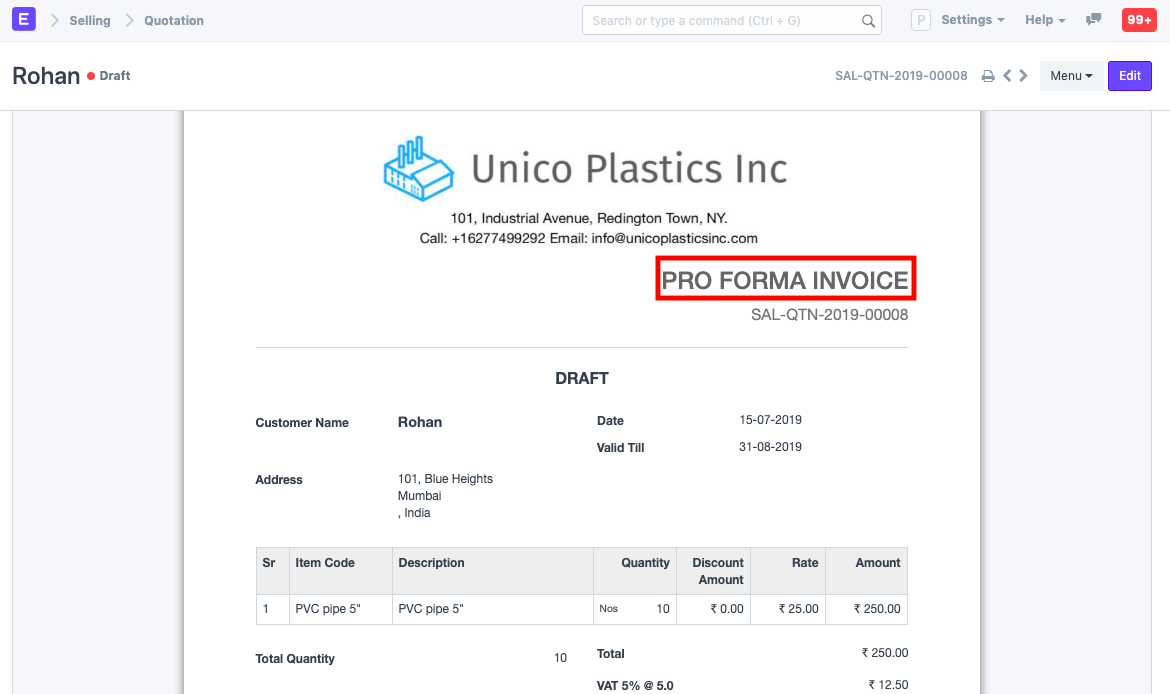
Print Headings
Print Headings are the names/titles you can give your transactions
Sales invoices, supplier quotes, and other similar transactions are among these. A list of names for various business communications can be made.
You can use Print Headings to change a transaction's name so that it appears differently when printed. A quotation may alternatively be referred to as a "proposal," "estimate," or "pro forma invoice," for instance.
Go to: to access Print Headings.
Home > Settings > Print Heading
1. How to create a Print Heading
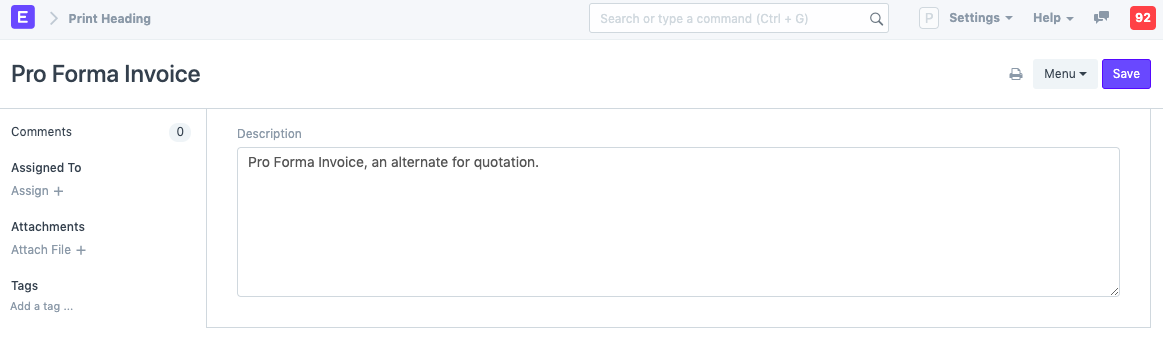
- Go to the Print Heading list, click on New.
- Enter the heading that will appear on the document.
- Save
To use the print heading, choose it in the transaction for the "Print Heading" field as shown below:
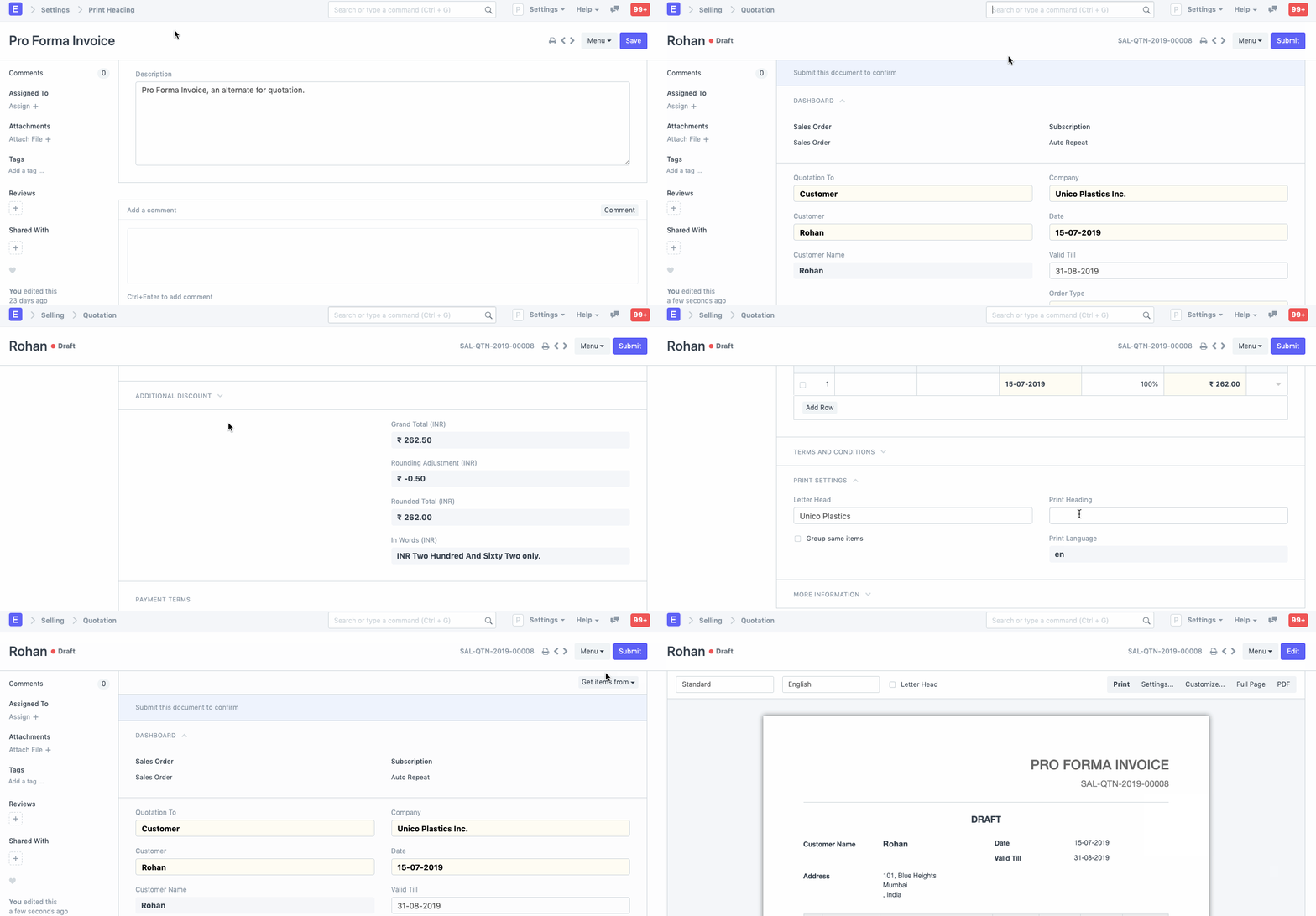
Here is an illustration of a print heading change: