Territory
Territory
A territory is a place where you conduct business.
A territory is used in ERPNext to categorize customers, addresses, financial reports, and to assign sales targets.
Go to: to see the Territorial list.
Home > Selling > Settings > Territory
1. How to create a Territory
Click New from the Territories list.
If this Territory will have sub-territories, check "Group Node." For instance, Paris is a sub-territory of France, which is a group territory.
Save.
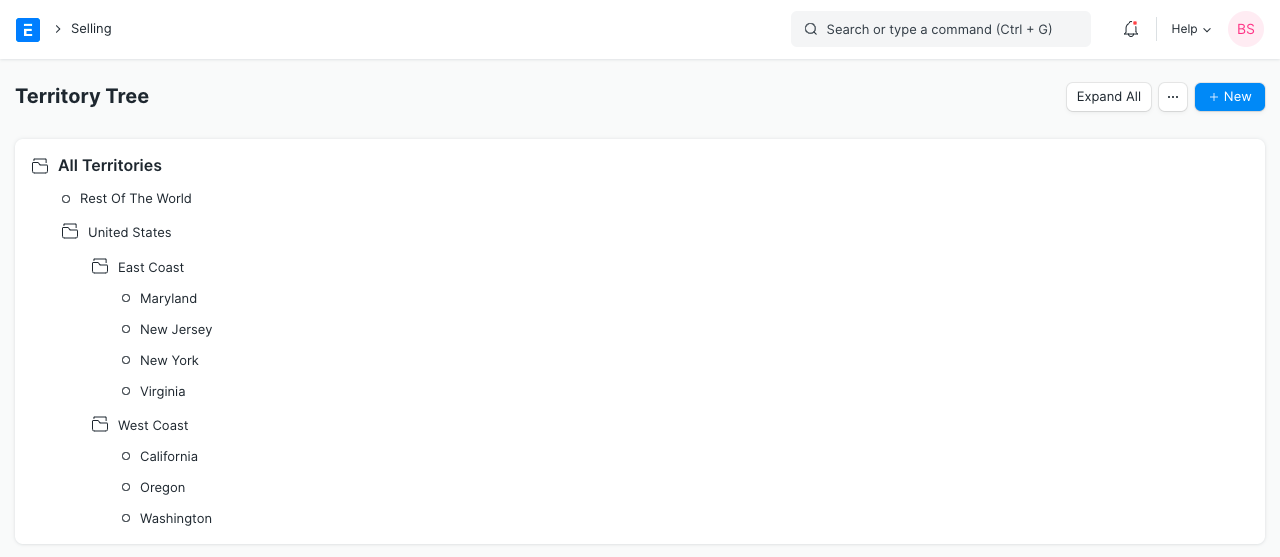
Under a parent territory, more sub-territories might be added. A territory may be chosen in transactions and reports after saving.
2. Features
2.1 Assigning a Territory manager
You may choose a Territory Manager to oversee the sales in this area.
2.2 Setting Sales Targets
Based on the following parameters, you can establish customized sales targets here:
- Item Group
- Fiscal Year
- Target Qty
- Target Amount
- Target Distribution
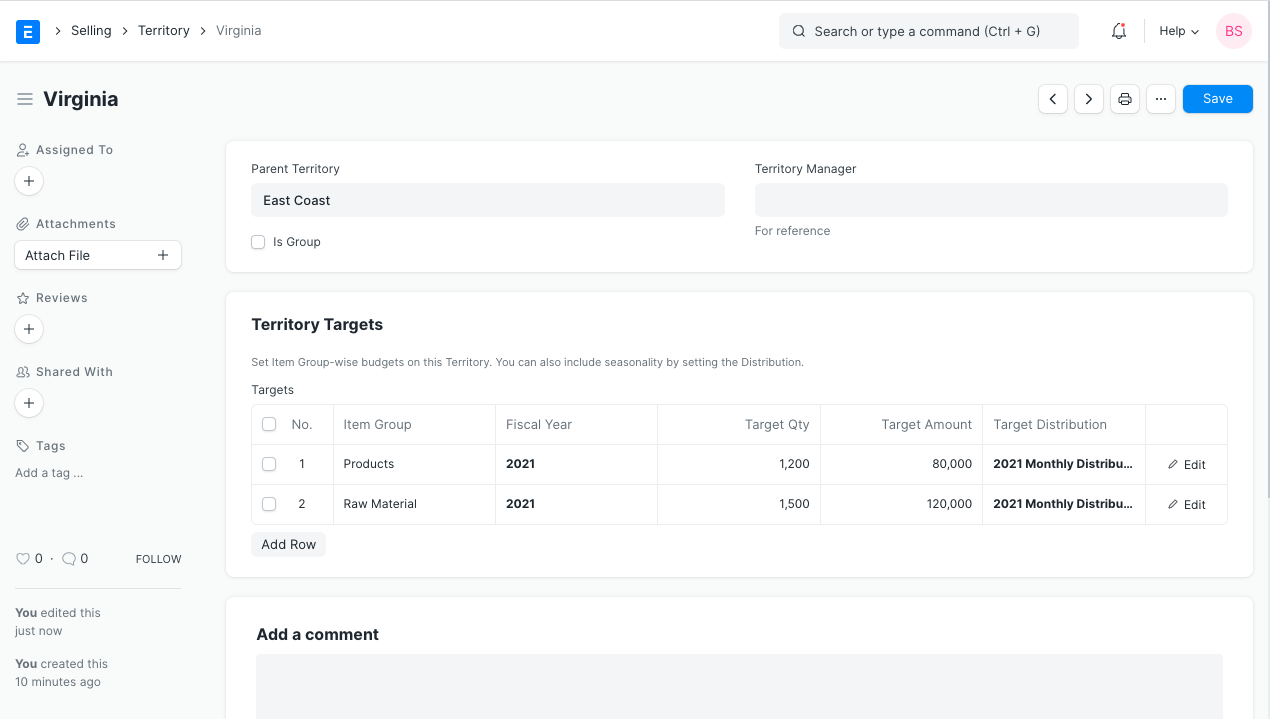
Visit the Sales Person Target Allocation page to learn more about creating sales goals.