Taxes and Charges
Taxes and Charges
For the items listed in the quotation, you can include a shipping rule here. You have two options for including taxes in your quotation: either manually entering the taxes in the Sales Taxes and Charges table or using a Sales Taxes and Charges Template. Below the table, the total taxes and fees will be shown. When you select Tax Breakup, all the elements and amounts are displayed.
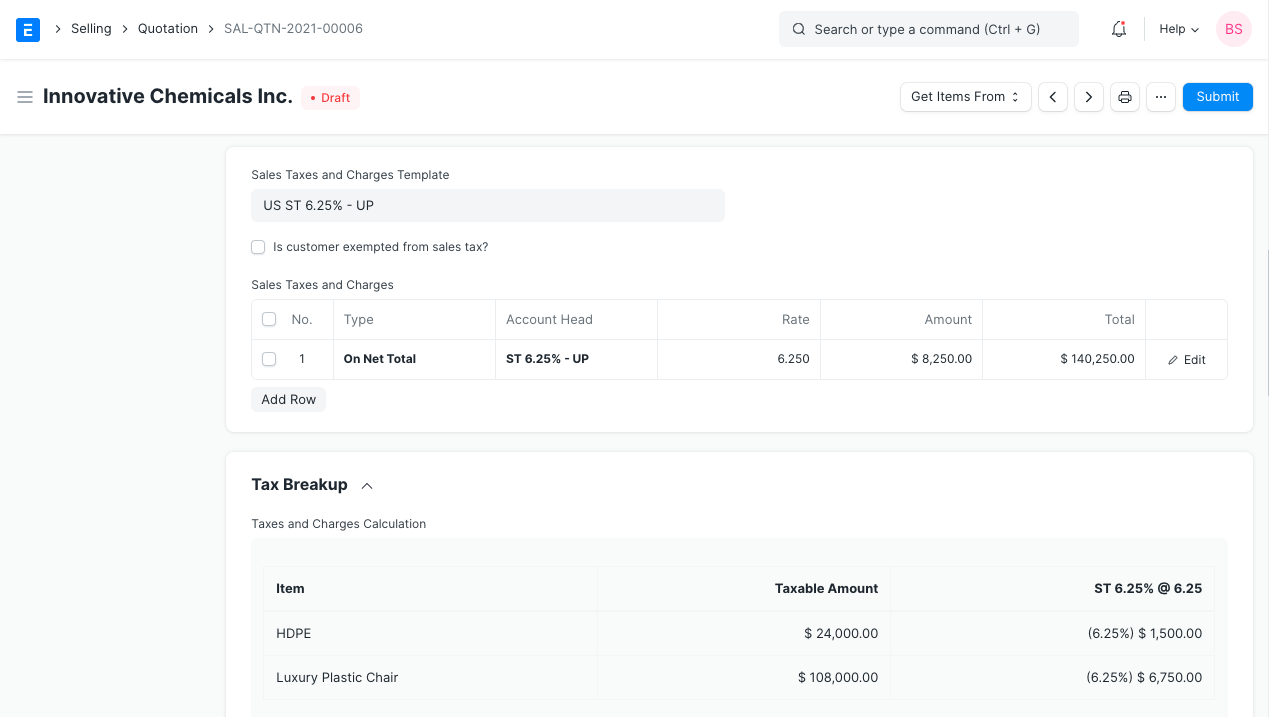
Tax Category Tax Rule and Tax Category are related. This Tax Category may be assigned to a Customer, in which case the Tax Category will be retrieved when that Customer is chosen. With this, you can retrieve the Sales Tax Template associated with the Tax Rule. As a result, the Tax table's rows will be populated automatically. Customers who will be subject to the same tax can be grouped using tax categories. Government, non-profit organizations, businesses, etc.