Global Search
Global search is a powerful word-processing operation in Geer ERP which will help you in searching for a particular Document Type or Document.
You will receive a search result for each combination of a certain word or group of letters.
Using Awesome Bar for Global Search.
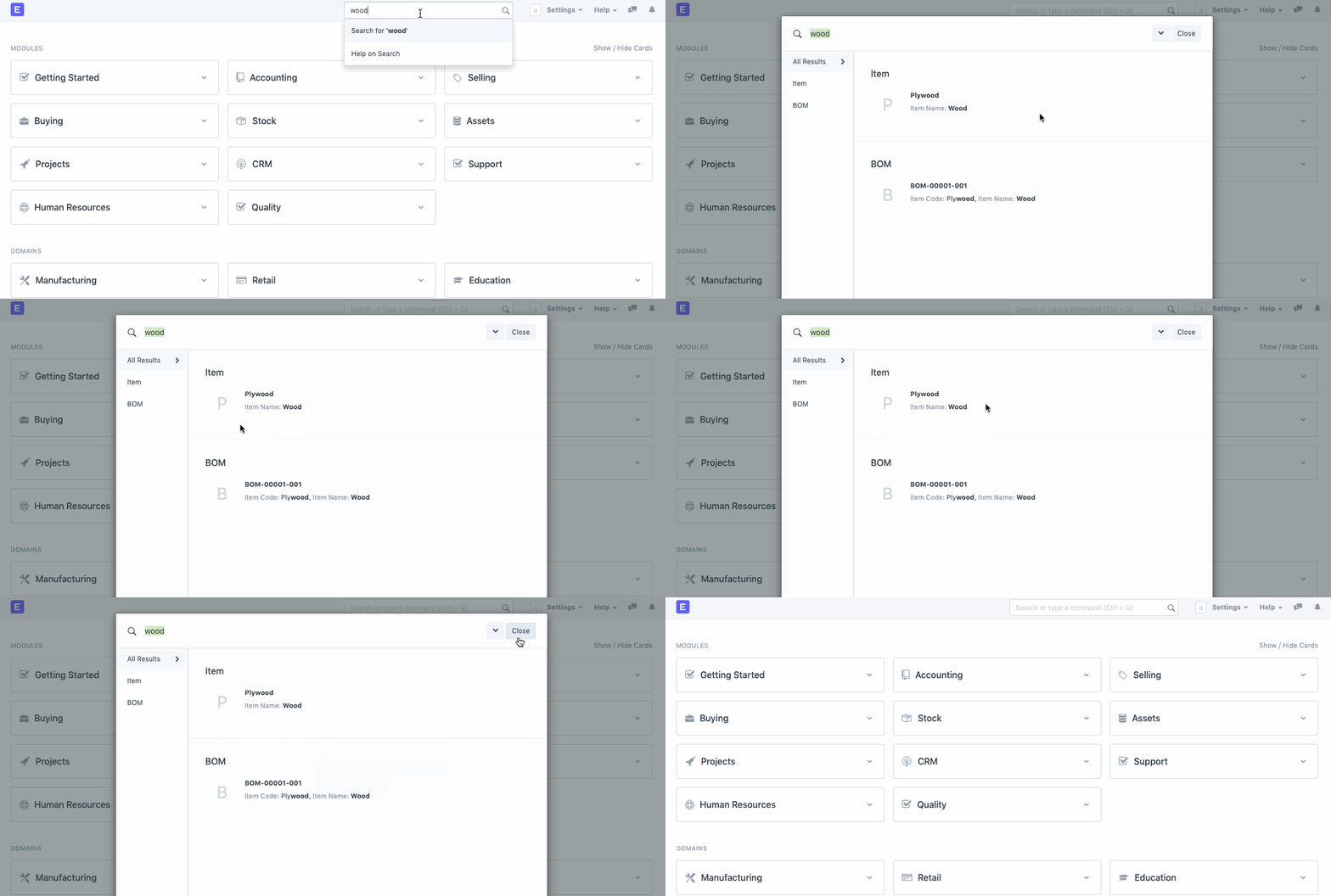
Users can rapidly find information via Global Search. Geer ERP's upper right corner is where you'll find it. The Search Bar will display results from a variety of record kinds (Contact, Customer, Issues, etc.) relating to that keyword when you enter a few characters. The fields that will be used to do the search can also be altered.
Additionally, you can use the & operator to divide up a list of terms to get the outcomes you're looking for. You can use the following instances as examples:
- When "apple & iPod" is entered, documents may be returned where one field has Apple and the other iPod (the vendor and item for the PO).
- The search term "iPhone & iPod" will produce results that include both the item iPhone and the item iPod (child table items).
- Entering "iPhone & black" will bring up items whose descriptions include both iPhone and black (long text field).
- Any documents with the tags foo and bar applied will be returned by the input "foo & bar" (special long text field _user tags).
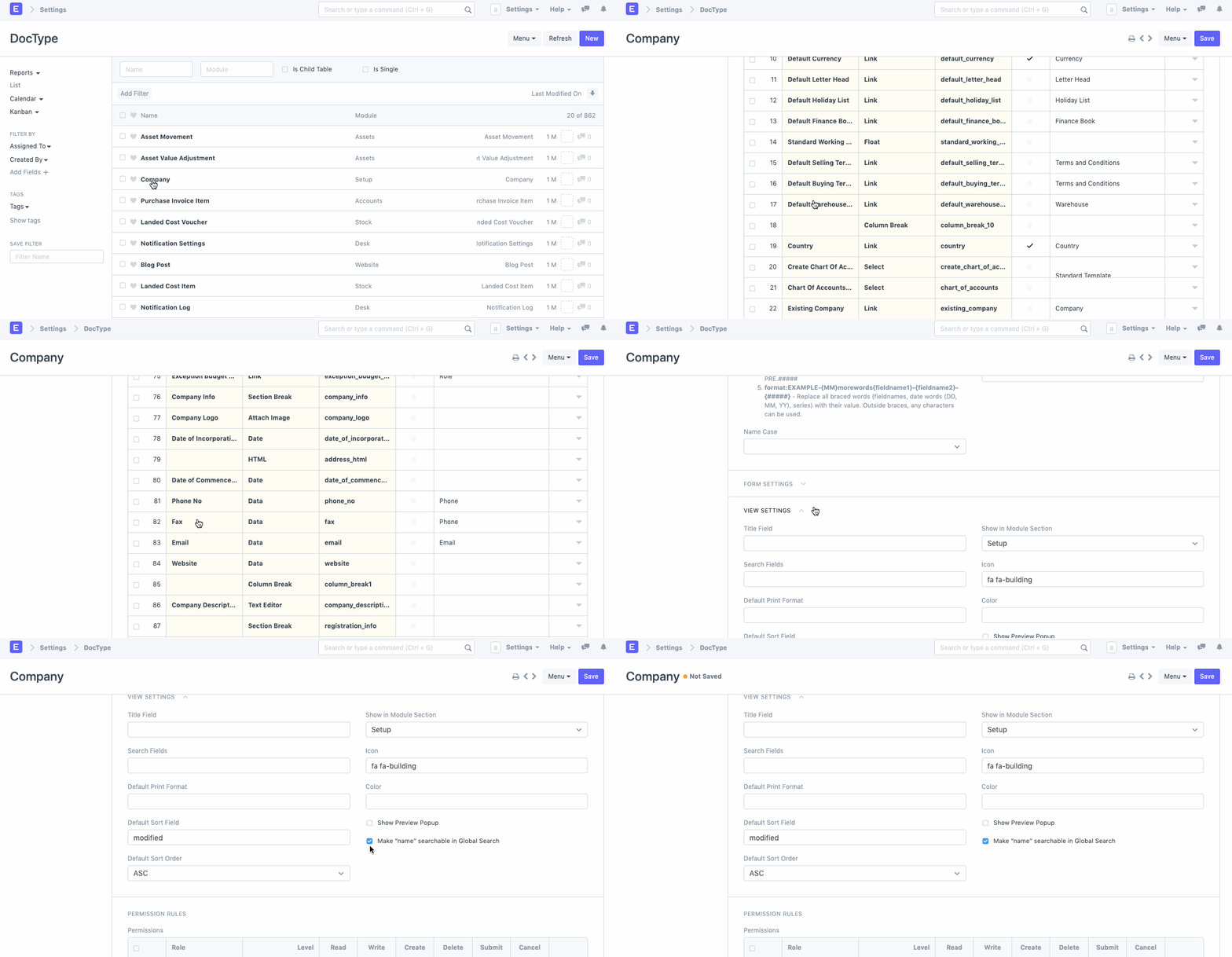
Enable Global Search for fields in a Doctype.