Personal Data Deletion
Geer ERP has Personal Data Deletion as part of GDPR compliance.
Users of Geer ERP can erase their accounts and anonymize all personally identifiable data they have created using the personal data erasure tool. In other words, personally identifiable data will be randomly generated. This includes information from your user account that can be used to identify you individually, such as your username, complete name, birth date, phone number, mobile number, location, interests, bio, and email signature. It also contains information from Leads and Opportunities, as well as information you have saved, such as names, addresses, phone numbers, and mobile numbers.
This does not apply to information that businesses are obligated by law to preserve.
1. How to request account deletion
- Visit [host-name]/request-for-account-deletion (for example, example.erpnext.com/request-for-account-deletion) in the URL box to start erasing users' accounts and personally identifiable information.
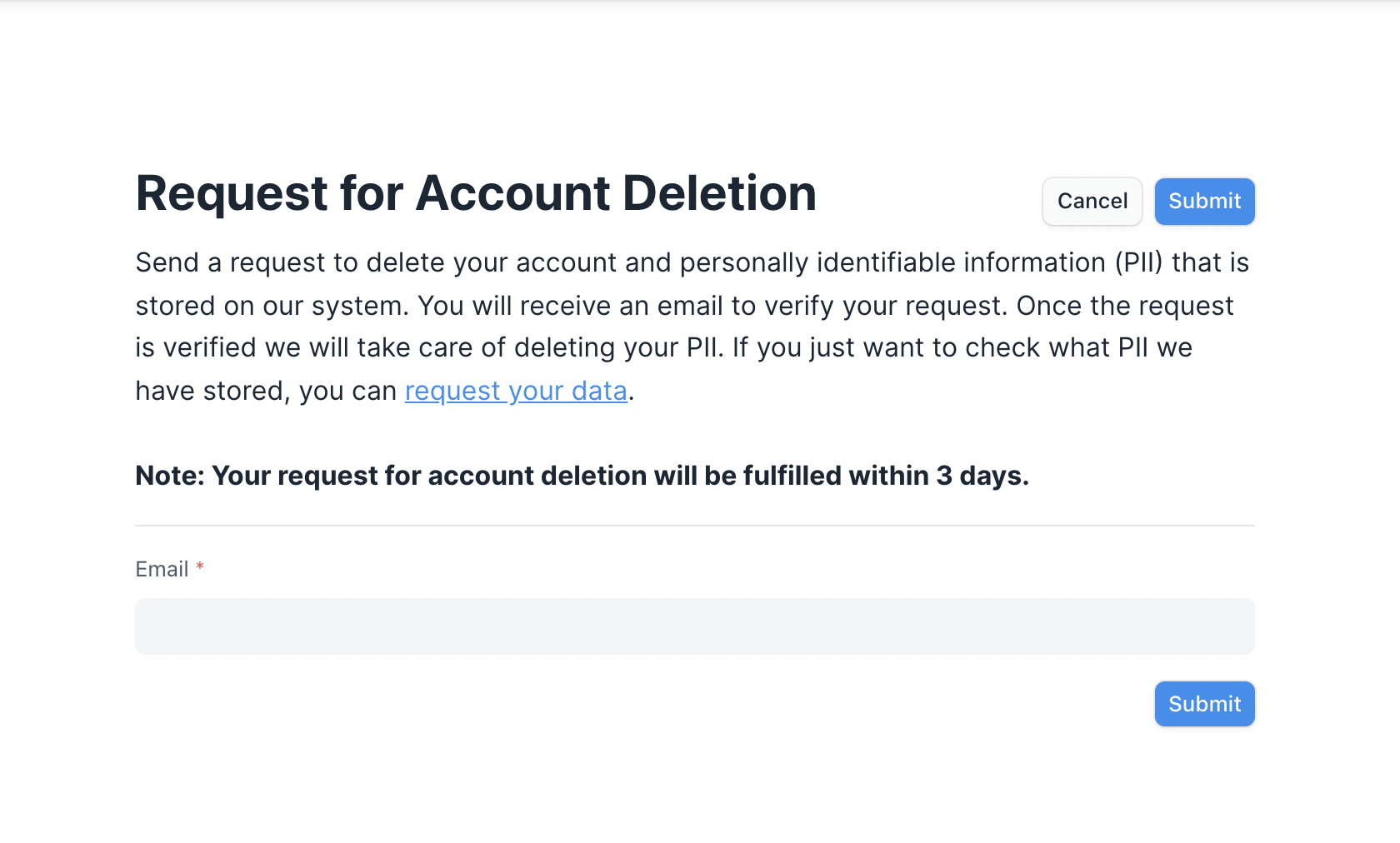
- Please enter the email address connected to your Geer ERP account. Your request will be sent, and you will thereafter get a success response.
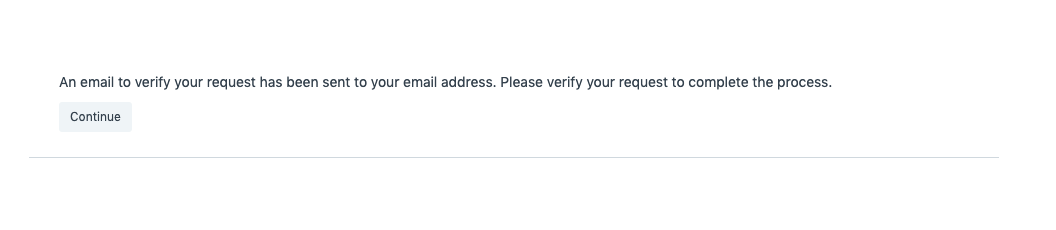
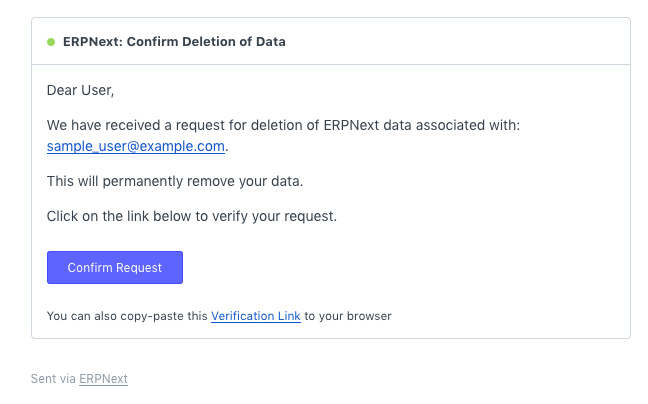
- This will send an email with a verification link to delete data to the email address associated with the user.
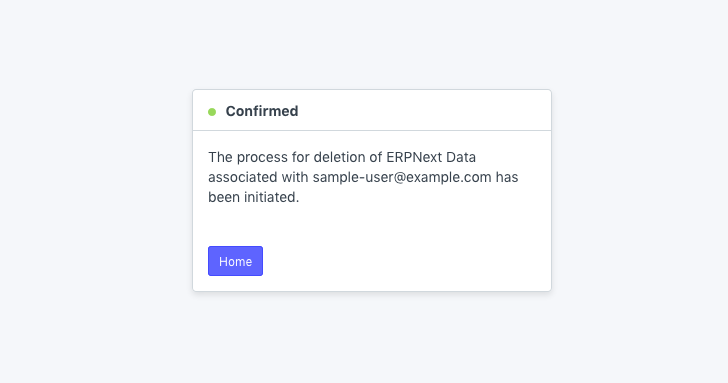
- after the consumer clicks the link for verification. You'll see a confirmation message.
2. How deleting user's personal data works
The "Personal Data Deletion Request" doctype contains a record of the data deletion request.
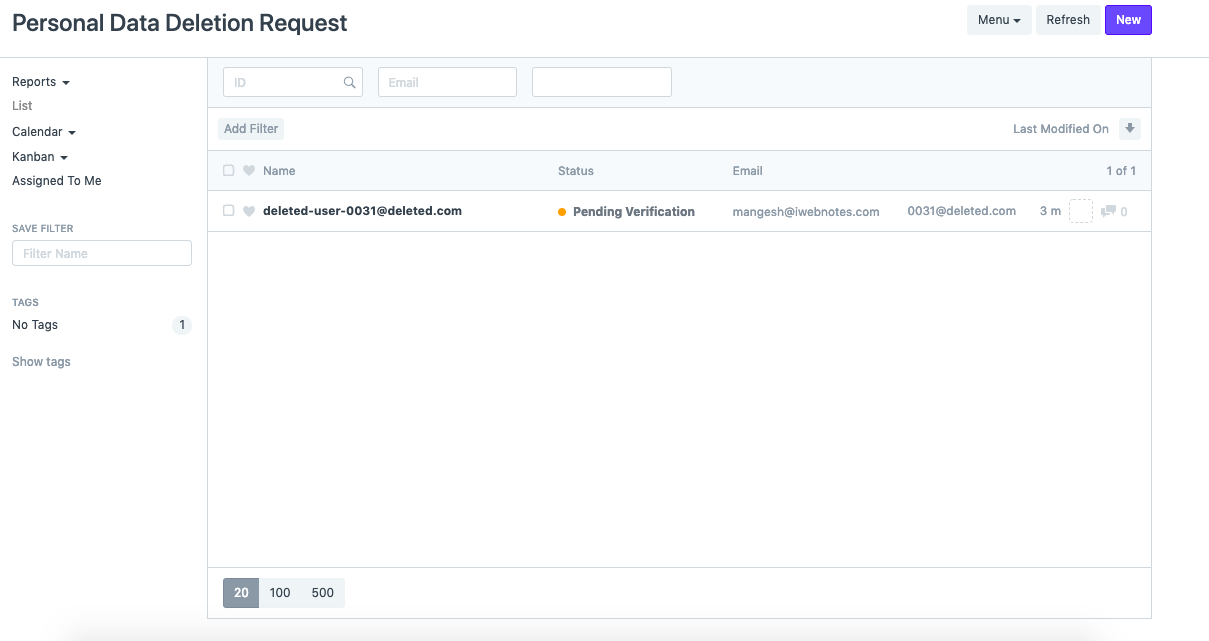
To complete the removal of user data, this doctype retains three levels of status.
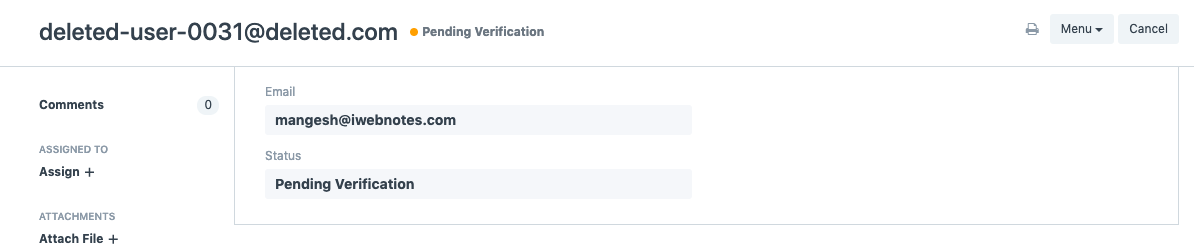
2.1 Pending Verification
This status reflects a user's online form request for data deletion. However, this request has not yet been verified. Use the search bar to look for Personal Data Deletion Request.
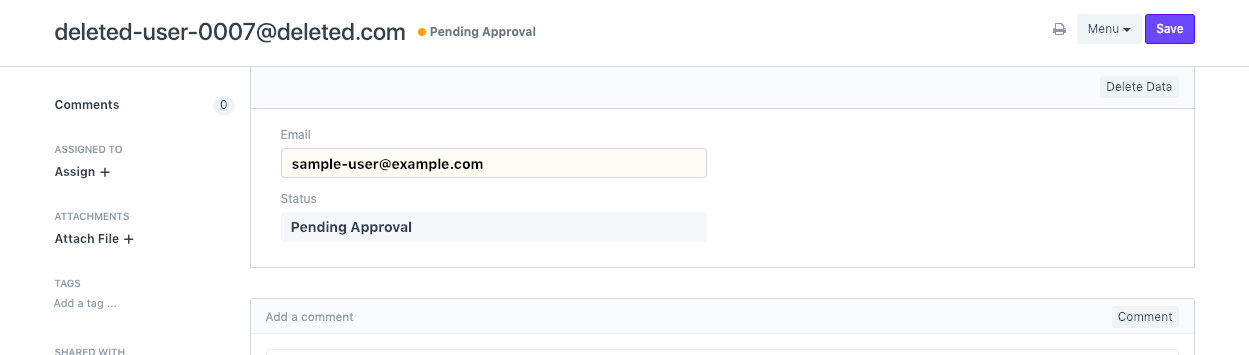
2.2 Pending Approval
This shows that the user has sent an email to confirm the request. This gives System Managers the ability to "Delete Data."
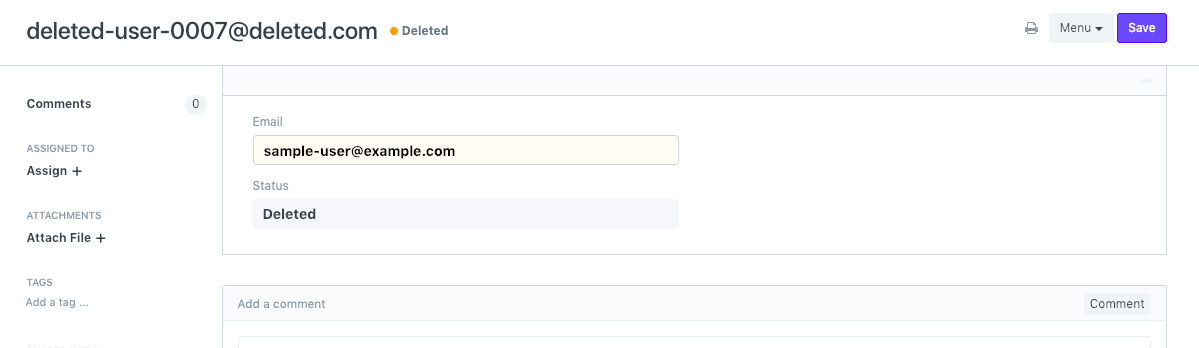
2.3 Deleted
This shows that the "Delete Data" button was clicked by the System Manager. This denotes the anonymization of the user's personally identifying information.
3. Setting SLA for Personal Data Deletion Request.
Through the website settings, you can also choose a SLA for requests to delete personal data. This will be stated in the description of the online form.
- visit the website's settings
- Account Deletion Settings can be found by scrolling down -Set the number of days within which users' requests for Account Deletion shall be complied with in the Account Deletion SLA (Days) box.
- Users on the website's My Account Page will be able to see the form link if you enable the Show Account Deletion link setting.
