Vehicle
Vehicle
You can specify the different categories of vehicles used by your organization in the vehicle document. It serves as the Fleet Management system's Vehicle Master.
To access the Vehicle master, go to:
Human Resources > Fleet Management > Vehicle
1. How to create a Vehicle document
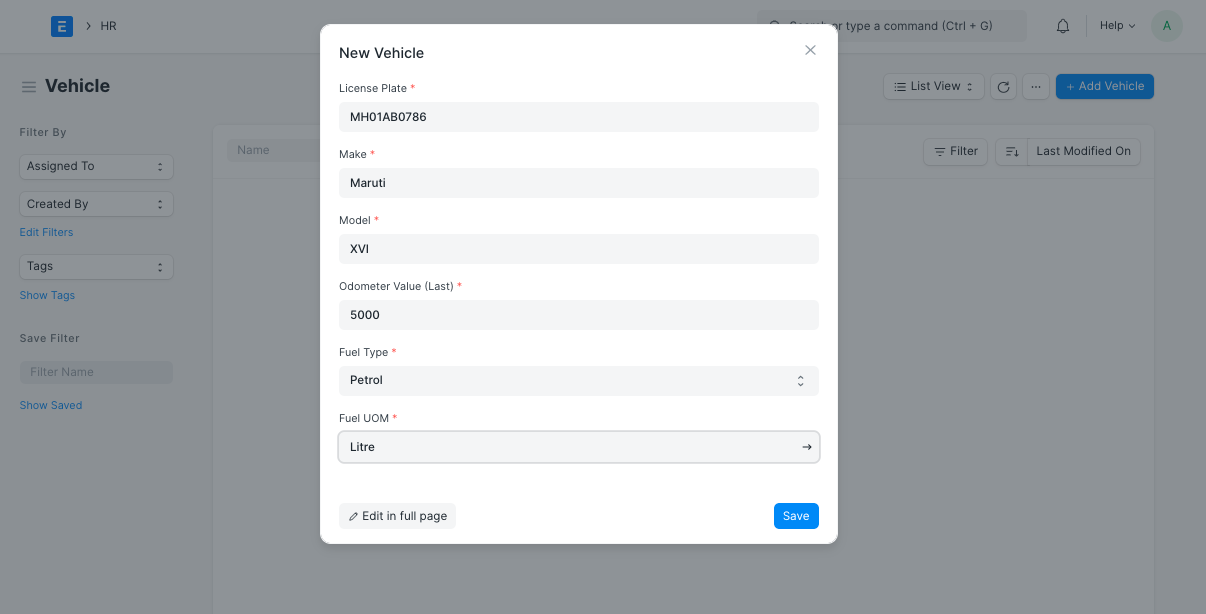
Navigate to the Vehicle List and select New.
Type in details like your license plate number, make (brand), and model.
the value for the odometer (Last).
Insert any other relevant information, such as the fuel type and UOM.
Save.
2. Features
In addition to the aforementioned necessary features, the following other features can be recorded in the vehicle master:
2.1 Additional Vehicle Details
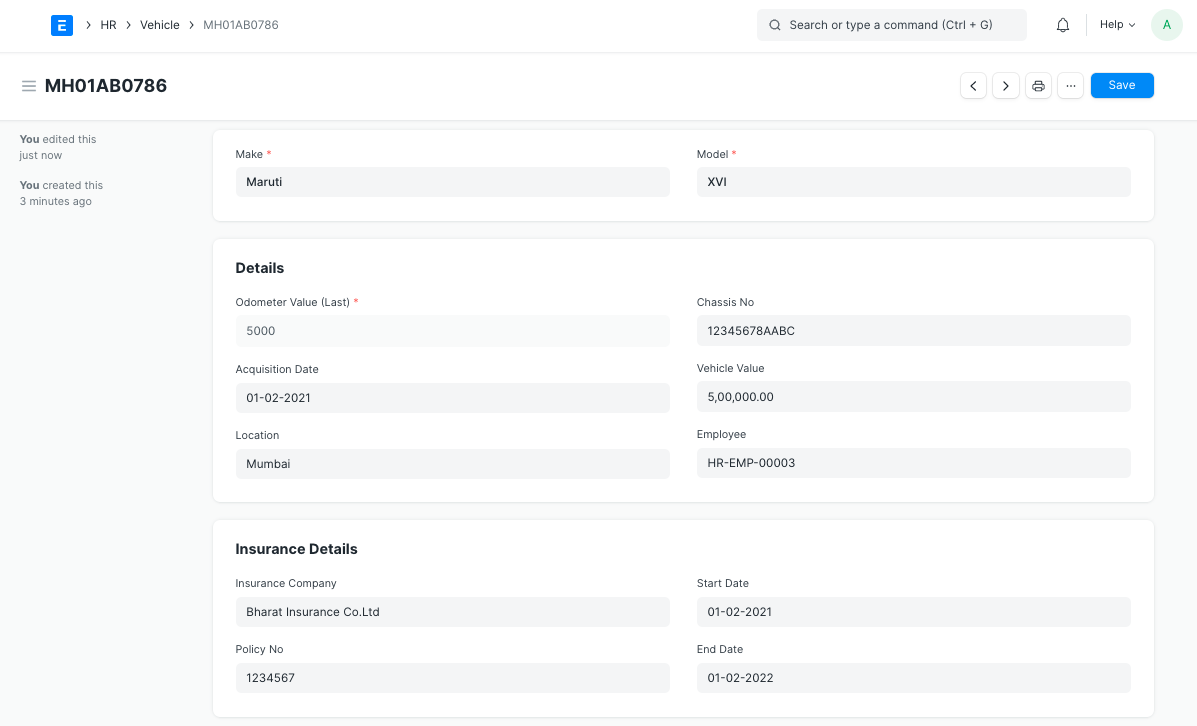
The vehicle master can be used to record further information about the vehicle, such the Chassis No., the date of acquisition, the vehicle value (amount), the location, the employee in charge of the vehicle, and insurance information.
2.2 Vehicle Attributes
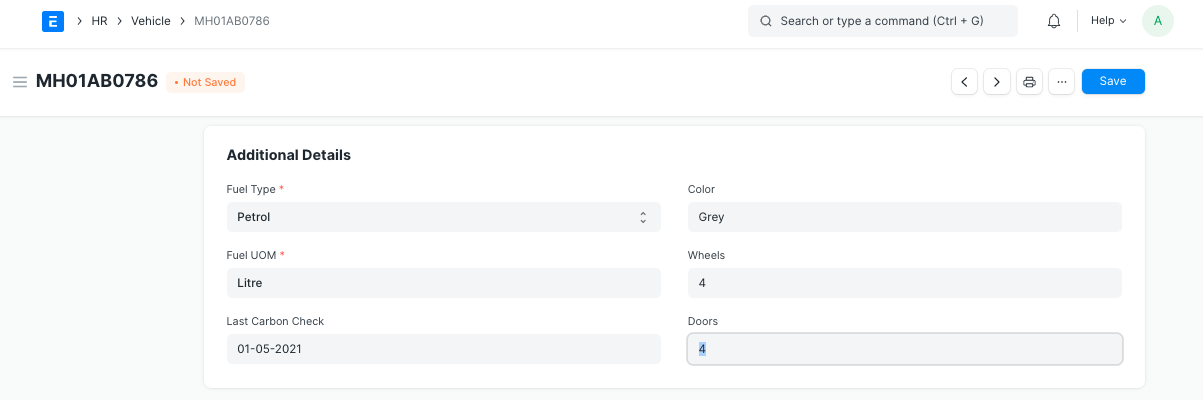
Moreover, the Vehicle master can be used to save vehicle features like Color, Wheels, Door, Last Carbon Check, Fuel Type, and UOM.