Organizational Chart
Organizational Chart
An organizational chart demonstrates the relationships between various employees along with their titles, pictures, and names. People can engage with the organizational chart and understand the hierarchy through faces and other information in large organizations when it is difficult to remember names.
Go to: to access Employee Grade.
Home > Human Resources > Employee > Organizational Chart
The "Reports To" feature in the Employee master is used to generate the organizational structure.
In the first level, the employees who don't report to anyone are displayed.
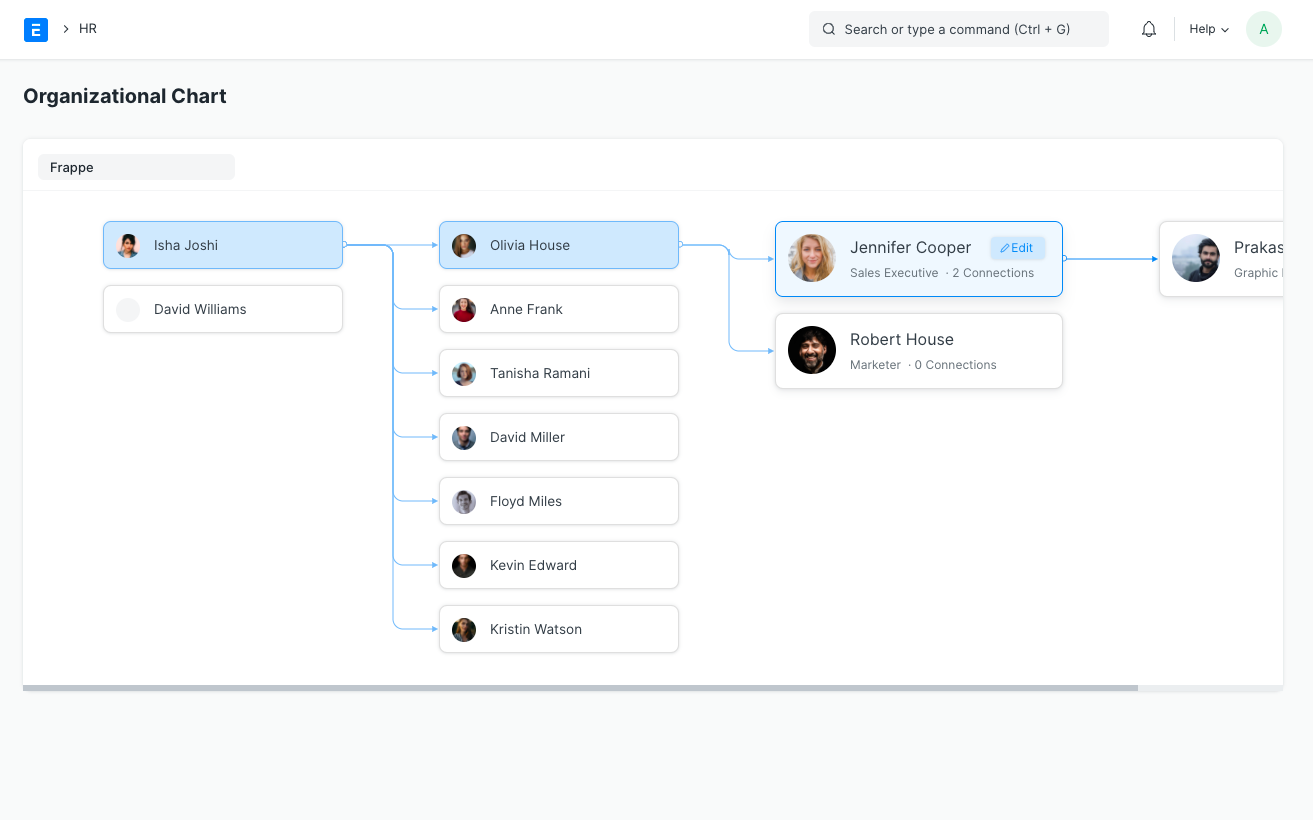
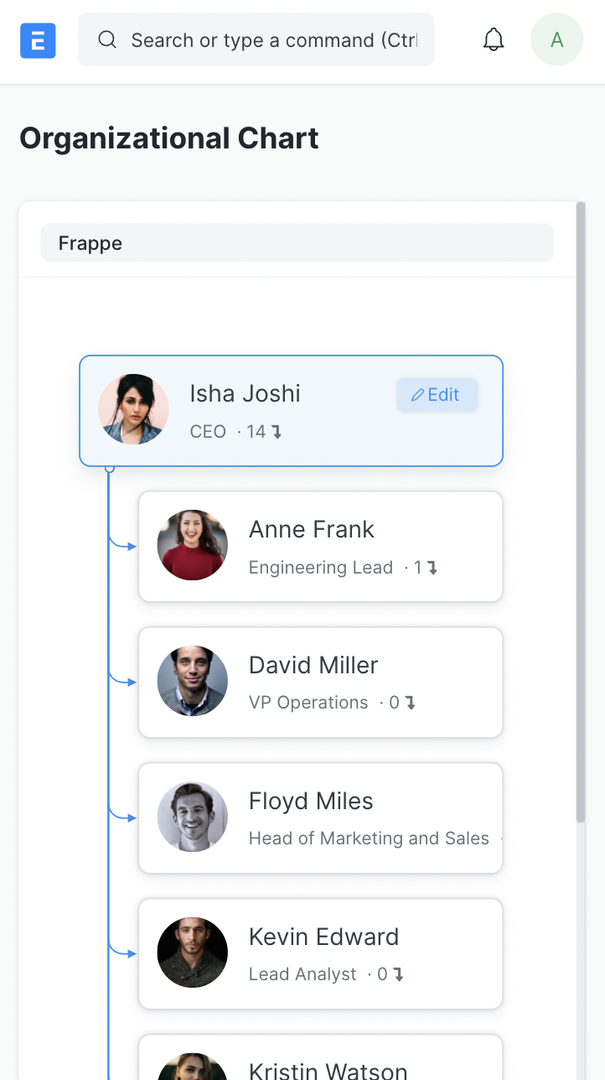
On a desktop, the chart expands horizontally; on a mobile device, it grows vertically.
Each node contains information such as the employee name, image, designation, and overall relationships.
The links represent all of the descendants that a specific node has through the hierarchy.
Every node's edit button navigates to the Employee Master.
The active hierarchy is shown as you move across the chart.
To view the organizational chart for specific companies, use the Company filter.