Follow the instructions below to prevent a Geer ERP user who has left your firm from logging into the system.
- In the awesome bar or search bar, enter "User List."
- Choose the user you want to block.
- For the selected user, deselect the "Enabled" checkbox.
- Save your alterations
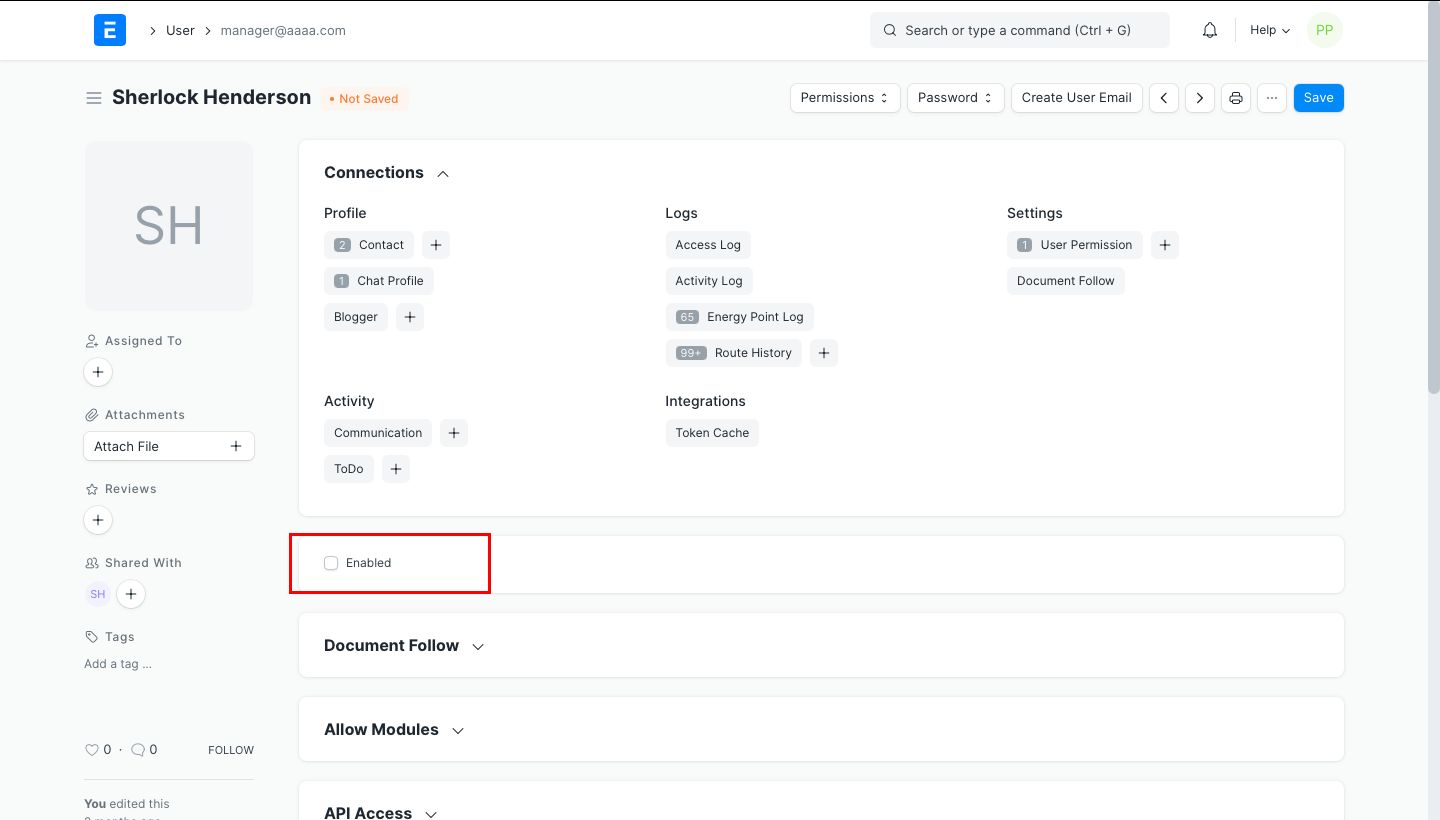
Disable any user
ronalyn_ edited 2 years agoFollow the instructions below to prevent a Geer ERP user who has left your firm from logging into the system.
- In the awesome bar or search bar, enter "User List."
- Choose the user you want to block.
- For the selected user, deselect the "Enabled" checkbox.
- Save your alterations