Invoice rounding issue
Invoice rounding issue
Question:
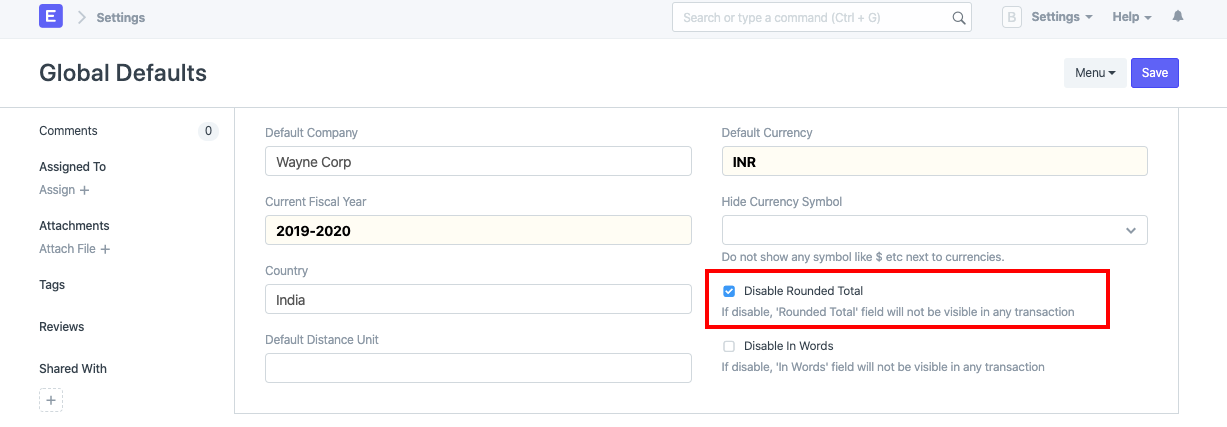
Even though it is removed via Global Defaults, in-words are still printed with the rounding off in Sales Invoice. With the following checkbox in the Global Defaults, one can always disable the rounded total:
Answers:
If this configuration hasn't worked for you, you should also perform a single currency master check. Type Currency in the great bar (Ctrl/Maj + G) to do this. Open the currency for which you are having trouble in the currency master:
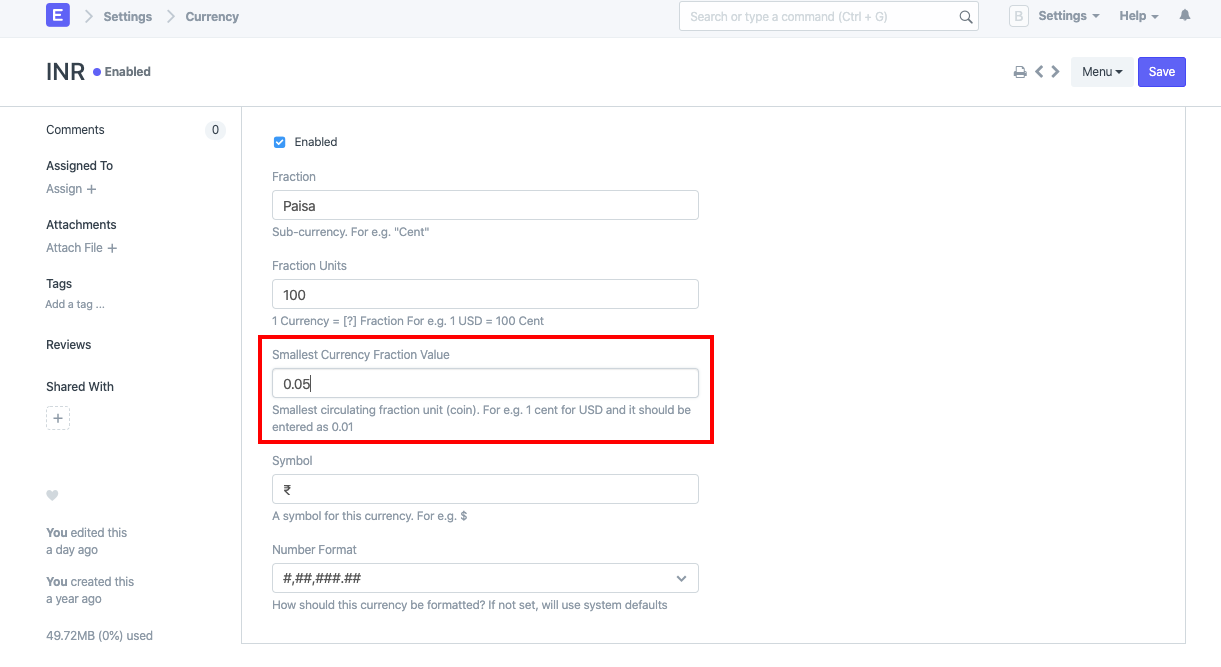
Make sure the rounding is configured properly here. For instance, 0.01 rather than 0.05 should be the smallest fractional number for Indian rupees. After updating this value, update the transaction.