Item Valuation Setup and Transactions
Item Valuation Setup and Transactions
In ERPNext, Item's stock valuation is updated on the creation of one of the following transaction.
Purchase Receipt
Stock Entry of type Material Receipt
Stock Reconciliation made for updating stock opening balance
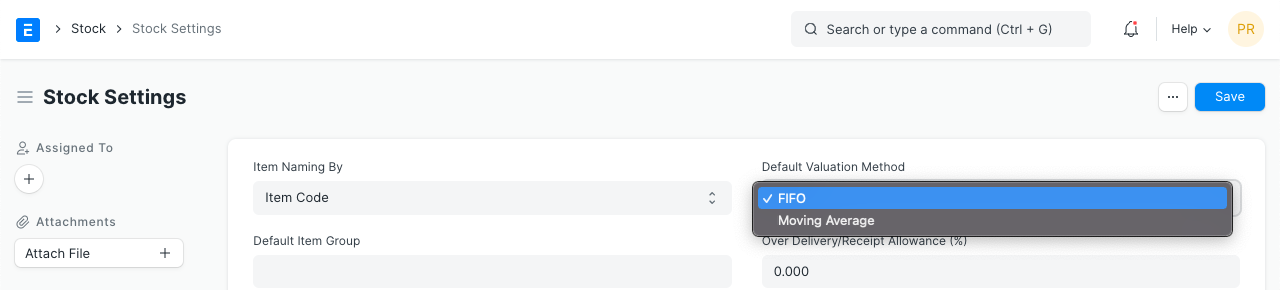
Based on how an item's value will be determined, you can choose the valuation technique. From the Stock Settings, the Valuation Method can be set globally for every item.
When a valuation method for an item differs from the default Method, as is the case in the following screenshot, you can also set the valuation method in the item master.
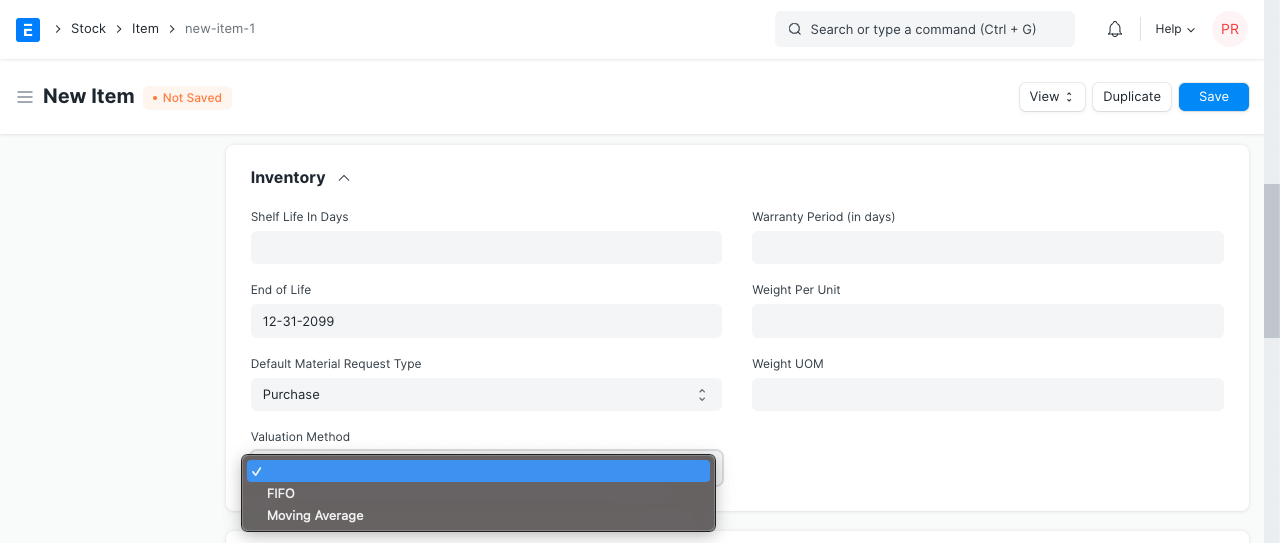
Please take note that this option will disappear from the Item form once ledger entries have been created for an item.