Set default values for any field
We may specify a default value for any field of any Doctype in Geer ERP using Customize Form.
Steps:
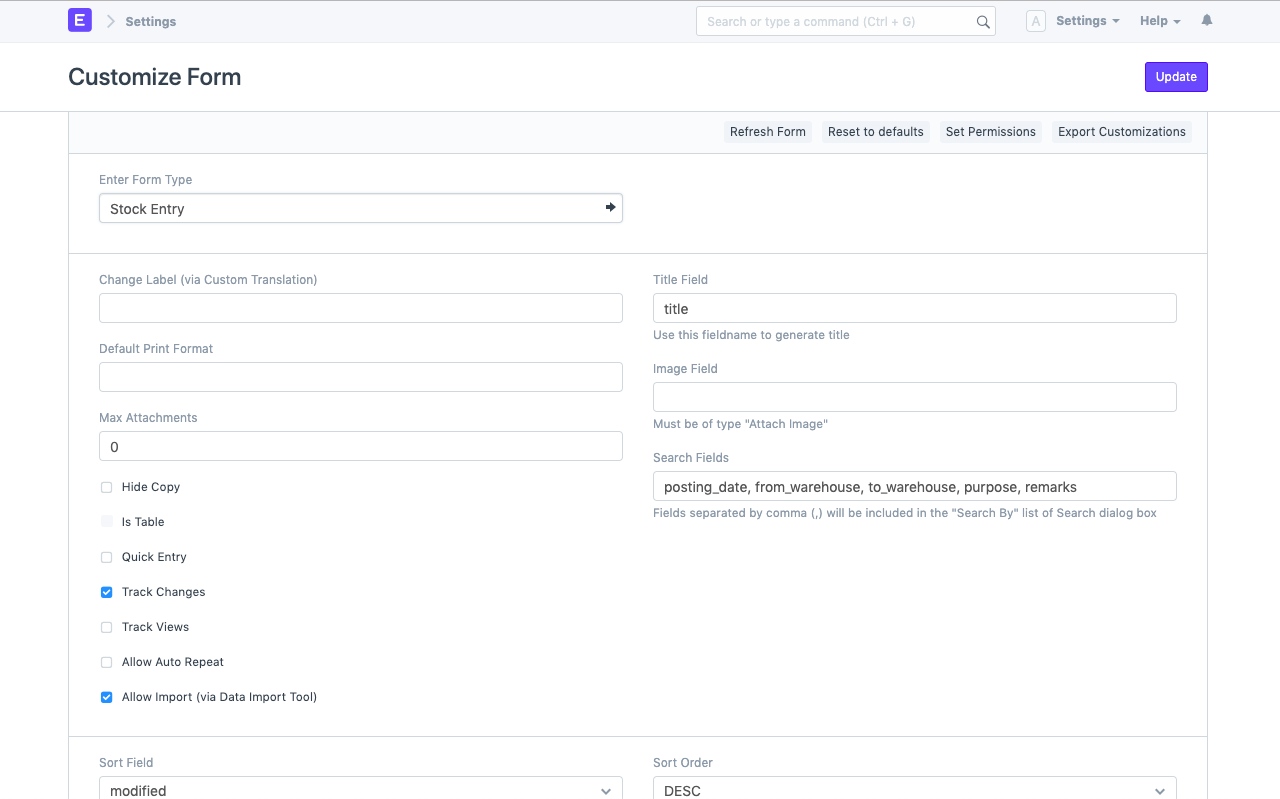
- Use the fantastic search bar or the menu choices of any DocType to open Customize Form. You can view all the fields that make up this DocType on the screen that is brought up when you click this.
- Expand the field you wish to store a default value for, then select Display -> Default to enter it.
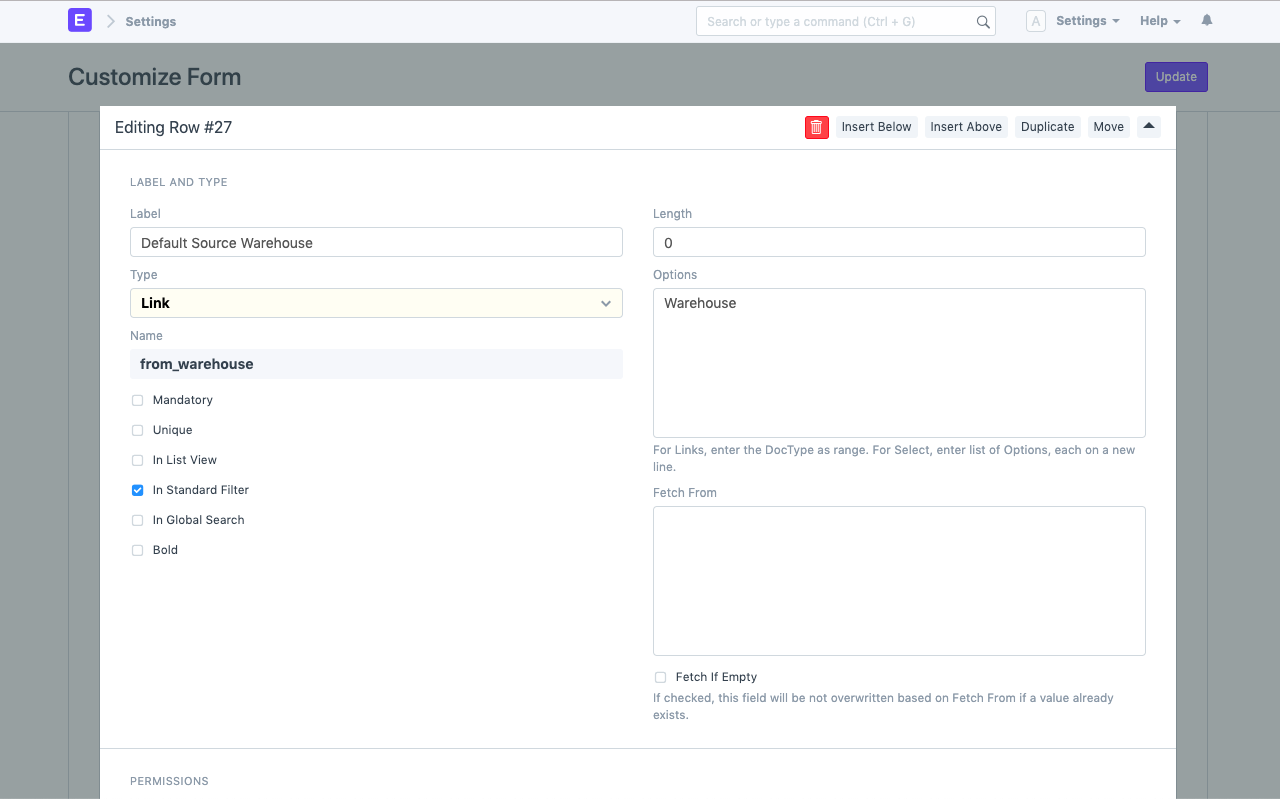
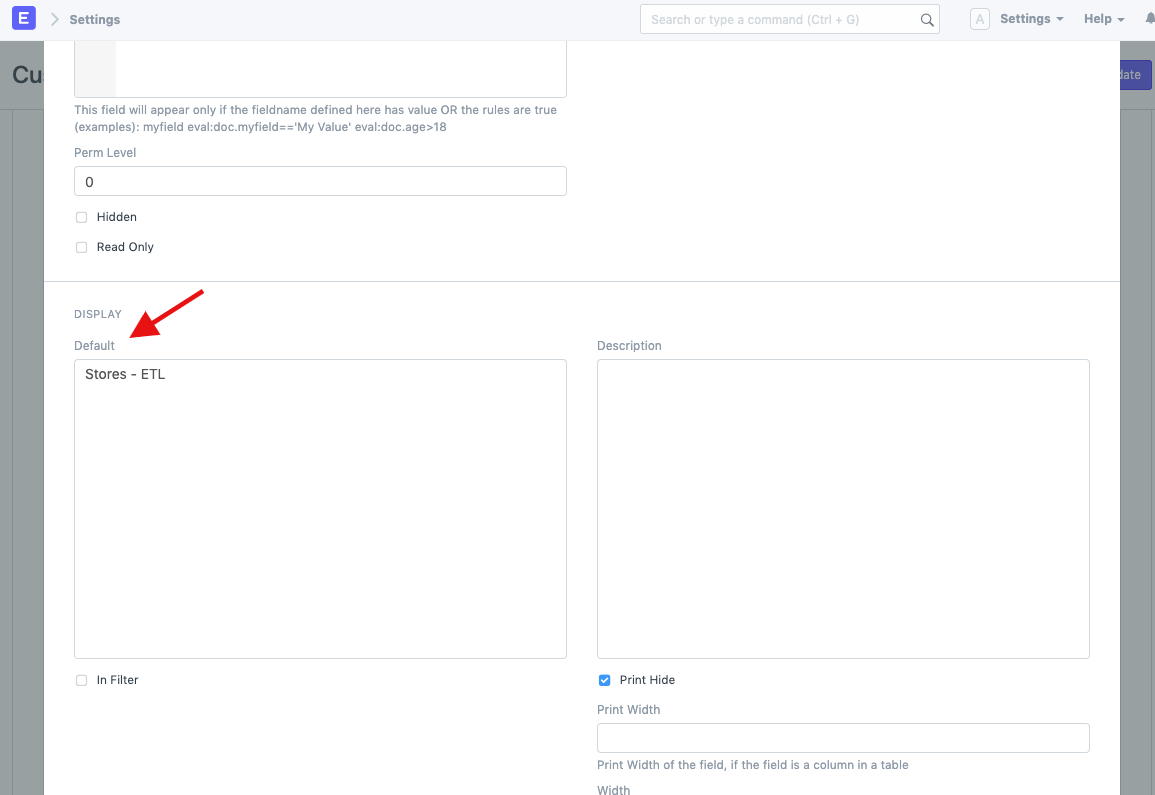
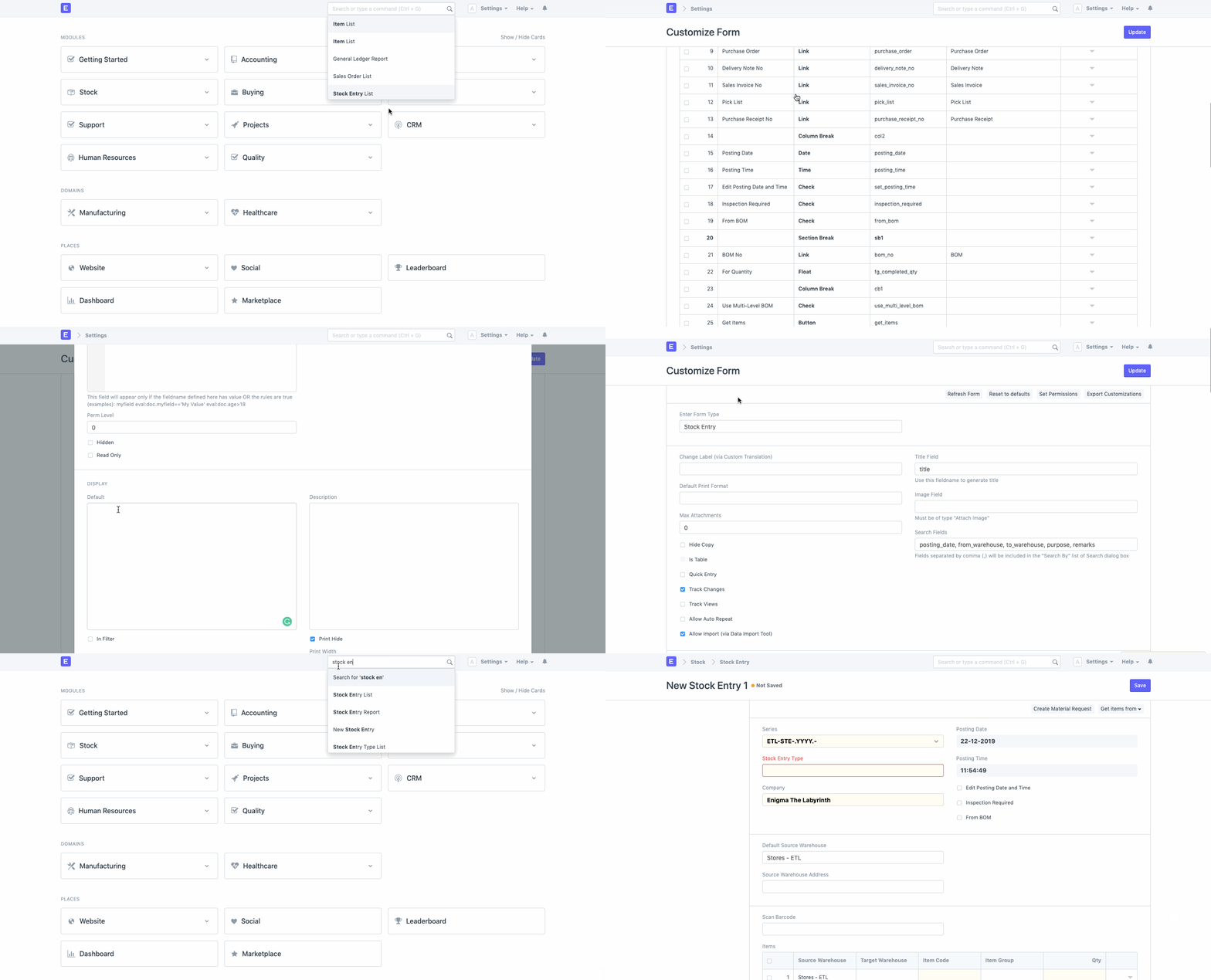
Look at the GIF below to see how we set the default value for the field "Default Source Warehouse" in DocType Stock Entry to be Stores - ETL:
Visit this page for additional information on Geer ERP customizations.