Employee Grade
Employee Grade
In order to determine pay rates and salary structures, employees with similar positions or values are grouped into employee grades.
You can set up Employee Grades in ERPNext, which makes it simple to classify employees according to their seniority or any other factor.
While processing payroll, allocating leaves, etc., Employee Grade also enables you to retrieve Employee information in bulk depending on their grades.
Go to: to access Employee Grade.
Home > Human Resources > Employee > Employee Grade
1. Prerequisites
The following documents should be made before creating an employee grade:
Leave Policy
Salary Structure
2. How to create an Employee Grade
1.Click New under Employee Grade List.
2.Type in the Employee Grade Name.
3.Type in the default leave policy and pay scale for that grade.
- Save.
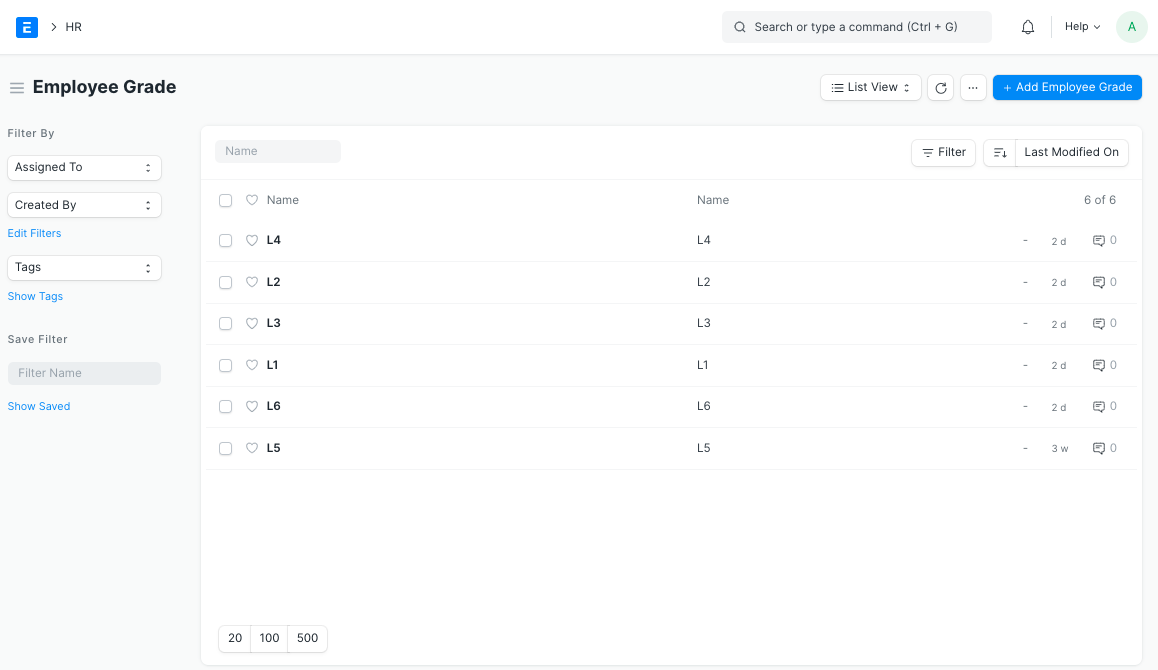
The many employee grades that were created are displayed below.
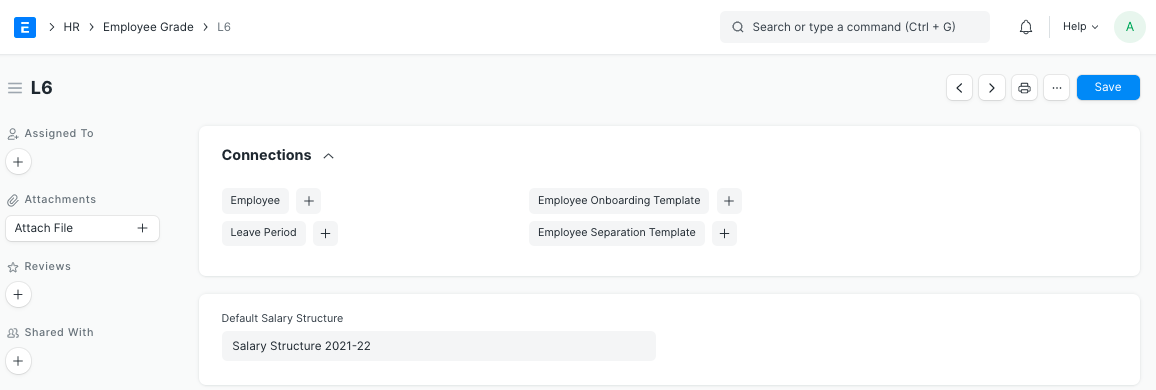
Also, you have access to the templates for Employee, Leave Period, Employee Onboarding, and Employee Separation.