Personal Data Download
Geer ERP offers Personal Data Download as part of GDPR compliance.
A user can instantly download all the personal data they have created while using Geer ERP thanks to the personal data download feature. This includes information from your user account that can be used to identify you individually, such as your username, complete name, birth date, phone number, mobile number, location, interests, bio, and email signature. It also contains information from Leads and Opportunities, as well as information you have saved, such as names, addresses, phone numbers, and mobile numbers.
1. How to request user data download
The user must be logged in and go to [host-name]/request-data (for example, erpnext.com/request-data) in the URL box to start downloading data.
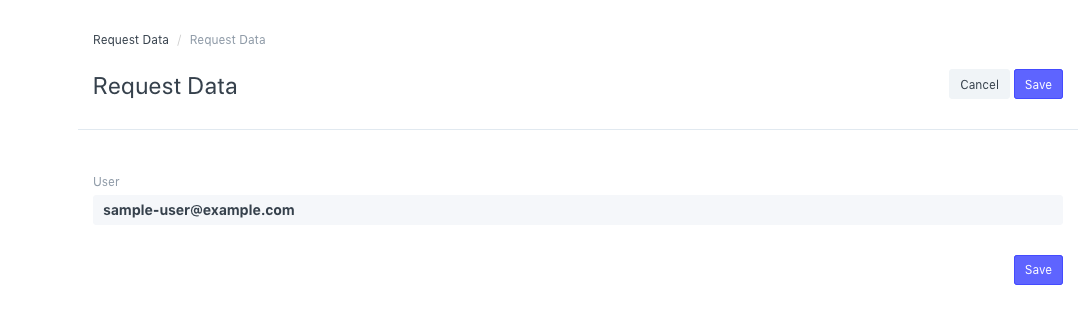
Your request will be sent, and you will thereafter get a success response.

This will send an email to the user's associated email address containing a download link for the data.
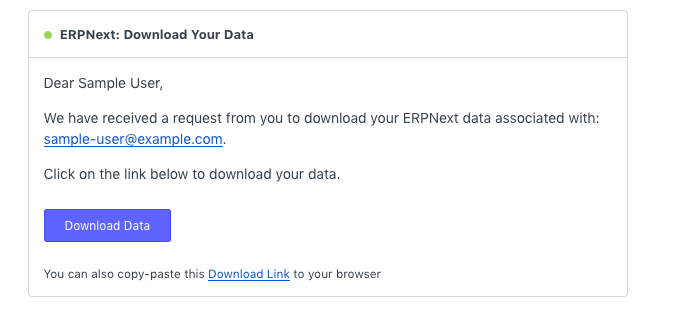
The JSON format will be used for the file that can be downloaded.
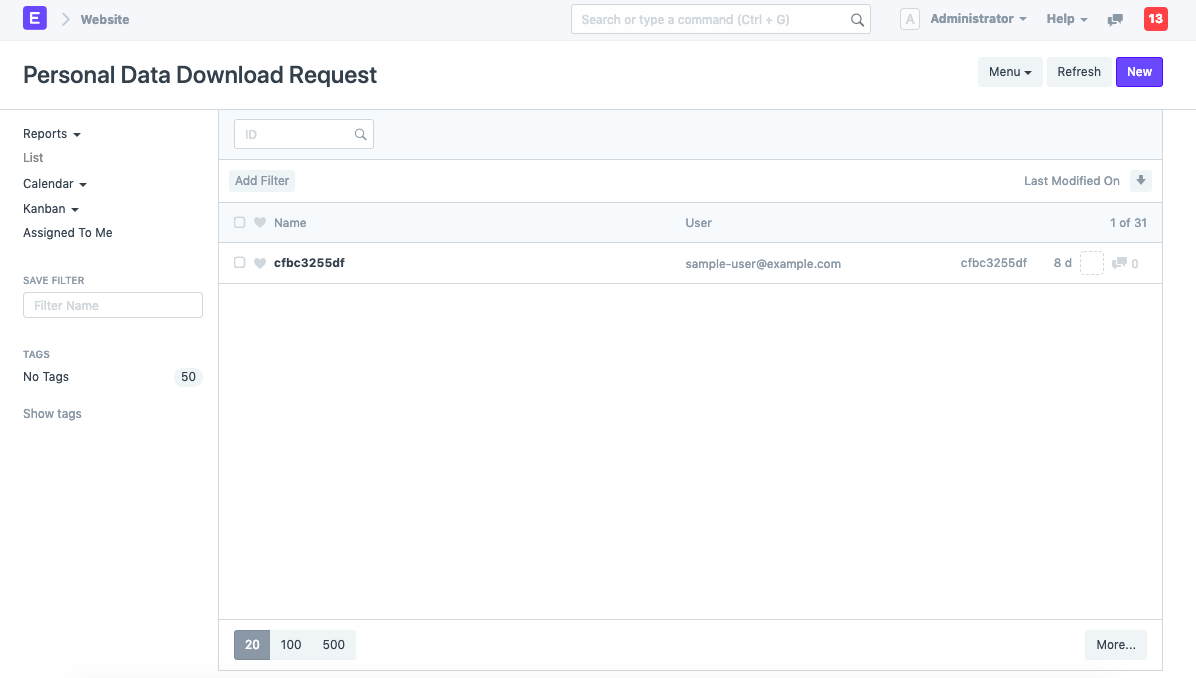
2. Personal Data Download Request DocType
The request is also noted in the "Personal Data Download Request" DocType, and the file-link that was emailed to the user is also included in the document. Use the search bar to look for Personal Data Download Request.