Email Error in Sending or Receiving
You can alter the incoming and outgoing email gateway in Geer ERP. Geer ERP tries to connect with your email gateway when you save an email account. If your Geer ERP account connects without issue, your email account has been successfully stored. If not, you can experience the following error.
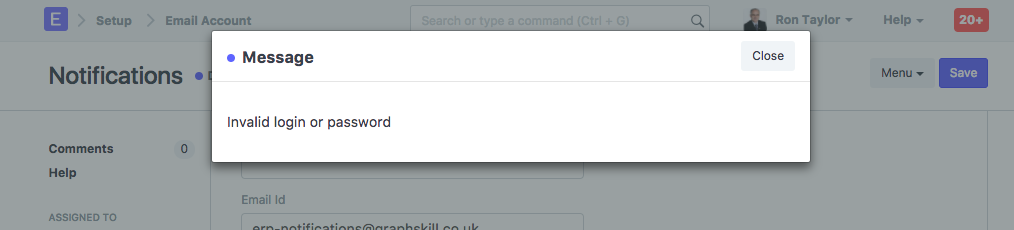
This shows that Geer ERP is unable to connect to your email server using the login information and other email gateway information provided in the Email Account. Please double-check that the email credentials you gave for your email gateway are correct. Once your email account has been successfully created, you should have no problems sending and receiving emails from your Geer ERP account.
Note: By default, your Geer ERP account is linked to a Geer ERP email server. Without requiring any configuration in the Email Account, you can continue sending emails using Geer ERP's email server if you don't wish to use your own.