Accounting Dimensions
Introduced in Version 12
By using dimensional accounting, each transaction is given the proper dimensions, such as Branch, Business Unit, etc. This enables you to manage each segment independently, lowering the overall maintenance on GL accounts and maintaining the integrity of your Chart of Accounts.
Geer ERP by default treats Cost Center and Project as dimensions. When a field is set in an accounting dimension, it will, if appropriate, be added to transactions reports.
Configurable accounting dimensions can be made in Geer ERP and used in transactions and reports.
Visit this link to get the Accounting Dimension list:
Home > Accounting > Settings > Accounting Dimensions
1. How to create Accounting Dimension in Geer ERP.
- Click on New under the Accounting Dimension list.
- The Reference Document that you want to utilize as a custom dimension should be selected. For instance, if you choose Department as the Reference Document, Department will serve as the basis for the dimension.
- Type the dimension's name here (This name will appear in the transactions for which dimensions are created).
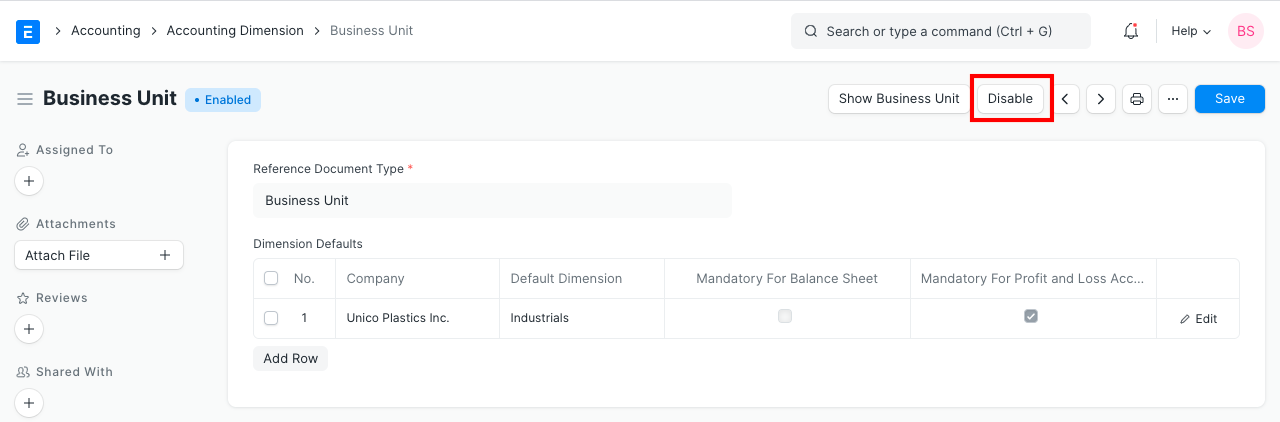
- As seen in the example below, you can reference company-specific default dimensions inside the Dimension Defaults table. When a transaction is made against that particular company, this dimension will be immediately fetched.
- If you wish the dimension to be required in the transactions, use the "Mandatory" checkbox.
2. Features
Custom fields will be created utilizing a background job for that particular dimension when you develop it. They are shown in the transactions' Accounting Dimensions section where they have an impact on accounting entries (GL Entry).
2.1 Using dimensions in transactions
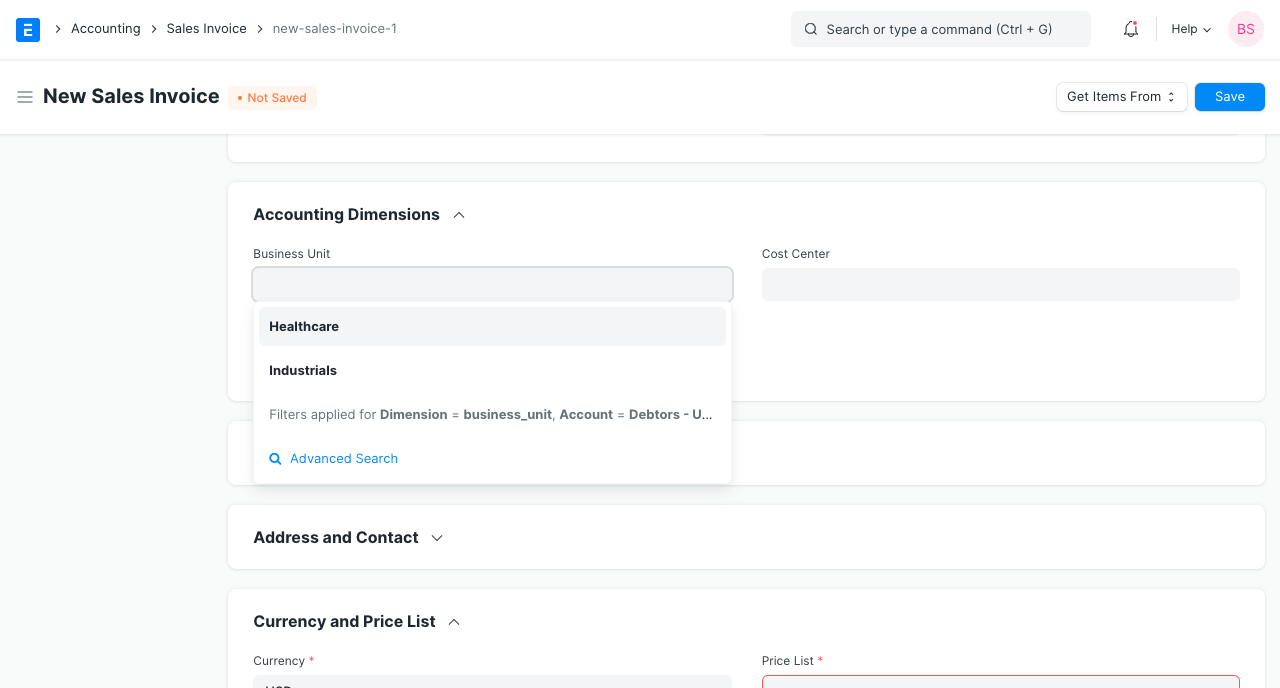
You can choose a specific dimension in the Accounting Dimensions section, as seen in the screenshot below, to associate a transaction with that dimension.
2.2 Filtering Reports based on dimensions
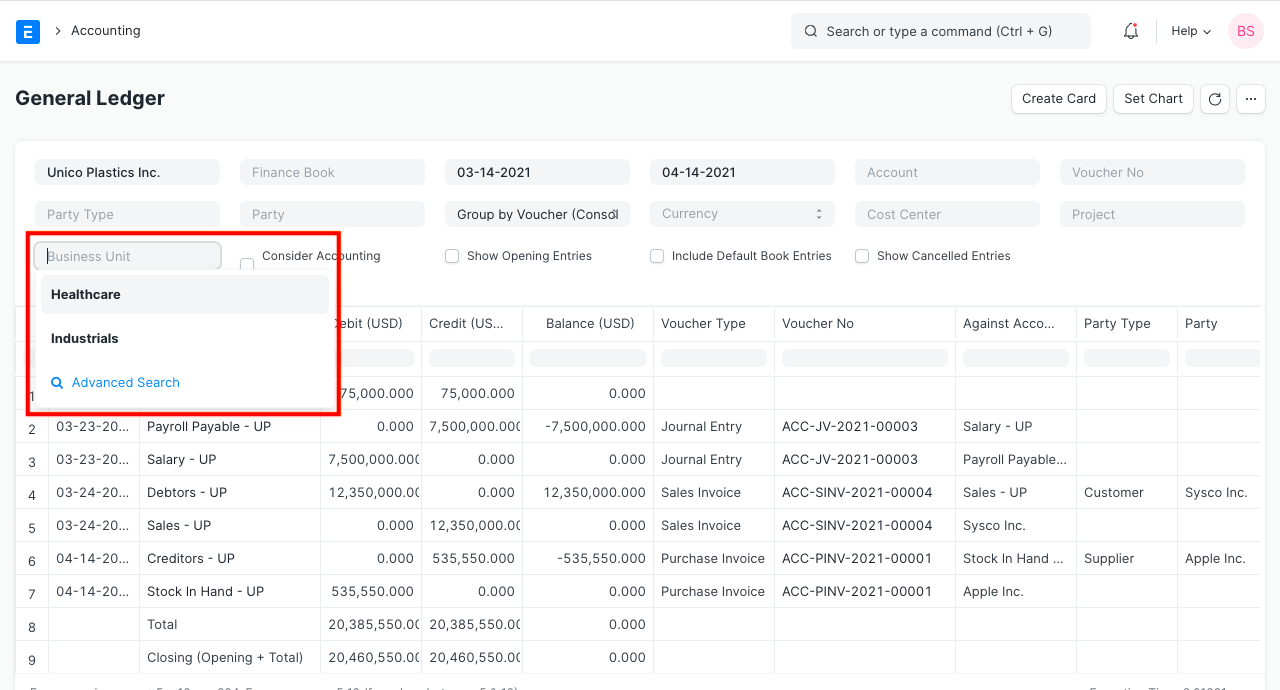
Based on these dimensions, you can also filter different financial reports including the profit and loss statement, balance sheet, and general ledger.
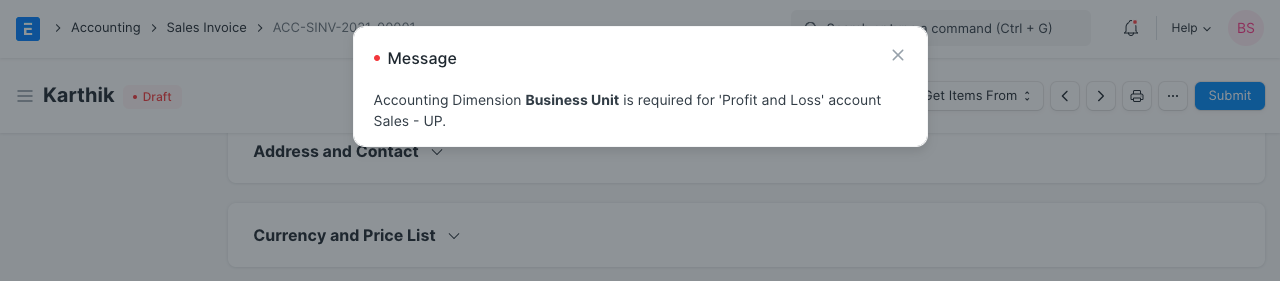
2.3 Making accounting dimensions mandatory for "Profit and Loss" and "Balance Sheet" Accounts
The combination of Income and Expense accounts known as Profit and Loss represents your accounting operations over a period of time.
The Application of Funds (Assets) and Sources of Funds (Liabilities) accounts on your balance sheet represent your company's current net worth.
You can set your measurements to be required for "Profit and Loss Account" and "Balance Sheet Accounts" by checking the appropriate boxes when configuring your dimensions.
2.4 Disabling accounting dimensions when no longer required
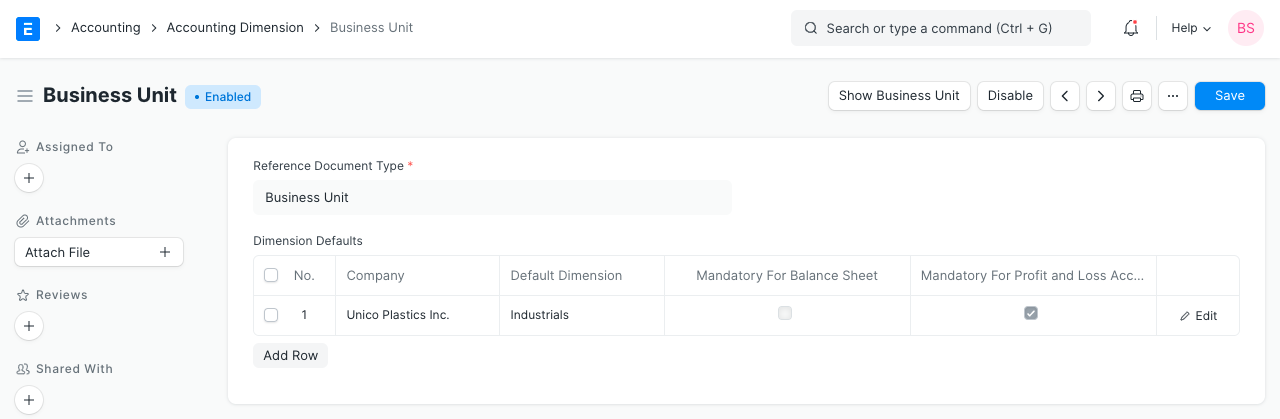
If you no longer need the dimensions, you can also turn them off. The previous accounting-related transactions will be preserved.