Process Loan Security Shortfall
Process Loan Security Shortfall
Introduced in Version 13
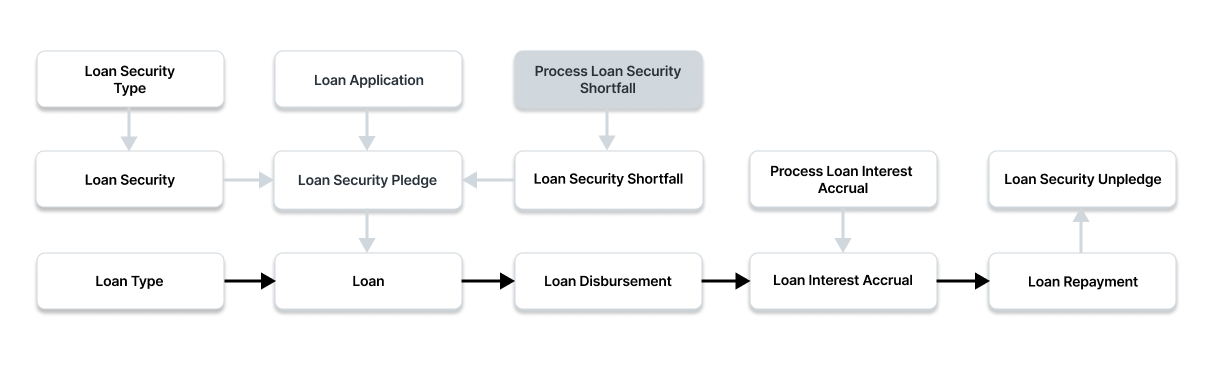
To access the Process Loan Security Shortfall list, go to:
Home > Loan Management > Loan Processes > Process Loan Security Shortfall
1. Prerequisites
You must first create the following before you can make a Loan Security Unpledge:
- Loan Security Type
- Loan Security
- Loan Security Price
2. How to create Process Loan Security Shortfall
Choose New from the Process Loan Security Shortfall List menu.
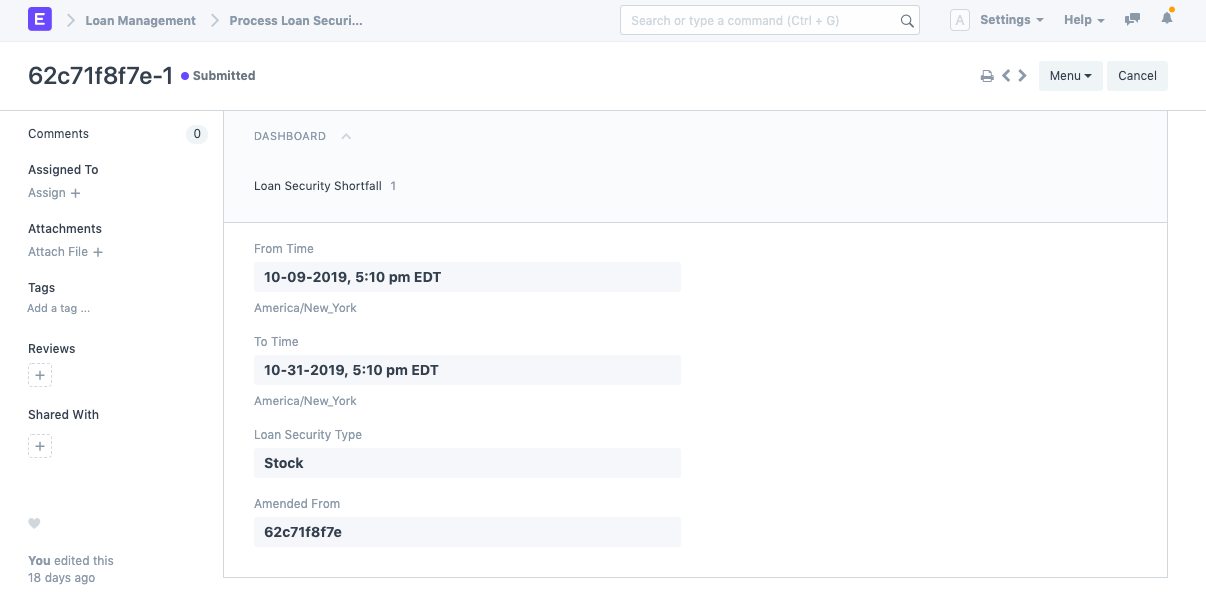
Welcome To Time and From Time. The Loan Security Master will be updated taking into account all Loan Security Prices between the From Time and the To Time.
If only a particular Loan Security Type's prices need to be updated, provide the Loan Security Type.
To save the draft of the loan disbursement, click "Save."
To submit the Loan Security Pledge, click "Submit."