Campaign
Campaign
A campaign is the comprehensive use of a sales strategy to advertise a good or service.
To accomplish particular goals, this is done in a market sector of a given geographic area.
Go to: to access Campaign.
Home > CRM > Campaign > Campaign
1. How to Create a Campaign
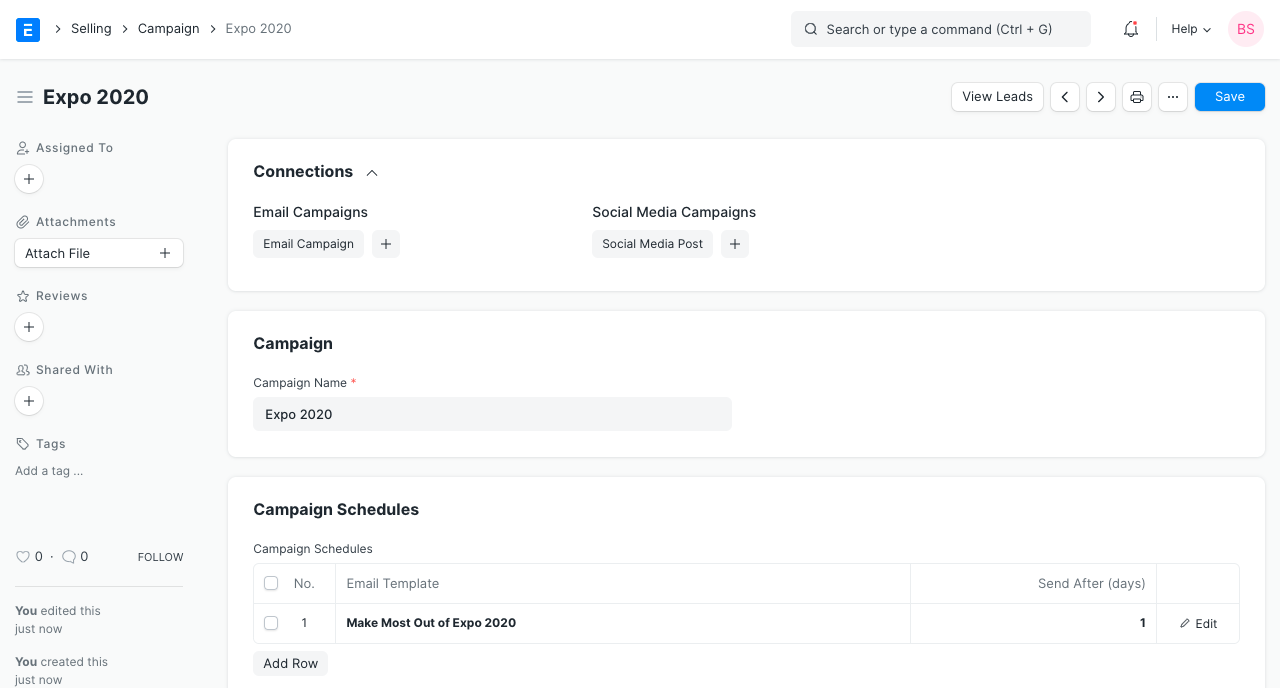
1.Click on new in the Campaign list.
2.Give the campaign a name.
3.Provide a description of the campaign's theme here.
4.Save.
2. Features
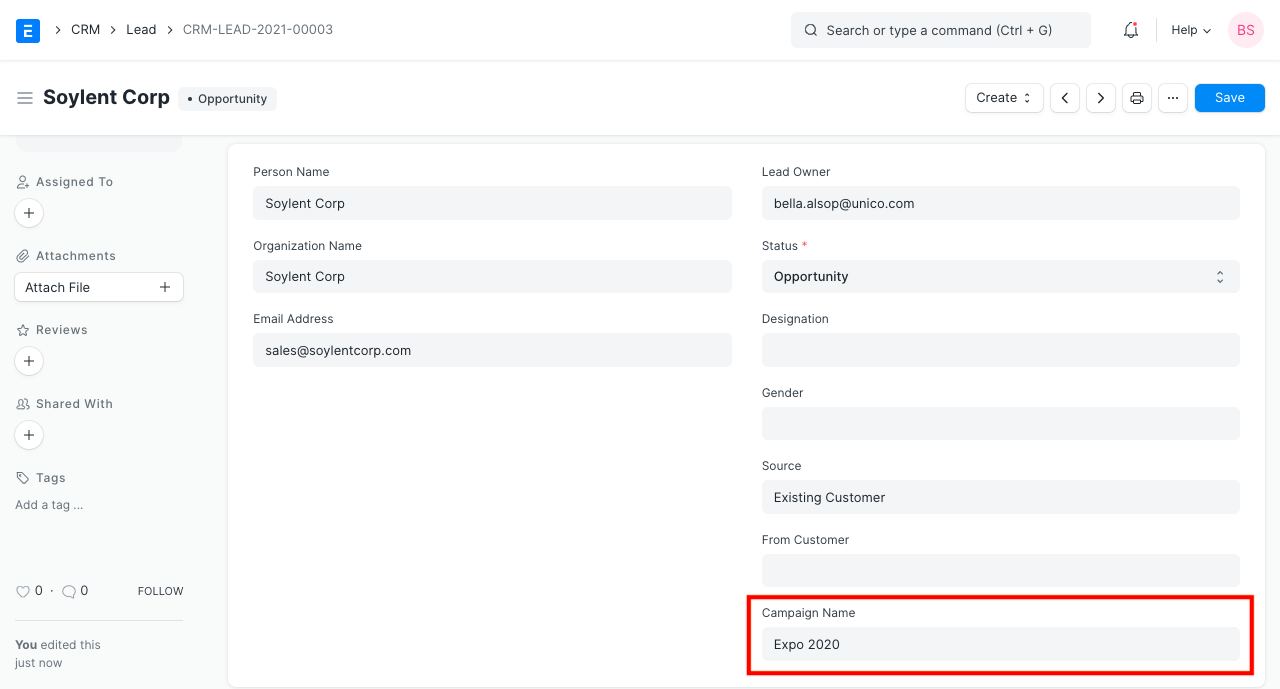
2.1 Tag Campaign in Lead, Opportunity, and Quotation
You can add a campaign tag when producing a lead or an opportunity when a marketing campaign generates one. The campaign may also be tagged in Quote.
By estimating the return on investment, this aids in evaluating the success of a marketing campaign.
2.2 View Leads Generated by a Campaign
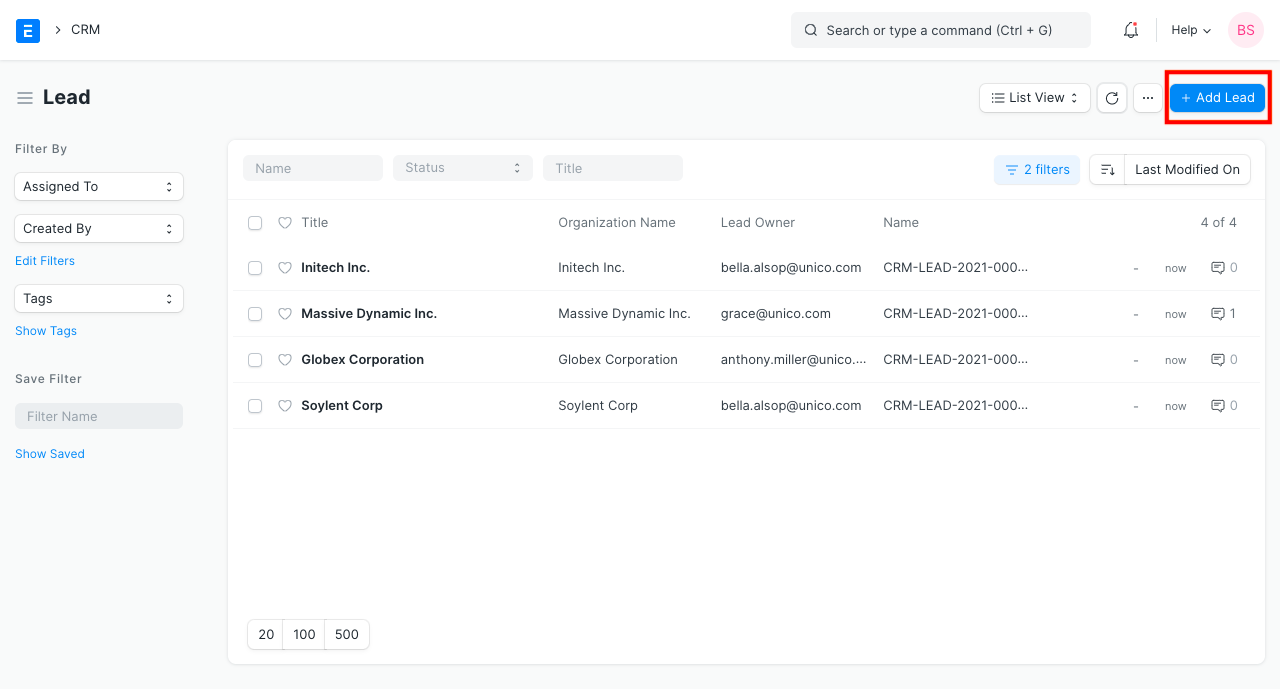
- The campaign's 'See Leads' button should be clicked.
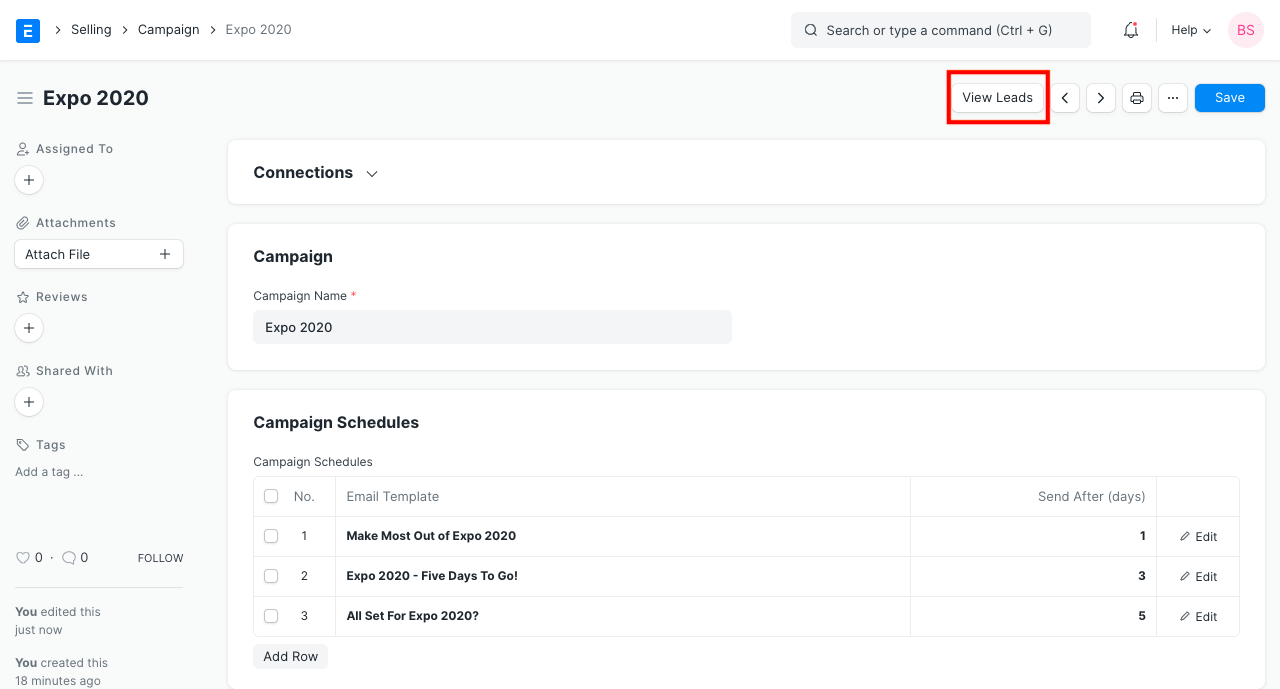
You will see a list of leads generated by the campaign that have been filtered.
By selecting "New," you can also generate fresh leads for the campaign.
2.3 Set up email schedules for Email Campaigns
Email Campaign is useful if you want to run a campaign for your leads or contacts utilizing emails.
You'll need to create a campaign schedule. To add a new entry to the campaign timetable, click "Add Row."
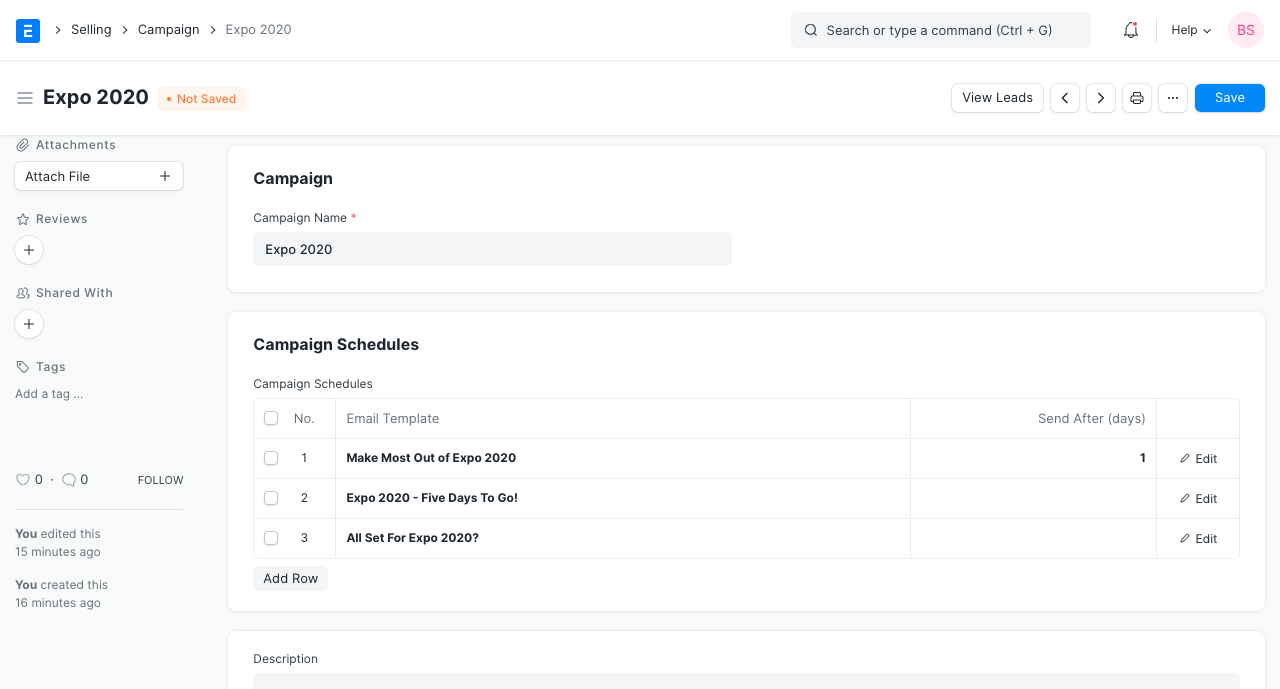
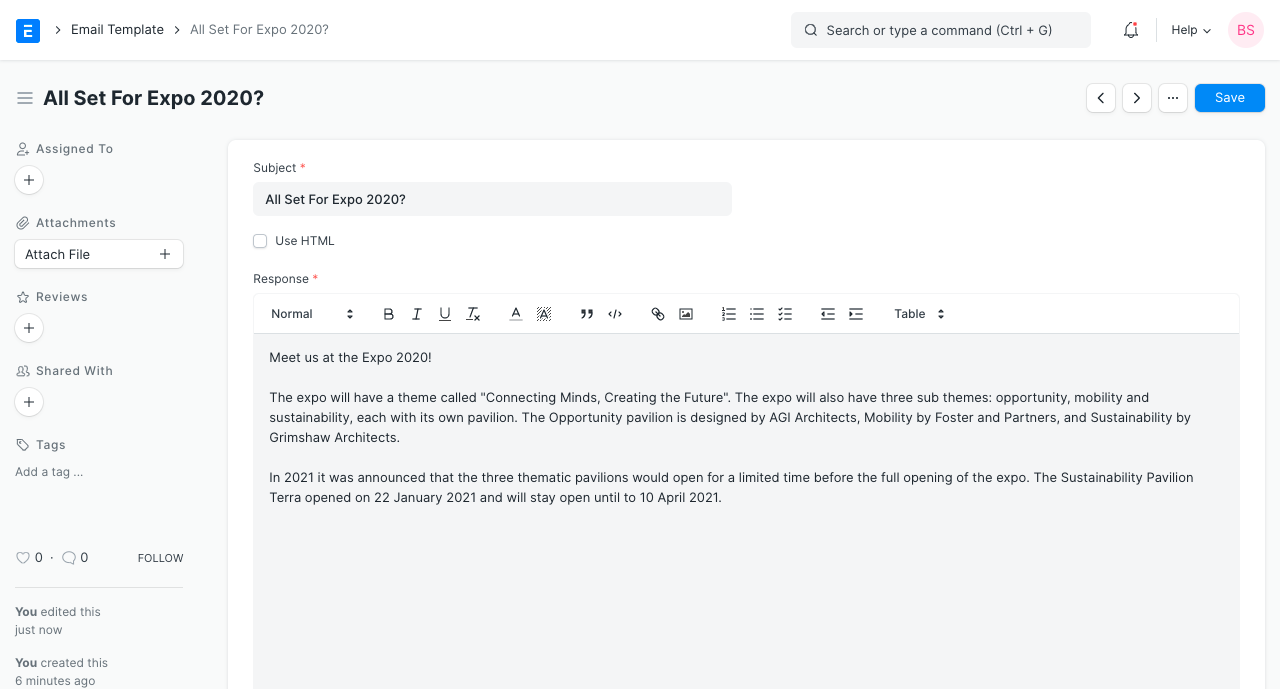
Choose a "Email Template" under Email Template to send the lead or contact an email using. You can make one like shown below:
Enter the number of days after which the corresponding email should be sent in the Send After (days) field. The day that the email is to be sent is calculated using this information in relation to the email campaign's start date.
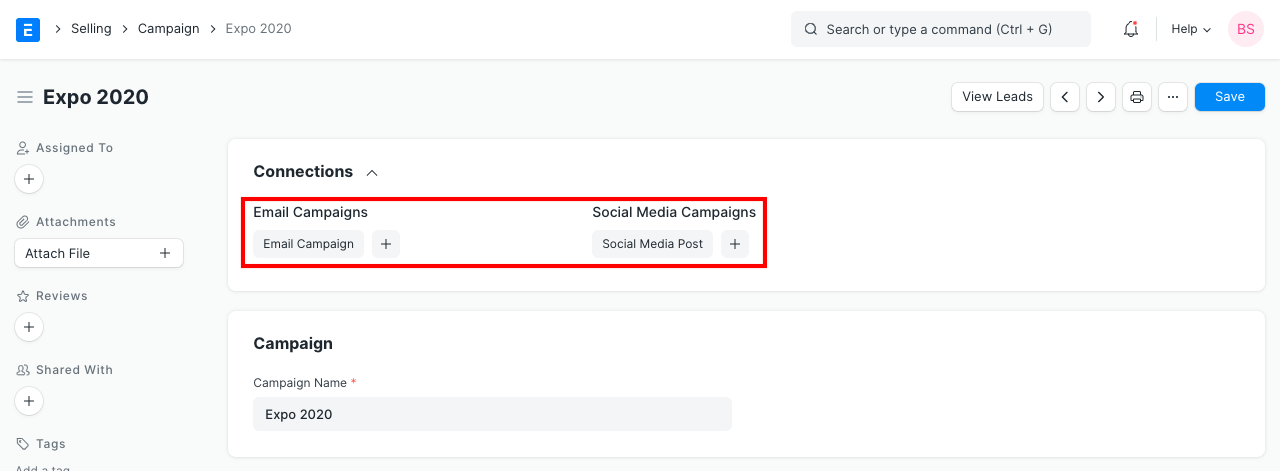
2.4 Dashboard
You may view all of the emails campaigns and social media posts associated with the campaign on the campaign dashboard. From here, you can also start a new Email Campaign and Social Media Post.