Crop Cycle
Crop Cycle
Once our crop has been defined, we can use the previously mentioned parameters to construct as many crop cycles as we'd want.
Click the Crop Cycle symbol on the desk. All current Crop Cycles will be listed.
Agriculture > Crop Cycle
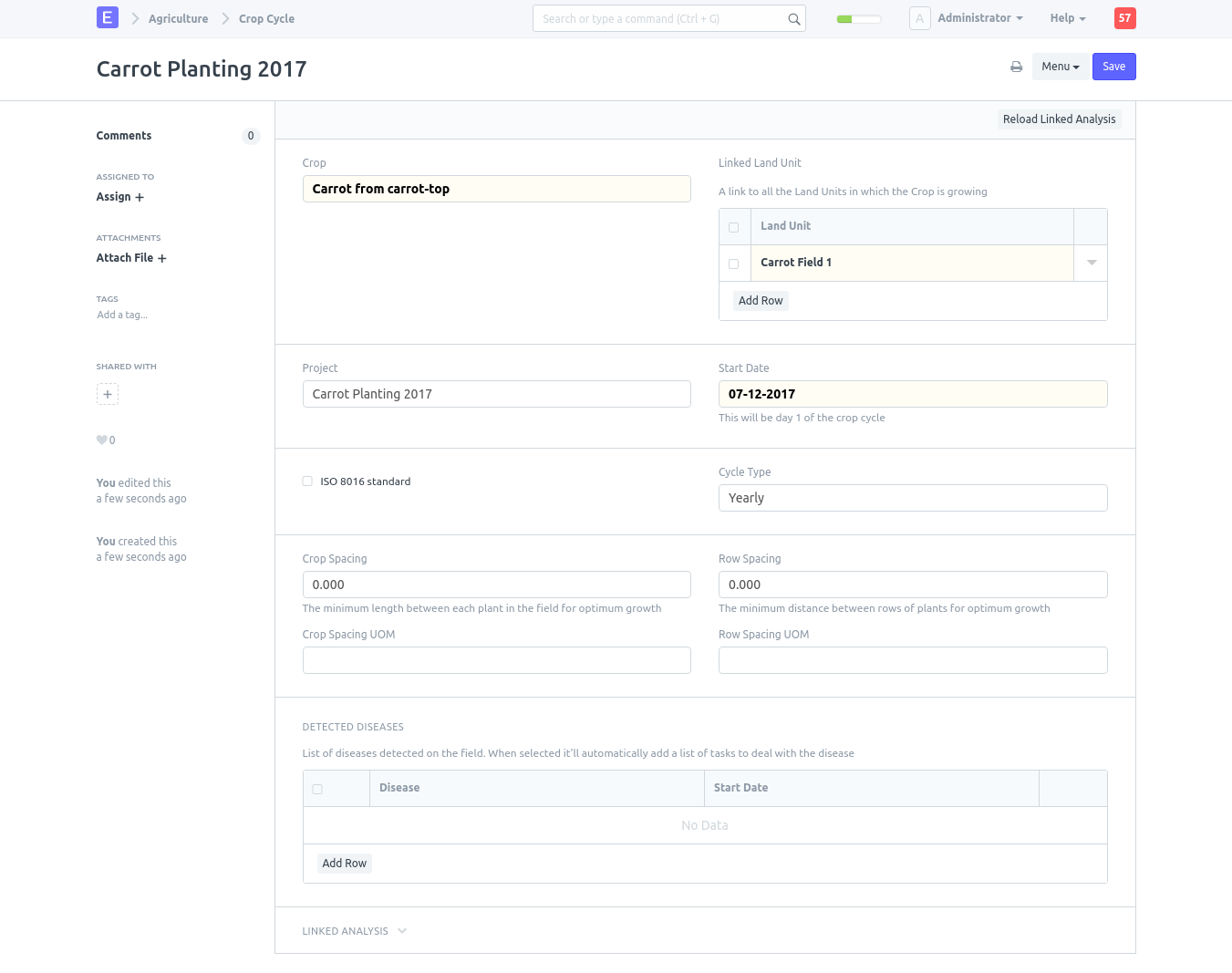
To create the first crop cycle, click New in the top right corner. A new Crop Cycle document will appear, and you can see right away that a Land Unit and a Crop are two of the necessary pieces. To distinguish it from any potential future Crop Cycles, we will give it a descriptive name.
Title: Carrot Planting 2017
Land Unit: Add a row, and select, Carrot Field 1
Crop: Carrot from carrot-top
Start Date: Today
Leave the ISO 8601 Standard (week count) box unchecked
Skip the next four fields for Crop Spacing
The New Crop Cycle for later
Now, it ought to appear somewhat like this.
Follow these steps for each crop cycle you require.
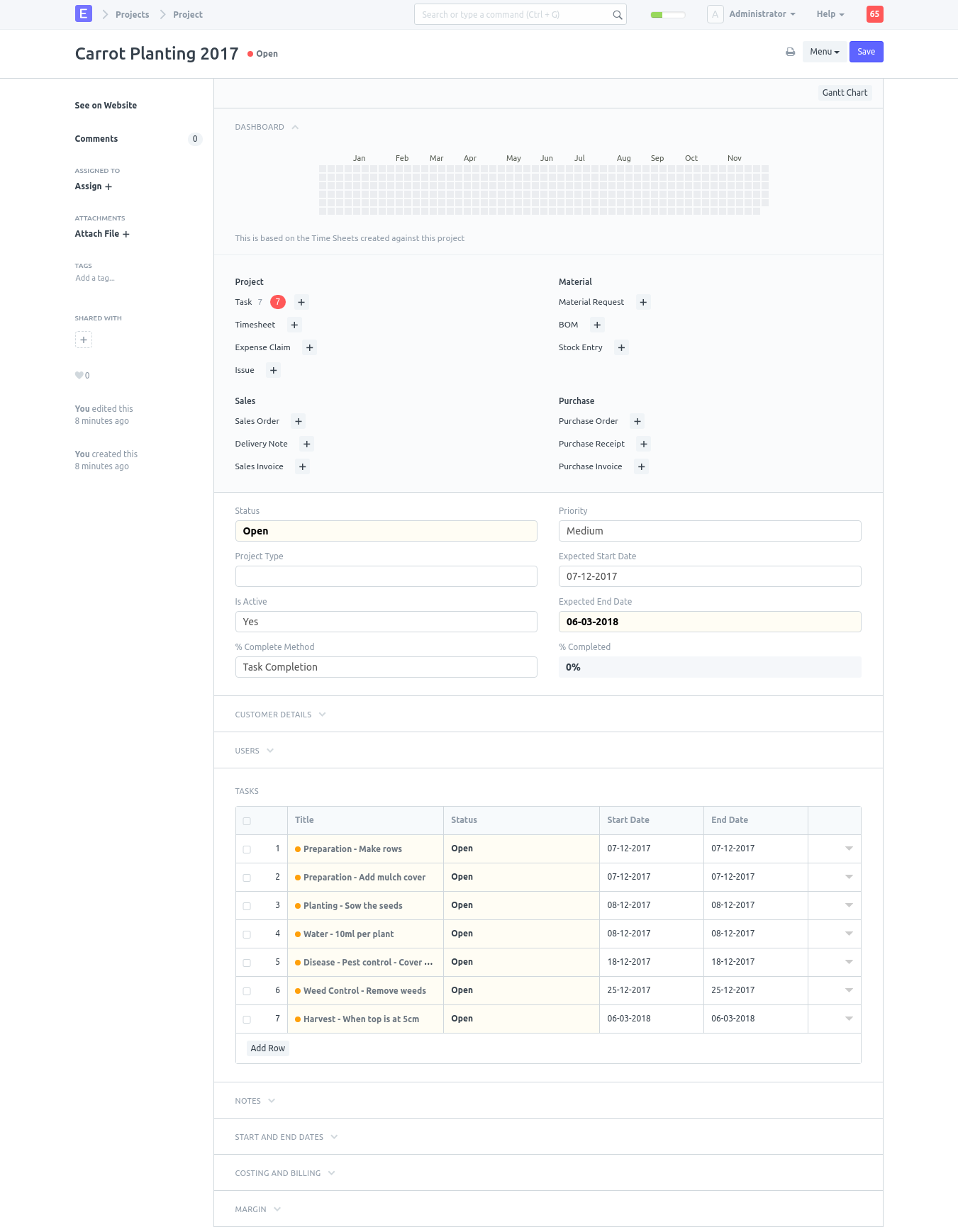
As you can see, a Project with the same name as the crop cycle was made and is associated with it. All the "Sample Tasks" from the connected Crop, in this example "Carrot from carrot-top," have been turned into "Tasks" and linked to the project for simple administration. If you click on the project, you'll see this.
Projects > Project