Video
Videos can be added from both Vimeo and YouTube, using the Video DocType.
You can upload videos along with their URLs, synopses, and other information. Maintaining instructional course materials and monitoring individual YouTube video participation are two examples of its uses.
Go to: to access Videos.
Home > Tools > Video
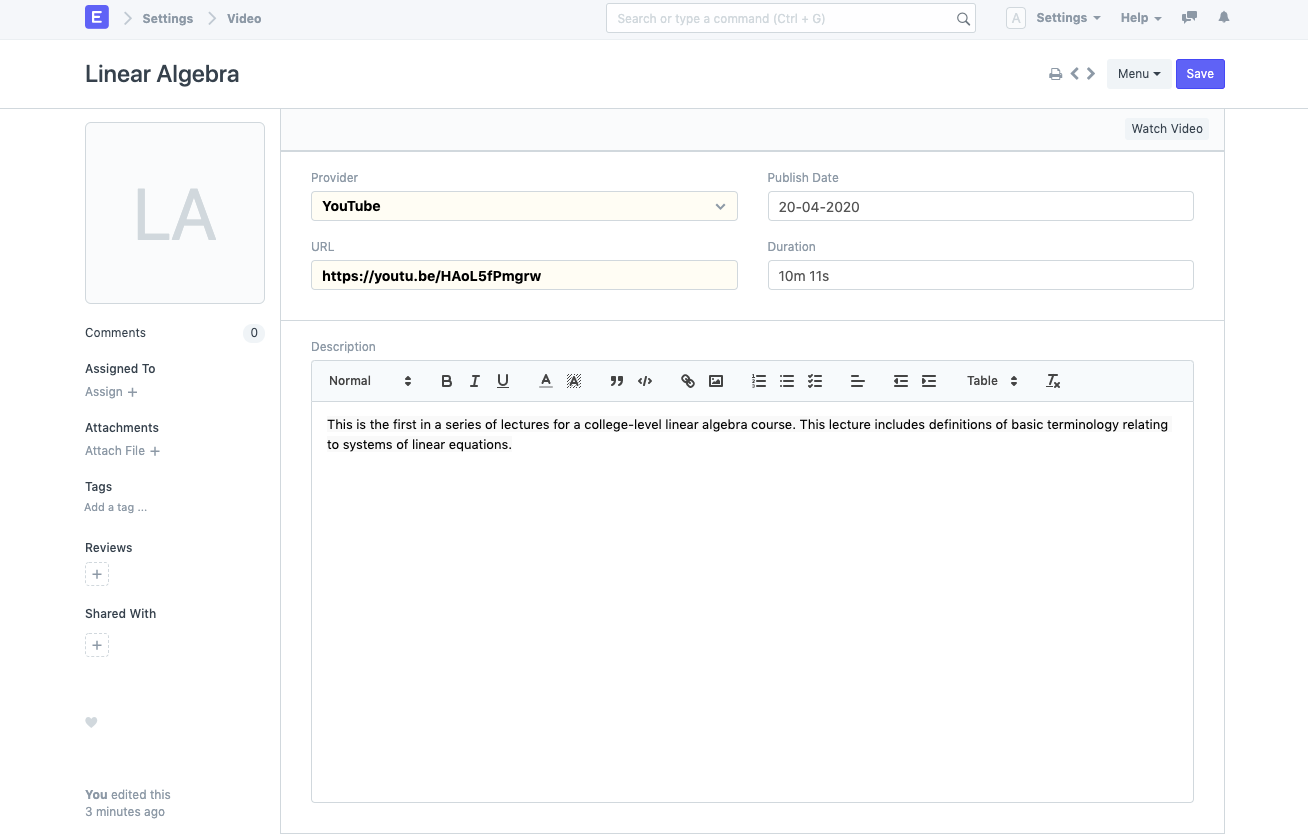
- Click New in the Video list after going there.
- Type the Video's title here.
- Decide on a provider. YouTube is the standard video provider.
- To access the Video, type the URL.
- A publishing date and the length of the video in days, hours, minutes, and seconds are optional additions.
- Additionally, you need to describe it.
- Save.
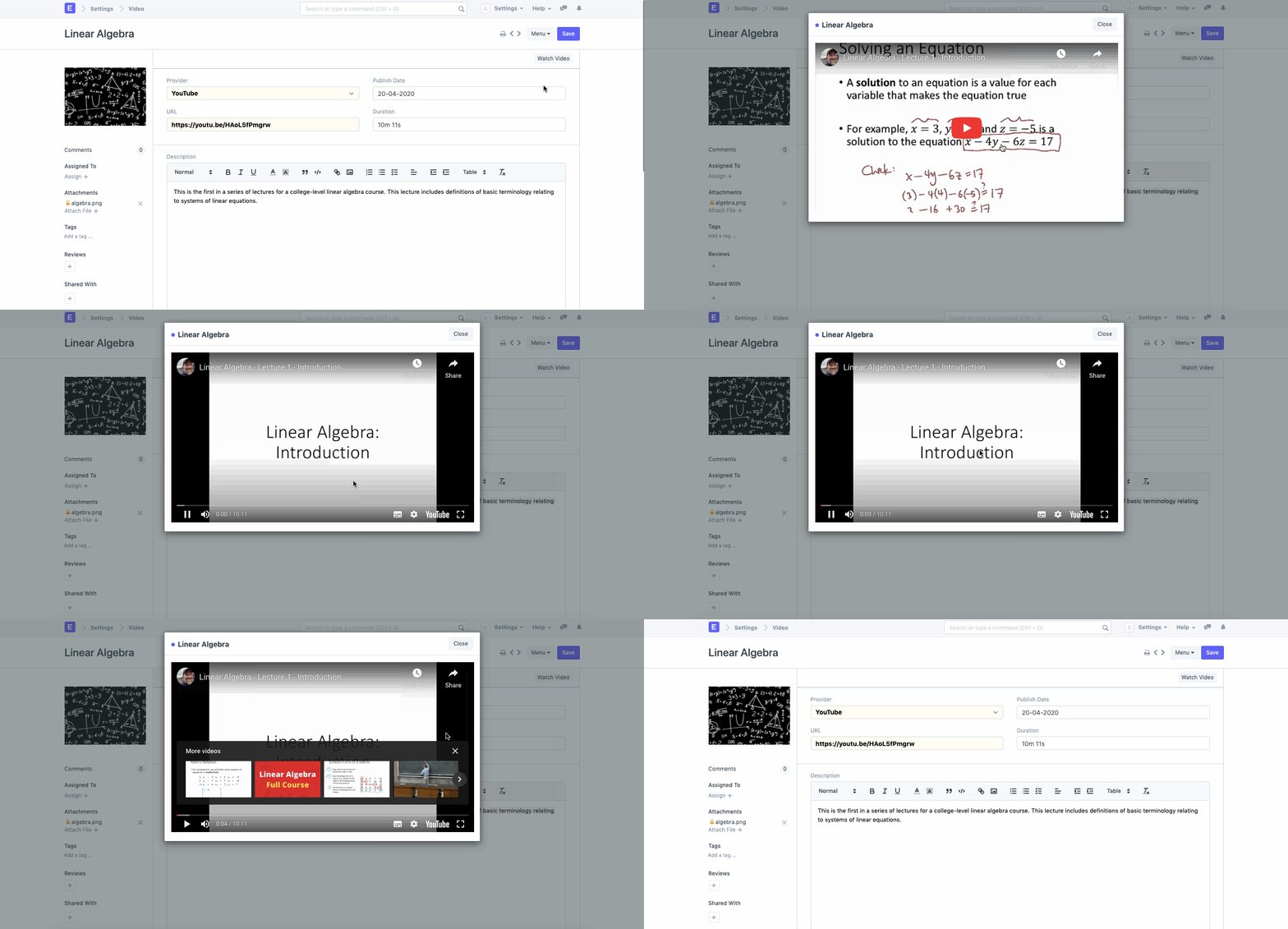
You will have the option to add an image or thumbnail for the video after saving.
Following saving, you can view the video inside the document itself.
2. Features
2.1 Tracking Video Analytics via YouTube
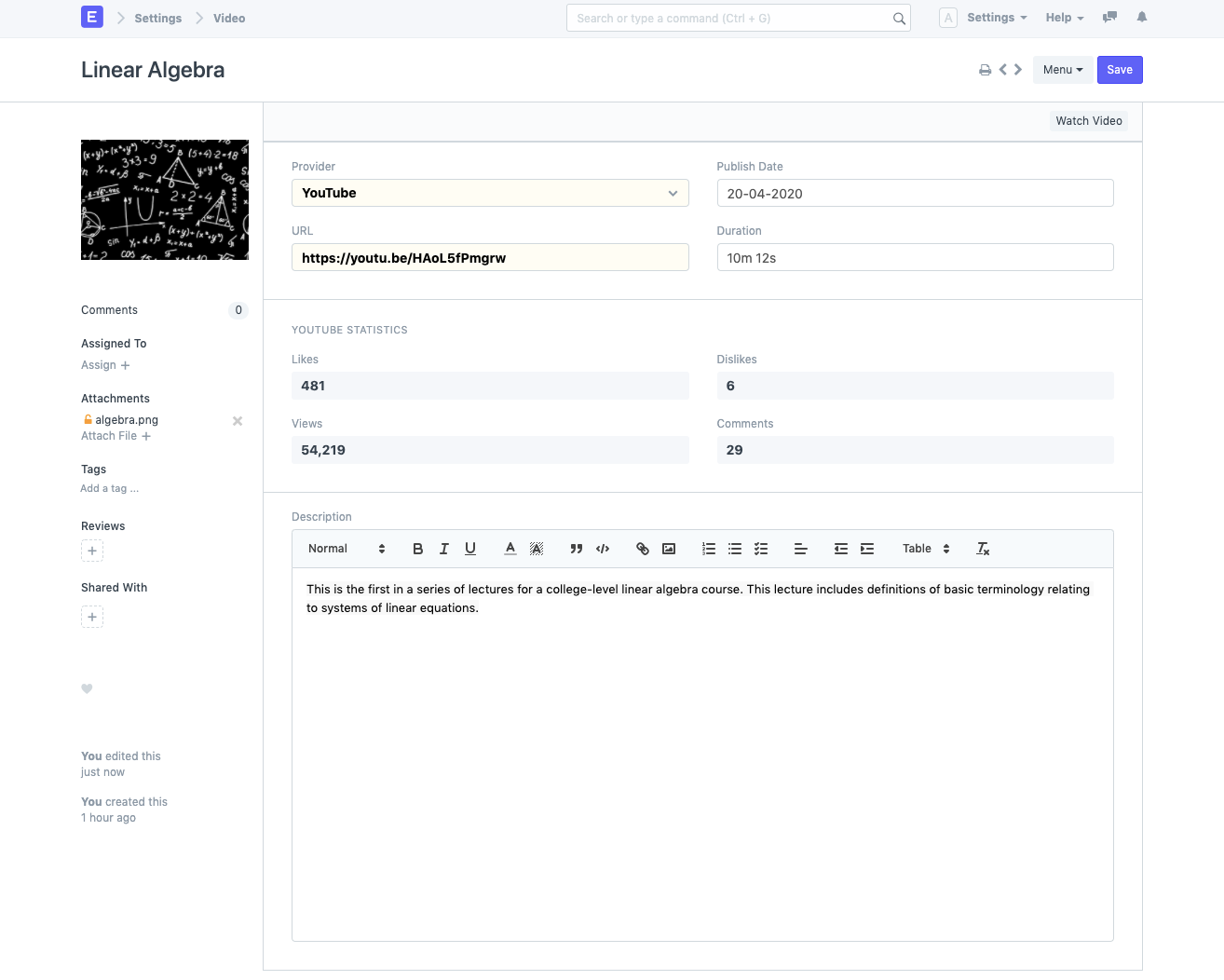
Statistics for YouTube videos can be monitored and analyzed. This helps you keep track of the number of views and interactions on a video you've published.
To do this, turn on YouTube Tracking in the video settings.
Video Settings > Enable YouTube Tracking
The fields for the API Key and Frequency will become available after you enable this.
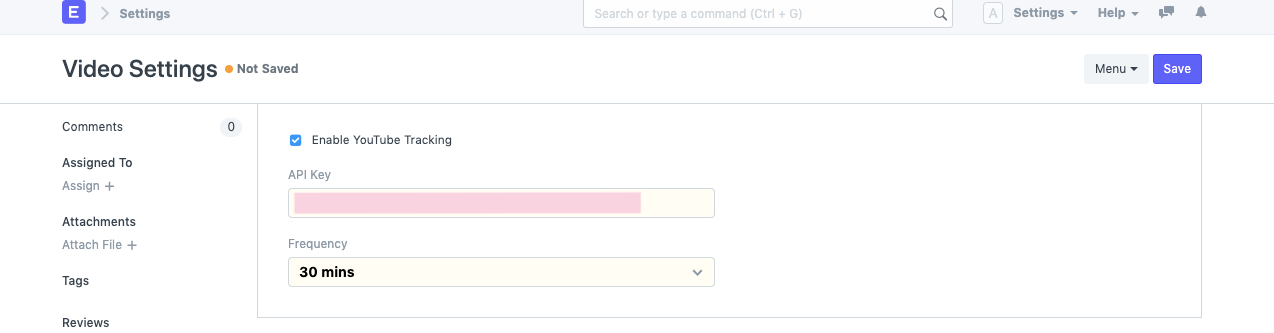
API Key: In your Google Developers Console, you may create an API Key. The YouTube Data API Documentation contains instructions on how to generate the same.
You have the option of deciding how frequently the system should automatically update your data. The choices are every 30 minutes, every hour, every six hours, and every day (once everyday).
In addition to automatic updating, saving updates the statistics. So, statistics will be updated on Save for any Videos made or changed after YouTube tracking was enabled.
2.2 YouTube Interactions Report
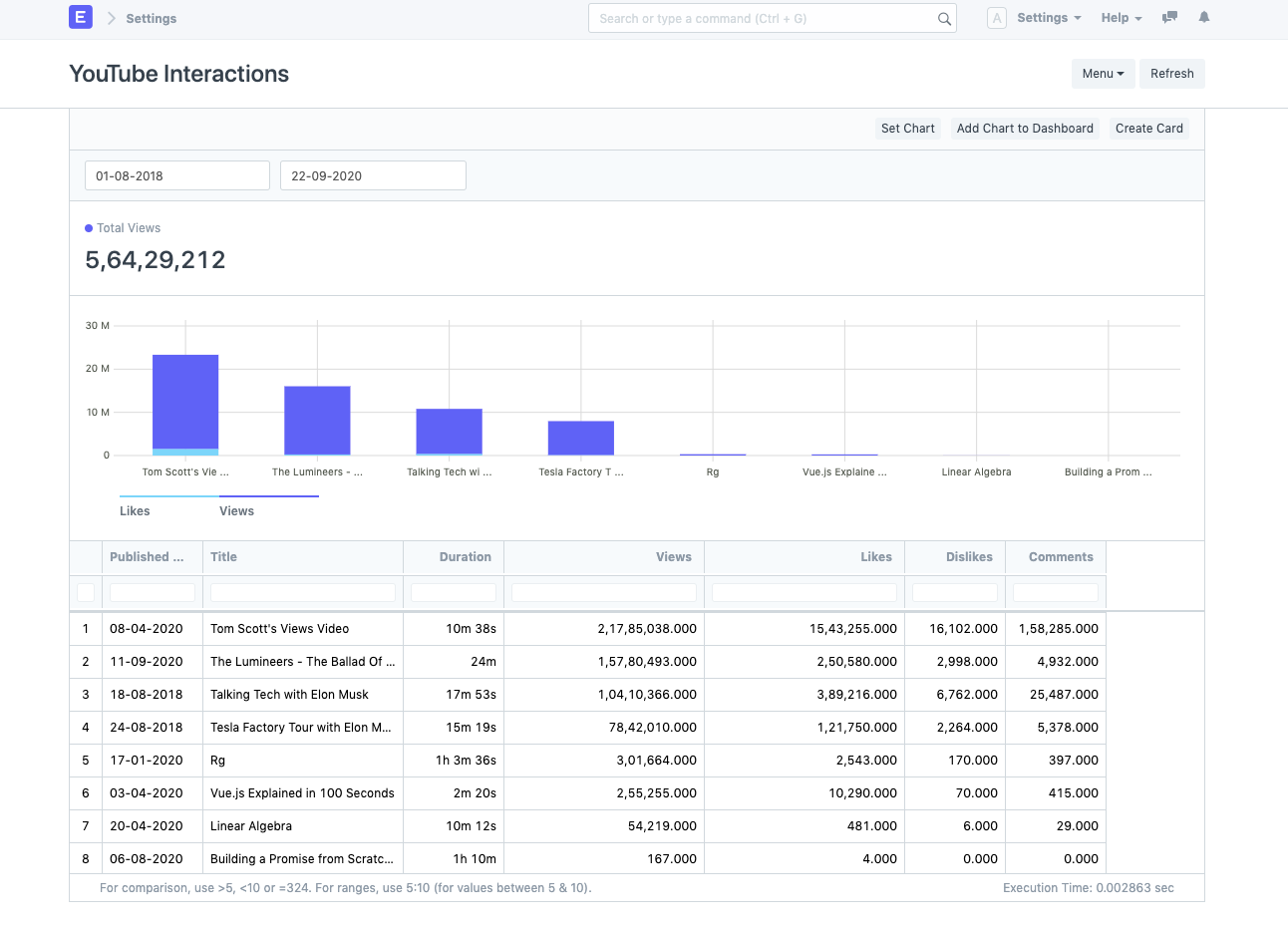
The YouTube Interactions Report gives a comprehensive overview of all the interactions with the videos. The Likes vs. Views comparison can be seen visually using the bar chart.
The Published Date range can be used to filter the report data.
Note : The quota for the number of non-billable requests to the YouTube Data API is 10,000 requests as of September 2020. ERPNext automatically updates upto 50 videos in 1 request. Similarly, for 100 videos it would take 2 requests. Assuming 100 videos are updated every hour (frequency = 1 hour):
- 2 requests will be sent per hour
- 48 requests will be sent per a day
Please set the frequency accordingly.