Department
Department
A department is a division or functionally specific area of an organization.
Your company's departments can be configured, and you can designate leave block lists as well as leave and expense approvers for the same.
Go to: to access Department.
Home > Human Resources > Employee > Department
You can establish parent departments and sub-departments because Department is a tree-structured master, as demonstrated below:
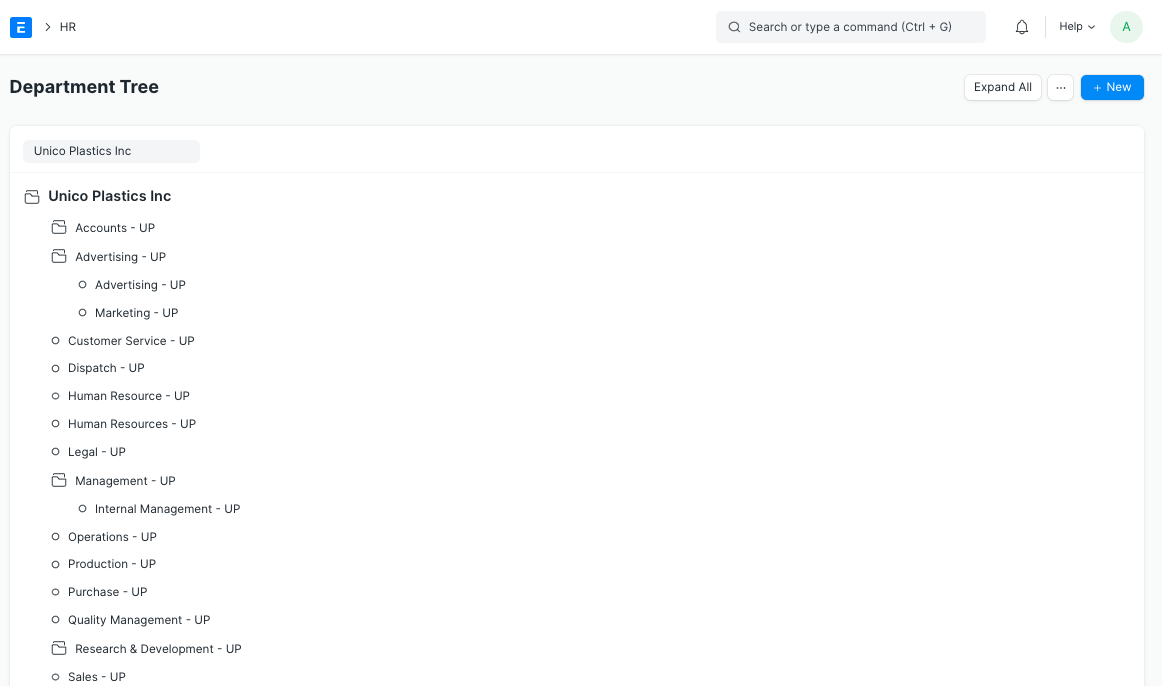
Note: The 'Is Group' checkbox needs to be checked if the Department is a parent department.
1. Prerequisites
It is recommended that you generate the following documents before forming a Department:
Company
Leave Block List
2. How to create a Department
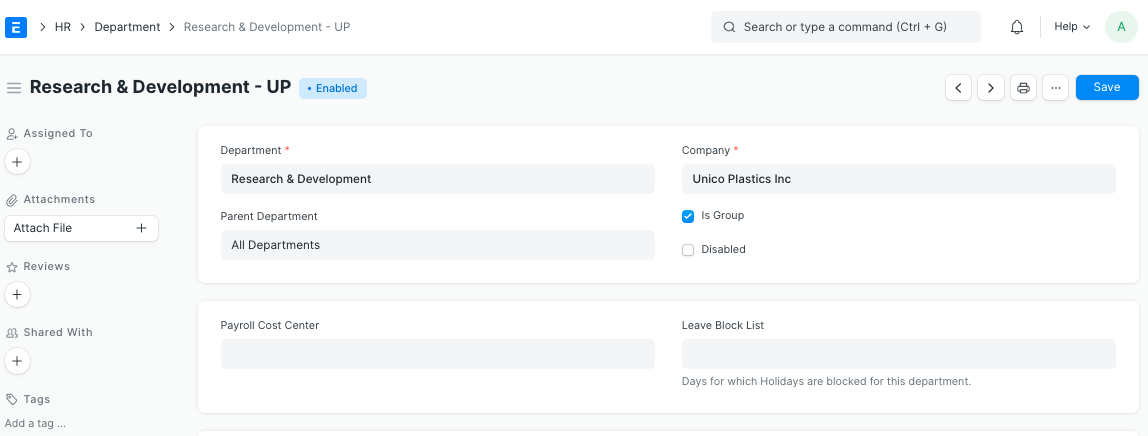
1.Click New from the Department list.
2.Name your department here.
3.Decide on Business name.
4.Choose the applicable Leave Block List (optional) for this department.
5.Save.
3. Features
3.1 Leave and Expense Approvers
The "Leave Approver" and "Expense Approver" tables, respectively, allow you to designate leave and expense approvers for a specific Department.
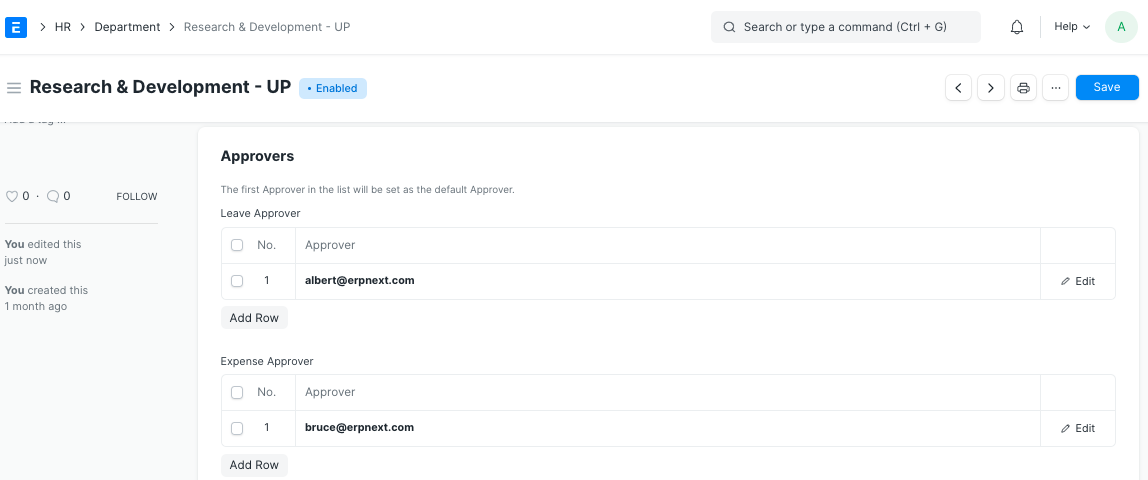
It should be noted that different departments may have different leave and expense approvers. The default Approver will, however, be the first Approver on the list.