Merging Accounts
Merging Accounts
You can combine two records for an account that are identical and intended for the same thing if you have them.
The steps for merging two accounts are listed below.
Step 1: Go to Chart of Accounts Accounts > Documents > Chart of Accounts
Step 2: Go to Account Click on the account that you wish to merge with another document, and then click on the 'Edit' option.
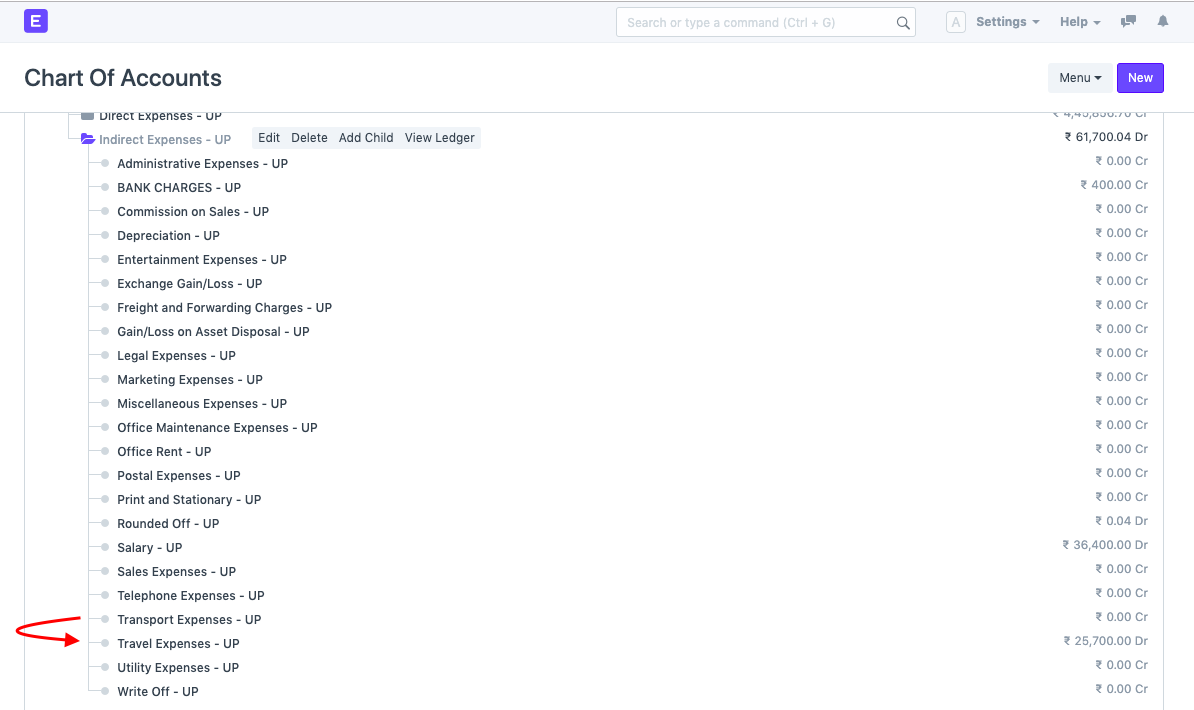
*Step 3: Merge Account * When the document opens, several options will be visible at the top. Then select "Merge Account." You must enter the name of the account you want to merge the current account with.

Effect of Merging
When an account is combined, the current transactions where an older account was chosen are updated with the new name.
Child Accounts and Group Accounts cannot be combined.