Maintenance Visit
Maintenance Visit
A maintenance visit is when an engineer goes to a customer's location to perform maintenance on an item.
Go here: to access the list of Maintenance Visits.
Home > Support > Maintenance > Maintenance Visit
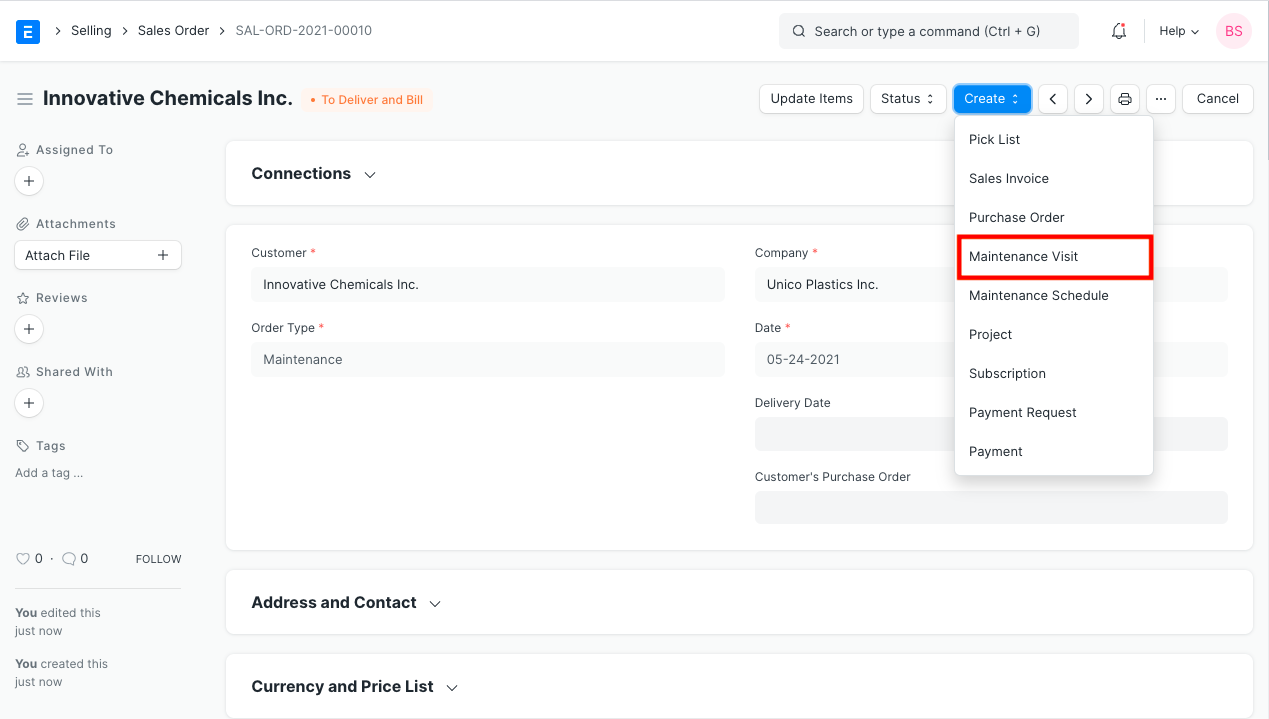
A sales order with the type "Maintenance" is typically the starting point for a maintenance visit.
1. Prerequisites
Customer
Item
2. How to create a Maintenance Visit
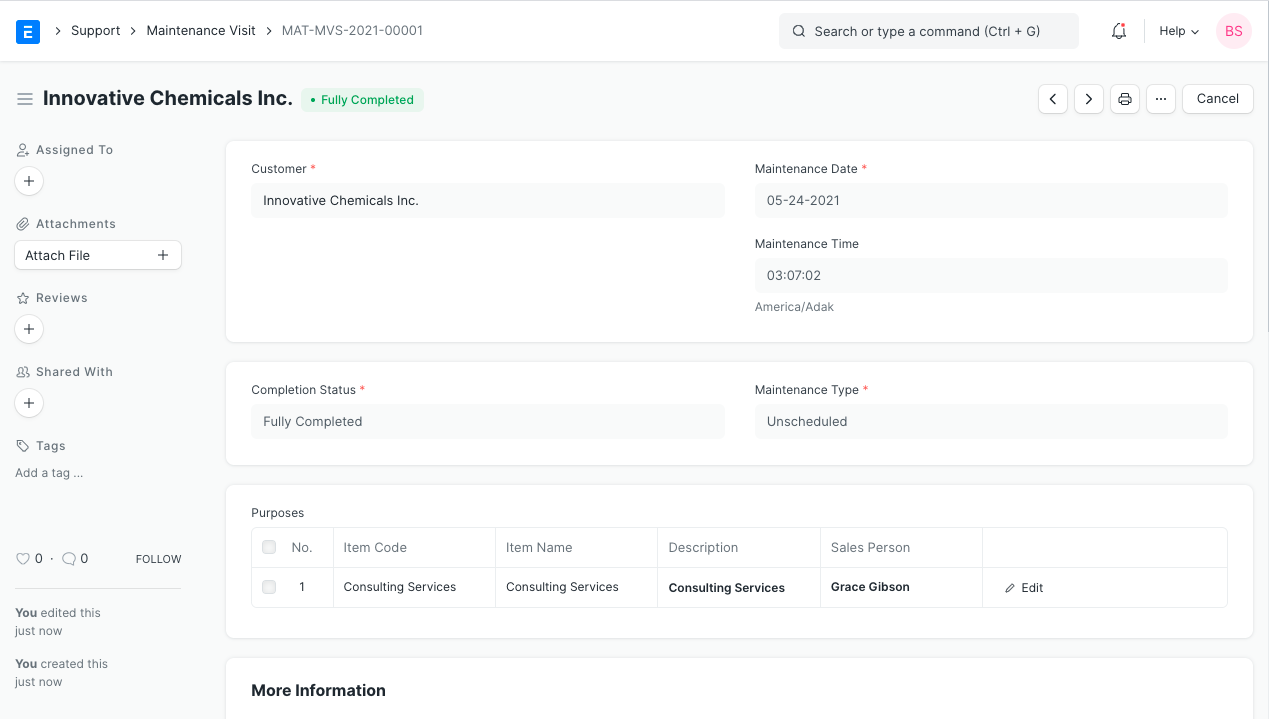
Click New in the Maintenance Visit list.
It will be possible to edit the current time and date that is recorded. s
Choose the client.
Choose between scheduled, unscheduled, and breakdown maintenance.
You can choose between "Partially Finished" and "Fully Completed" for the completion status.
Choose the serial number and item code.
Choose the salesperson conducting the maintenance, enter a description of the maintenance, and then enter the job completed.
Save.
2.1 Additional Options when Creating Maintenance Visit
Customer Feedback: Any comments made by the customer regarding this maintenance visit can be recorded.
The following fields will be fetched from the Customer form:
Customer Address
- Contact Person
- Territory
- Customer Group